Protect Against SIM Swapping
SIM swapping is when a scammer convinces your phone carrier to move your number to their SIM — and suddenly your calls, texts, and password-reset codes go to a stranger. It sounds exotic, but the defense is boring and effective: carrier PINs, SIM locks, and moving off SMS codes. Here is the setup that actually protects you.
TL;DR / Quick Fix
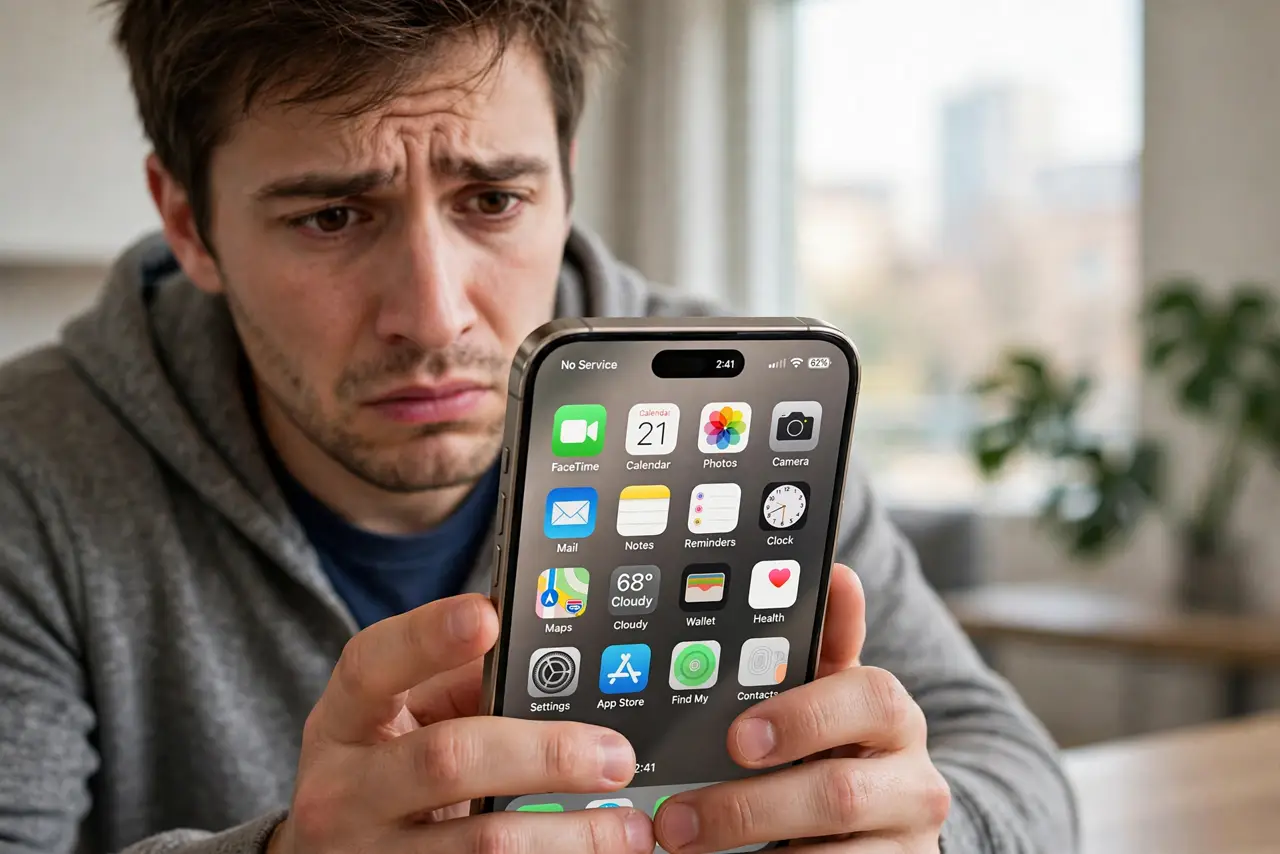
Quick fix: call your carrier and add an account PIN or passcode so no one can move your number without it. Set a SIM PIN on the phone, and move important accounts from SMS codes to an authenticator app. If your phone suddenly shows no service, contact your carrier immediately.
Follow these steps
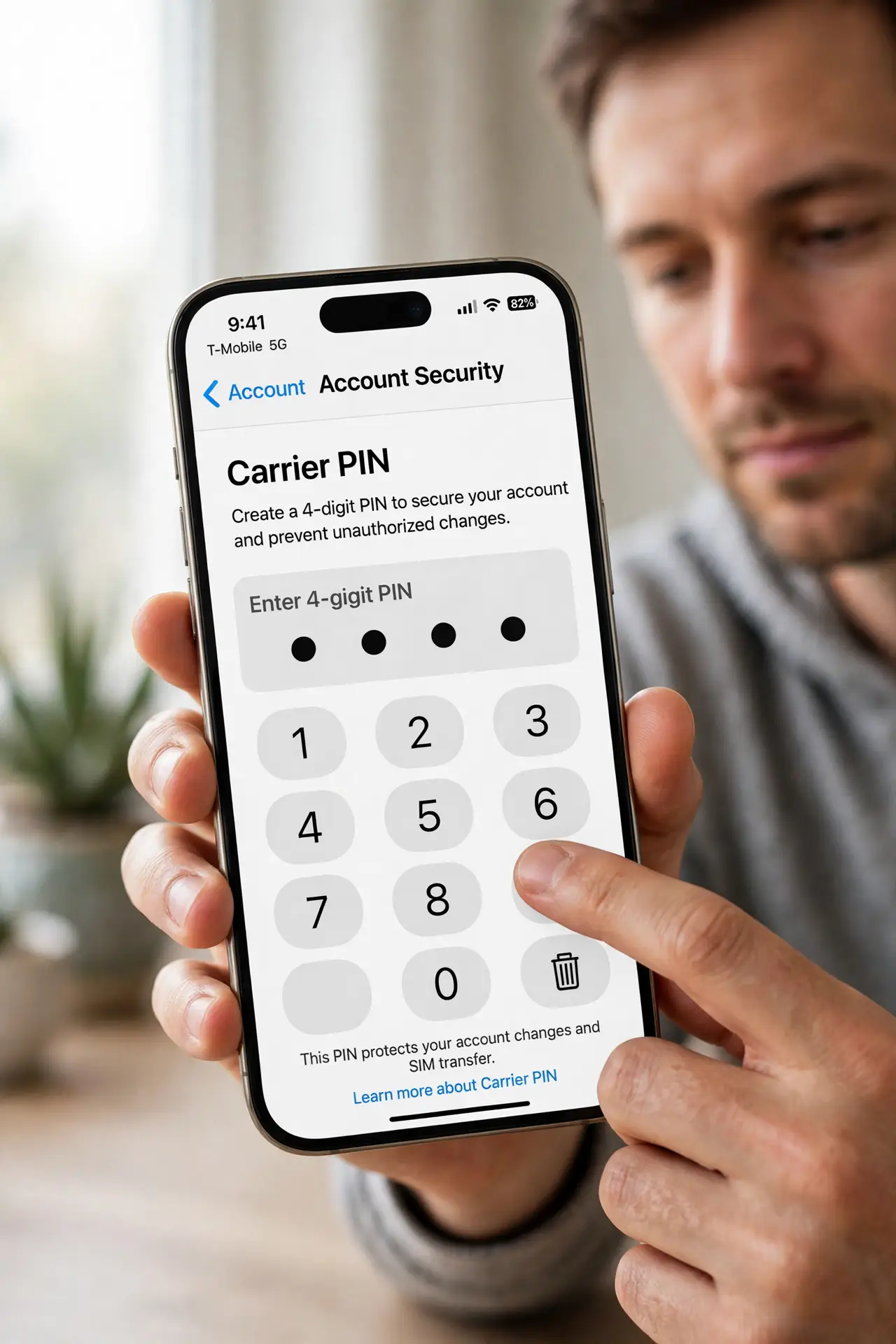
- Add a PIN or passcode to your carrier account. Call your carrier or use their app to set an account PIN. This is the single most effective defense — without it, a scammer who knows your personal details can often move your number with one call. Learn the warning signs so you react fast.
- Set a SIM PIN on the phone itself. In your phone's settings, turn on the SIM PIN lock. This stops someone who physically has your SIM from using it in another phone — a separate layer from the carrier PIN.
- Move important accounts off SMS two-factor codes. SMS codes are exactly what a SIM swapper intercepts. Switch email, banking, and social accounts to an authenticator app or hardware key — see the app-vs-SMS comparison for why.
- Stop posting your phone number publicly. Scammers harvest numbers from social profiles, for-sale listings, and data breaches. Remove it where it is not needed, and use a separate number or email for public listings.
- Watch for the sudden-death signal. Your phone abruptly showing no service — while everyone around you has signal — is the classic sign a swap just happened. Do not wait for it to come back.
- Act immediately if it happens. Contact your carrier from another phone, freeze or alert your bank, and change passwords on key accounts starting with email. Speed matters: the attacker moves fast in the first hour.
What NOT to do
- Do not rely on SMS codes as your only protection for important accounts. SMS is the exact channel a SIM swapper steals — it cannot protect itself.
- Do not ignore a sudden loss of service. 'No service' out of nowhere is the alarm bell, not a network glitch to sleep on.
- Do not share carrier PINs or verification codes with anyone who calls you. Your real carrier will never ask for them on an inbound call you did not expect.
- Do not assume a strong phone passcode stops SIM swapping. The attack happens at the carrier, not on your phone — the carrier PIN is the lock that matters.
Frequently asked questions
What exactly is a SIM swap attack?
A scammer impersonates you to your carrier and gets your number moved to their SIM card. Your phone goes dead while they receive your calls and SMS codes.
Does an eSIM protect me?
It removes physical SIM theft, but the carrier-side attack works the same — the account PIN is still what stops it.
Can I get my number back after a swap?
Usually yes, by proving your identity to the carrier. Act fast, because the attacker uses the window to raid your accounts.