Smart Bulb Flickers With a Dimmer? Fix It
Your smart bulb flickers or strobes when the wall dimmer is turned down — but works fine at full brightness. Smart bulbs expect constant full power and do their own dimming; a wall dimmer starving them of power confuses their electronics. The fix is about who does the dimming.

TL;DR / Quick Fix
Quick fix: set the wall dimmer to full brightness and dim the bulb through its app instead. If you must use the wall dimmer, replace it with a smart-bulb-compatible dimmer — or swap the smart bulb for a dimmable dumb LED rated for your dimmer.
Follow these steps
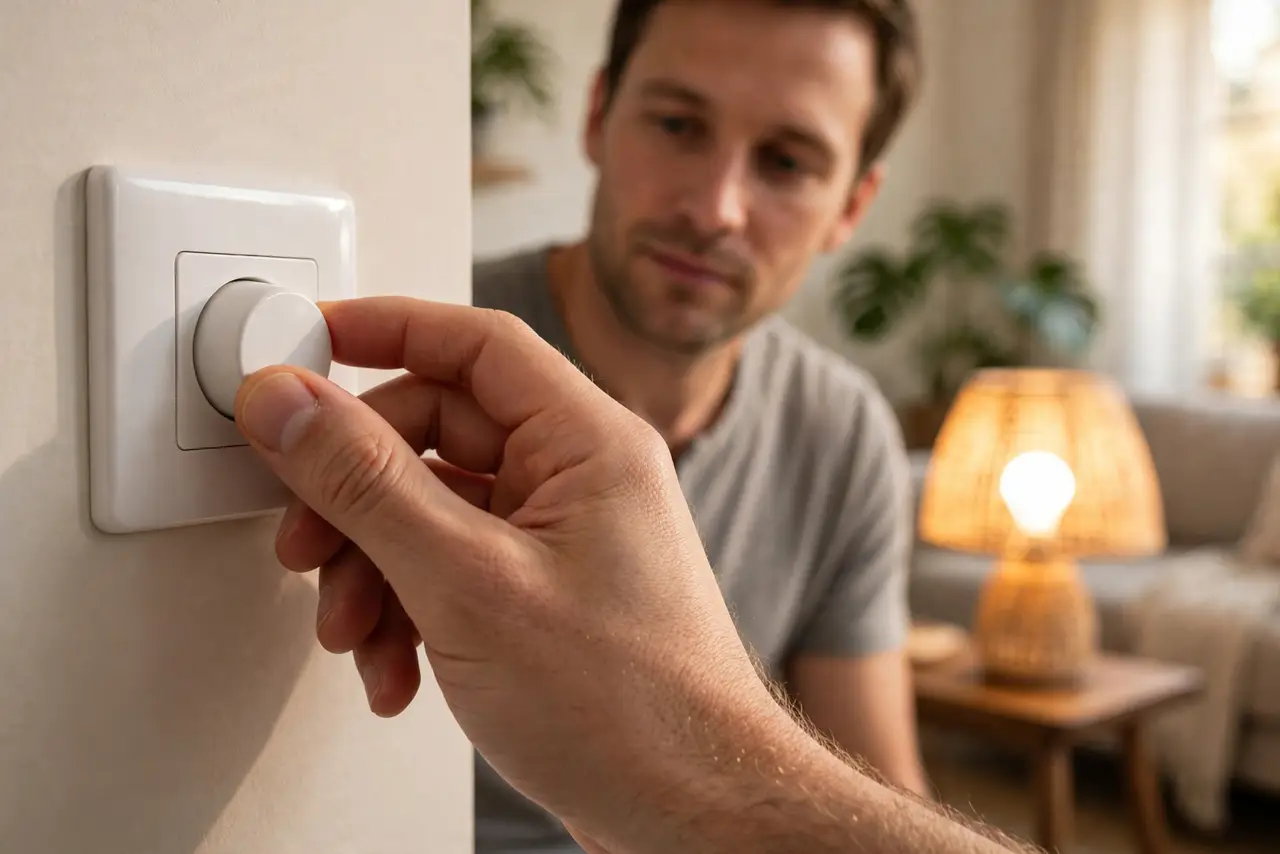
- Set the wall dimmer to maximum. Turn the physical dimmer all the way up so the bulb gets full power. Then dim through the bulb's app — the bulb's own electronics handle dimming cleanly.
- Understand the conflict. A wall dimmer chops the power waveform; the smart bulb's electronics expect clean full power. Flicker is the bulb's power supply struggling with the chopped input.
- Check the bulb's dimmer compatibility. Some smart bulbs tolerate certain dimmers. Check the manufacturer's compatibility list before assuming any dimmer will work.
- Replace the dimmer if you need wall control. Install a dimmer rated for LED and smart bulbs, or a smart dimmer switch that talks to the bulb instead of chopping its power.
- Try a different bulb in the same socket. Screw in a plain dimmable LED. If it dims cleanly, the wiring and dimmer are fine and the smart bulb was the mismatch — the same isolation logic as monitor flicker.
- Update the bulb's firmware. Check the bulb's app for firmware updates. Manufacturers occasionally improve dimmer tolerance in software.
What NOT to do
- Do not run a smart bulb on a dimmed wall switch long-term. Chronic under-power stresses the bulb's electronics and shortens its life.
- Do not use an old incandescent-only dimmer with LEDs. Those dimmers need a minimum load that LEDs never provide, guaranteeing flicker.
- Do not assume the bulb is defective. A smart bulb that flickers only on a dimmer and works at full power is mismatched, not broken.
- Do not rewire anything yourself unless qualified. Swapping a dimmer switch means mains wiring — turn off the breaker and know your limits.
Frequently asked questions
Why does my smart bulb flicker on a dimmer?
Because the dimmer chops the power the bulb's electronics need. Smart bulbs dim themselves; they want full, clean power from the wall.
Can I use a smart bulb with a dimmer switch?
Only with the dimmer at full, or with a compatible smart dimmer. Otherwise, dim through the app.
Will flickering damage the smart bulb?
Over time, yes — the unstable power stresses its power supply. Fix the setup rather than living with the flicker.