Make Your Garage Smart
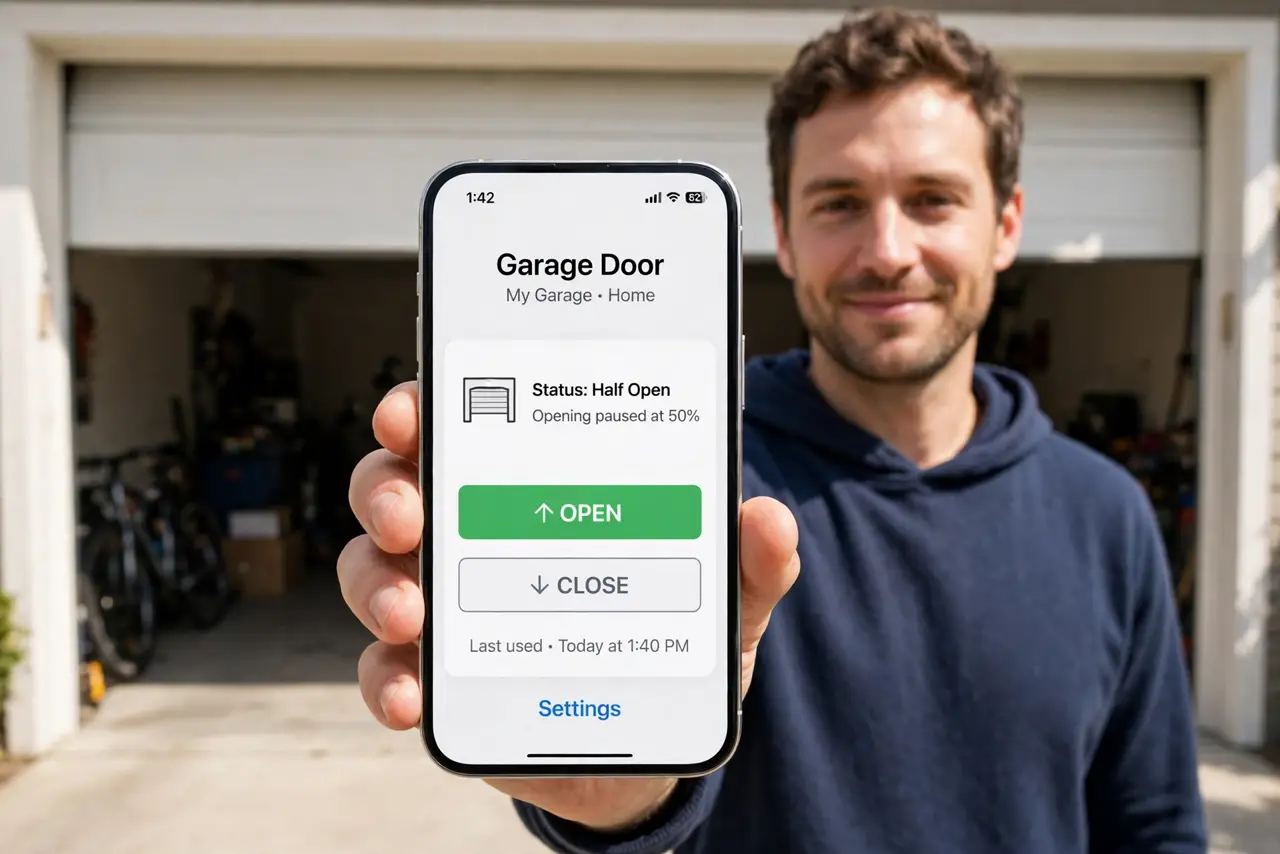
You are halfway to work wondering if the garage door is open — again. A smart garage controller retrofits your existing opener in under an hour, giving you phone control, open/close alerts, and automatic closing at night. No new opener needed, no electrician required.
TL;DR / Quick Fix
Quick fix: most garage doors go smart with a small controller that wires to your existing opener's terminals and sticks a sensor on the door. Mount the sensor, connect the controller to Wi-Fi, and test open-close from the app. Set auto-close rules so the door never sits open all night.
Follow these steps
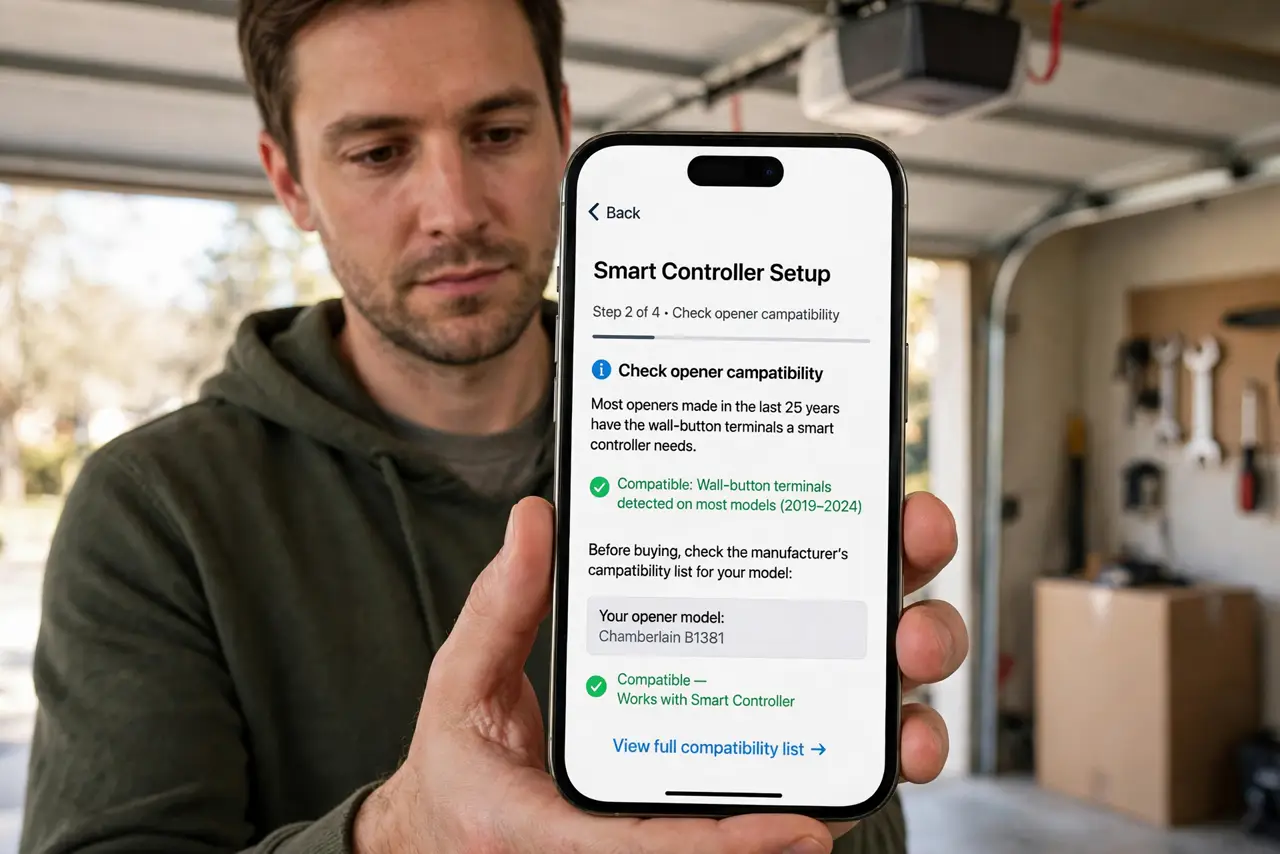
- Check opener compatibility. Most openers made in the last 25 years have the wall-button terminals a smart controller needs. Check the manufacturer's compatibility list for your model before buying.
- Mount the door sensor. Stick the tilt or contact sensor on the top panel of the door. It tells the controller whether the door is actually open or closed — the brain of the whole setup.
- Wire the controller to the opener. Two wires to the same terminals as your wall button. It is low-voltage and simple, but cut power to the opener first — safety before convenience.
- Connect to Wi-Fi. Garages are Wi-Fi dead zones in many homes — the controller needs a solid signal. Check garage Wi-Fi coverage first if the pairing fails.
- Test open and close from the app. Run several full cycles while watching the door. Confirm the app's state matches reality every time before trusting it remotely.
- Set auto-close and alerts. Enable a rule that closes the door after 15 minutes open, plus instant alerts on every movement. The anxiety cure is the notification, not just the remote.
What NOT to do
- Do not skip the door sensor. Without it the controller guesses the door state — and guesses wrong at the worst moments.
- Do not share app access carelessly. Everyone with access can open your garage — grant it like a house key, not a party invite.
- Do not ignore the safety sensors. The opener's infrared eyes must work — smart control never overrides the anti-crush safety system.
- Do not mount the controller where rain hits it. Most units are indoor-rated — keep them dry inside the garage.
Frequently asked questions
Will it work during a power outage?
No — like your opener itself, it needs power. The door still works manually with the emergency release cord.
Can I still use my wall button and remotes?
Yes. The smart controller wires in parallel — old controls keep working exactly as before.
Is a smart garage door secure?
As secure as your Wi-Fi and your app account. Use a strong unique password and two-factor authentication on the app.