Delete Smart Speaker Voice History on a Schedule
Smart speakers keep recordings of your voice commands — sometimes for years. Setting automatic deletion on a schedule clears that history without you having to remember, and it limits what a breach could expose.
TL;DR / Quick Fix
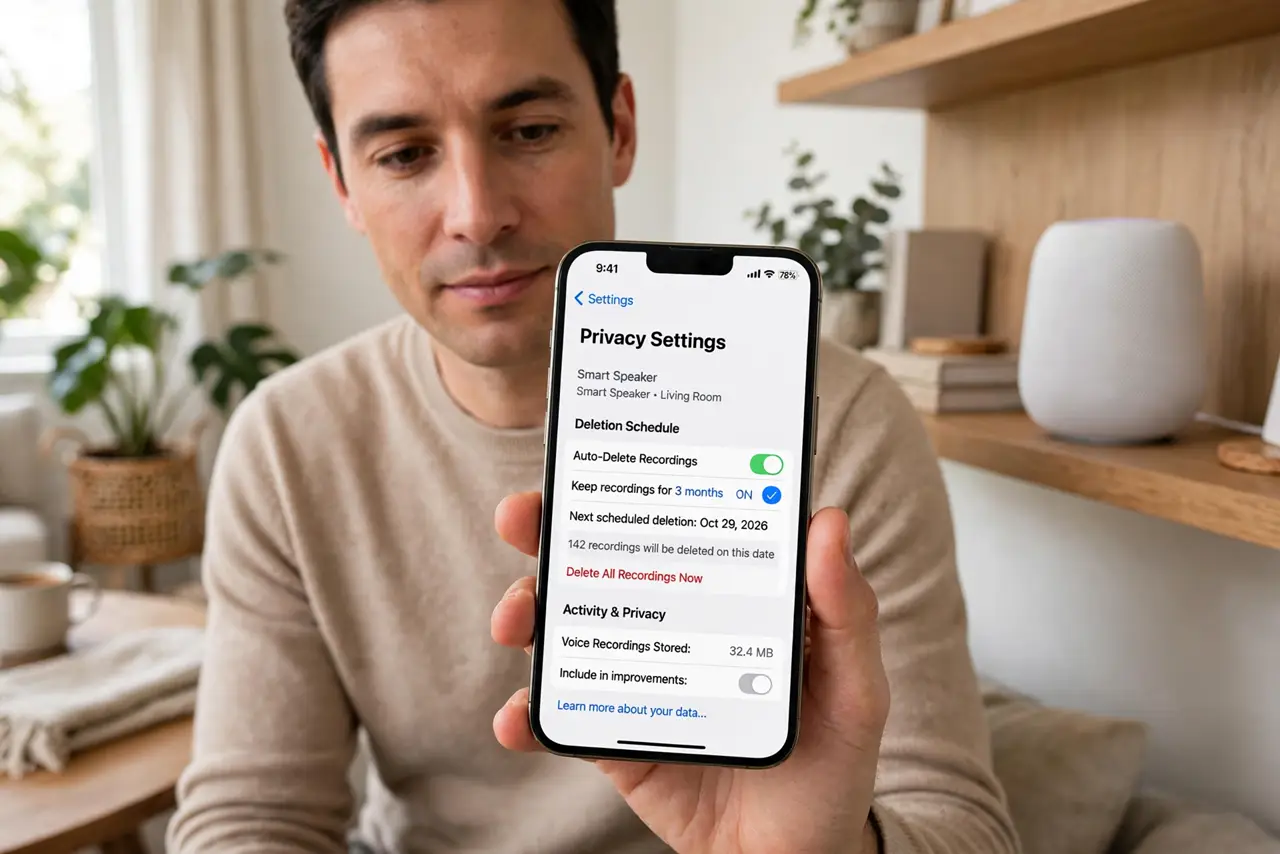
Quick fix: open the speaker app's privacy settings, turn on automatic deletion of voice recordings, and pick the shortest period offered. Then delete the existing history once by hand, confirm the schedule is active, and check it yearly after app updates.
Follow these steps
- Open the speaker's privacy settings. Open the companion app for your smart speaker and find privacy, voice history, or data settings. Every major speaker hides these a few taps deep, but they all exist.
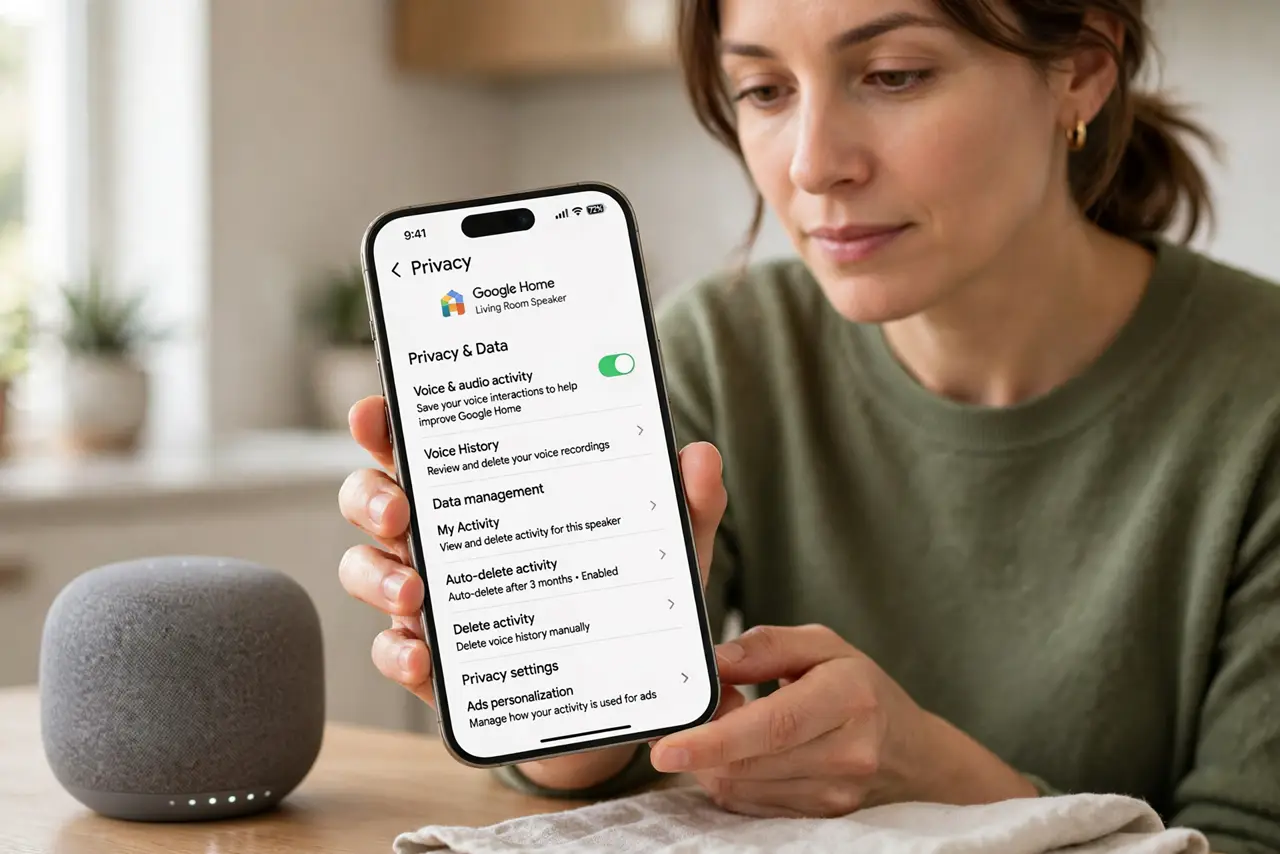
- Turn on automatic deletion. Choose the auto-delete option for voice recordings and pick the shortest period offered, such as a few months. The schedule then clears history without you remembering.
- Delete the existing history by hand once. Use the delete-all option for past recordings. Auto-delete only covers the future, so years of old recordings need one manual wipe.
- Review what else the speaker stores. Check for stored location history, shopping lists, and linked accounts in the same privacy area. Voice recordings are the headline, but they are rarely the only stored data.
- Mute the mic when it is not needed. Use the physical mute button during sensitive conversations or when guests are over. A muted speaker records nothing, which beats any deletion schedule.
- Recheck the setting once a year. Confirm auto-delete is still on after app updates. Privacy settings sometimes reset, and a yearly glance keeps the schedule working.
What NOT to do
- Do not assume the speaker only records after the wake word. False triggers happen, so the deletion schedule protects the recordings you never meant to make.
- Do not keep years of history for nostalgia. Old voice recordings add breach risk without adding value, so let the schedule clear them.
- Do not ignore linked accounts in the speaker app. A speaker tied to shopping and calendars exposes more than voice clips if the account is breached, and do not forget the TV in the same room — turn off its microphone listening too.
- Do not rely on deleting alone for sensitive talks. Mute the microphone physically when the conversation truly must stay private.
Frequently asked questions
How long do speakers keep voice recordings?
By default, often indefinitely until you delete them, which is why the auto-delete schedule matters.
Does deleting history break the speaker?
No. It only removes stored recordings; the speaker keeps working normally with a cleaner history.
What about accidental recordings?
They happen through false wake-word triggers, and the deletion schedule clears those too.