Install a Smart Thermostat
A smart thermostat promises lower bills and phone control, but halfway through installation everyone meets the same villain: the C-wire. This unassuming wire provides the constant power smart thermostats need, and many older homes lack it. Here is how to check before you buy.
TL;DR / Quick Fix
Quick fix: turn off power at the breaker, remove your old thermostat, and look for a C-wire connected to the C terminal. No C-wire? Many smart thermostats include a power adapter kit. When in doubt, call an HVAC pro — high-voltage mistakes are expensive.
Follow these steps
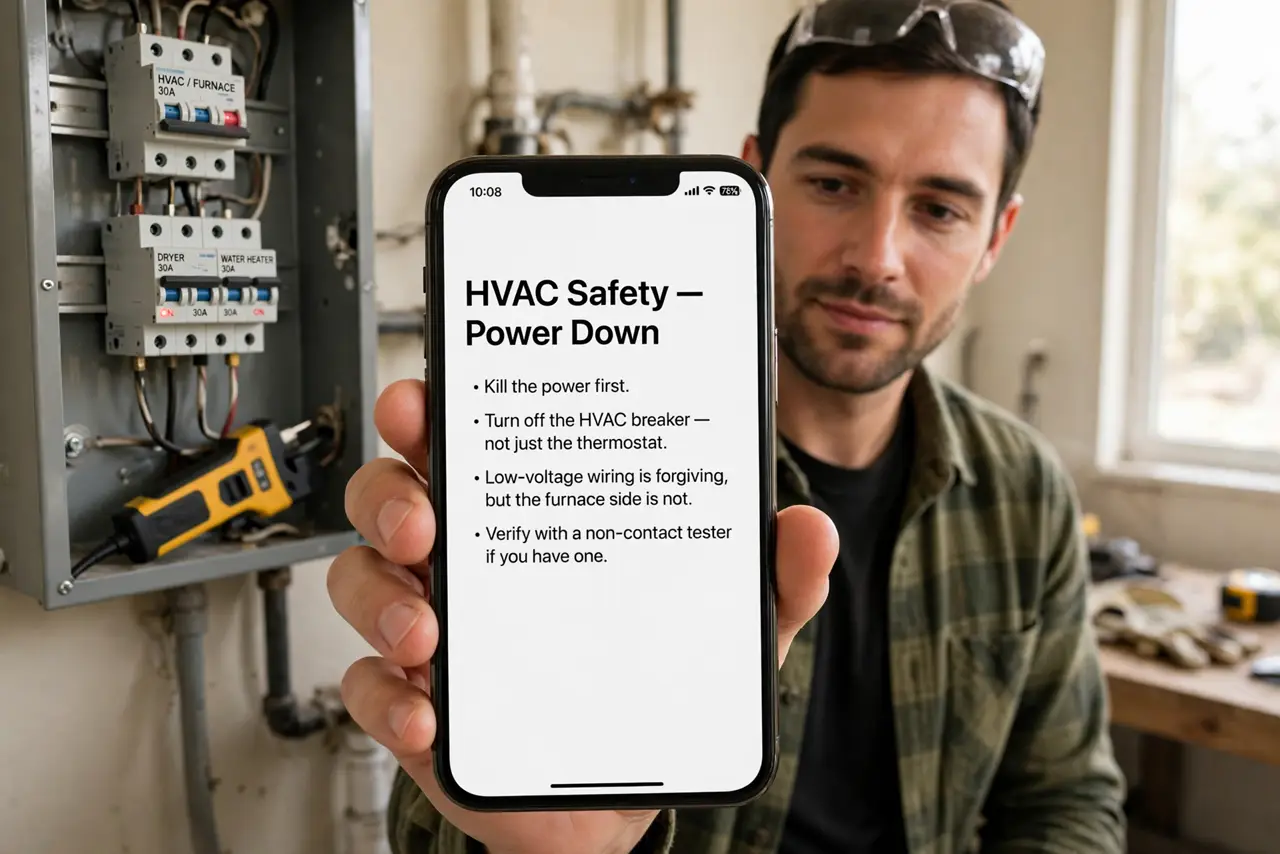
- Kill the power first. Turn off the HVAC breaker — not just the thermostat. Low-voltage wiring is forgiving, but the furnace side is not. Verify with a non-contact tester if you have one.
- Photograph the old wiring. Take a clear photo of every wire and terminal before touching anything. This photo is your undo button.
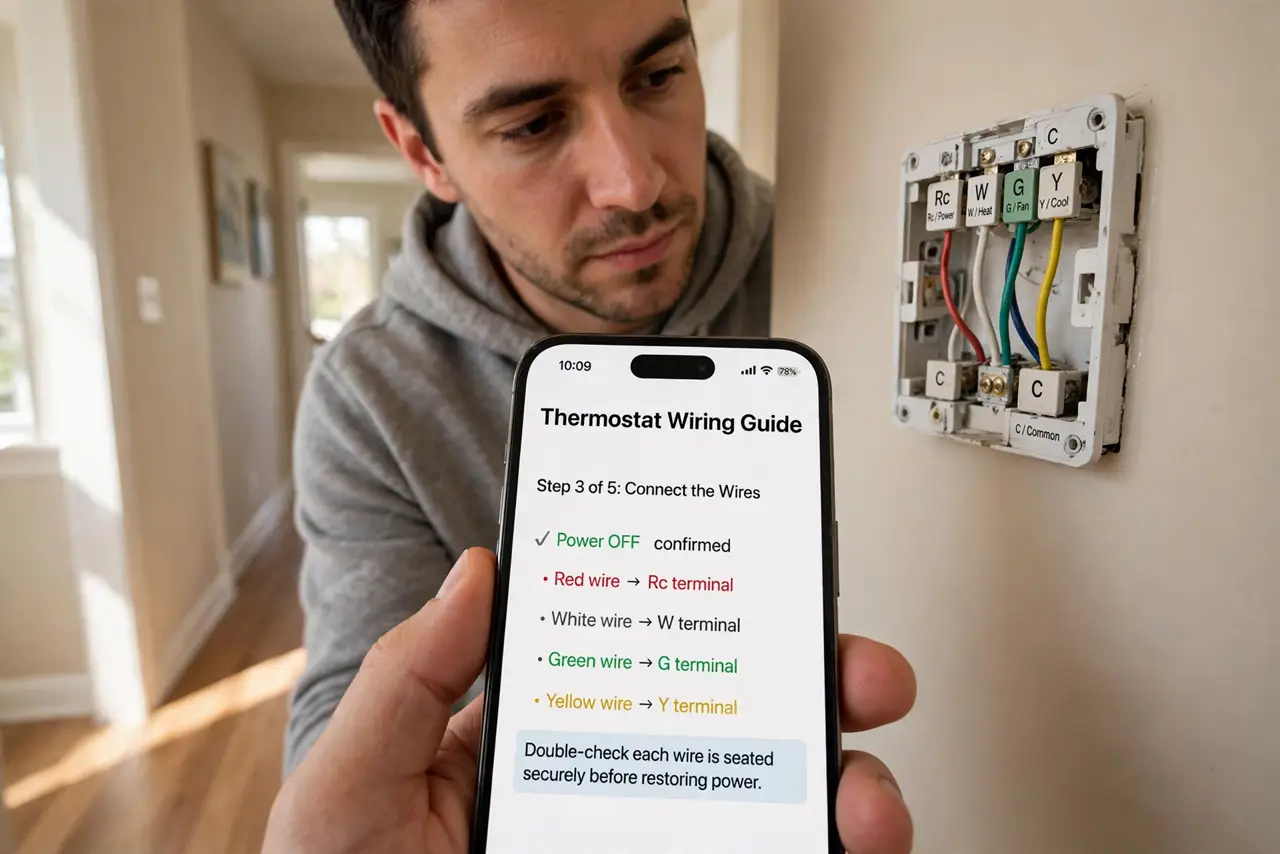
- Look for the C-wire. A wire on the C terminal means constant power — the smart thermostat's lifeline. No wire on C is the classic older-home problem.
- Check for an unused spare wire. Thermostat cables often include an extra unused wire. If one is tucked behind, you may be able to connect it to C at the furnace end.
- Use the adapter kit if needed. Most smart thermostats ship with a power adapter that steals power safely without a C-wire. Follow its instructions exactly — it installs at the furnace, not the wall.
- Put it on a safe network. Connect the thermostat to Wi-Fi only after it is wired and working. Consider a separate smart-home network — IoT gadgets deserve their own lane.
What NOT to do
- Do not work with the power on. The breaker goes off before the cover comes off — no exceptions.
- Do not guess wire functions by color. Colors lie in old installations — go by the terminal labels and your photo.
- Do not force an incompatible system. High-voltage, millivolt, and some proprietary systems do not take smart thermostats — check compatibility first.
- Do not skip the photo. Memory is unreliable; the photo settles every where-did-this-go moment.
Frequently asked questions
What is a C-wire?
The common wire providing continuous 24V power. Old thermostats ran on batteries and did not need it; smart ones with Wi-Fi do.
Can I install without a C-wire?
Often yes — via the included power adapter kit or a spare wire. Some homes truly need an HVAC tech to run new wire.
Will it really save money?
Scheduling and away-detection cut waste for most households. The savings are real but modest — comfort and control are the bigger wins.