Social Login vs Email Password: The Tradeoff
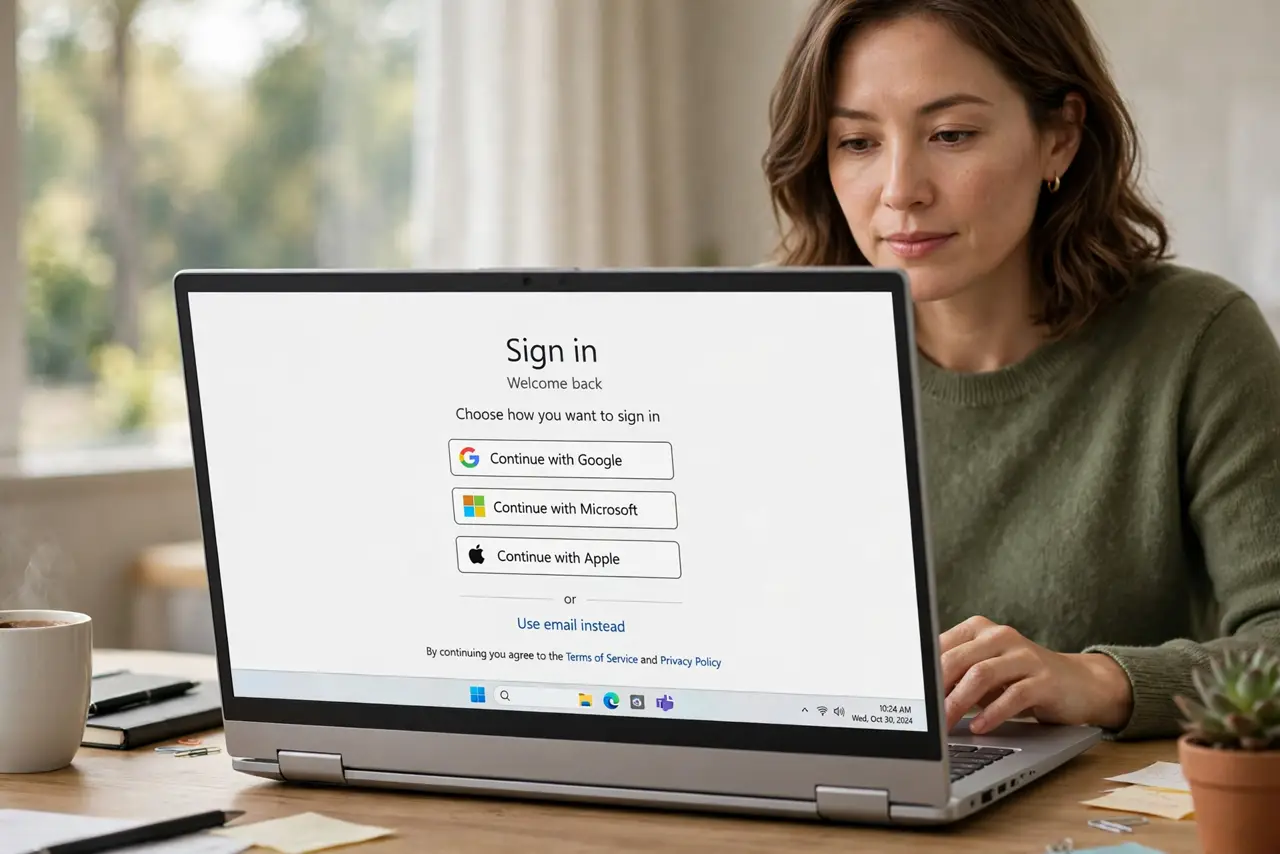
Sign in with Google or Apple is fast, but it ties every account to one login — and shares data with the social provider. A separate email and password per site is more work but keeps your accounts independent.
TL;DR / Quick Fix
Quick fix: use social login only for low-stakes accounts, and create unique email-and-password logins with two-factor for banking, email, and work. Then review carefully which apps use your social login, and disconnect the ones that do not need it anymore.
Follow these steps
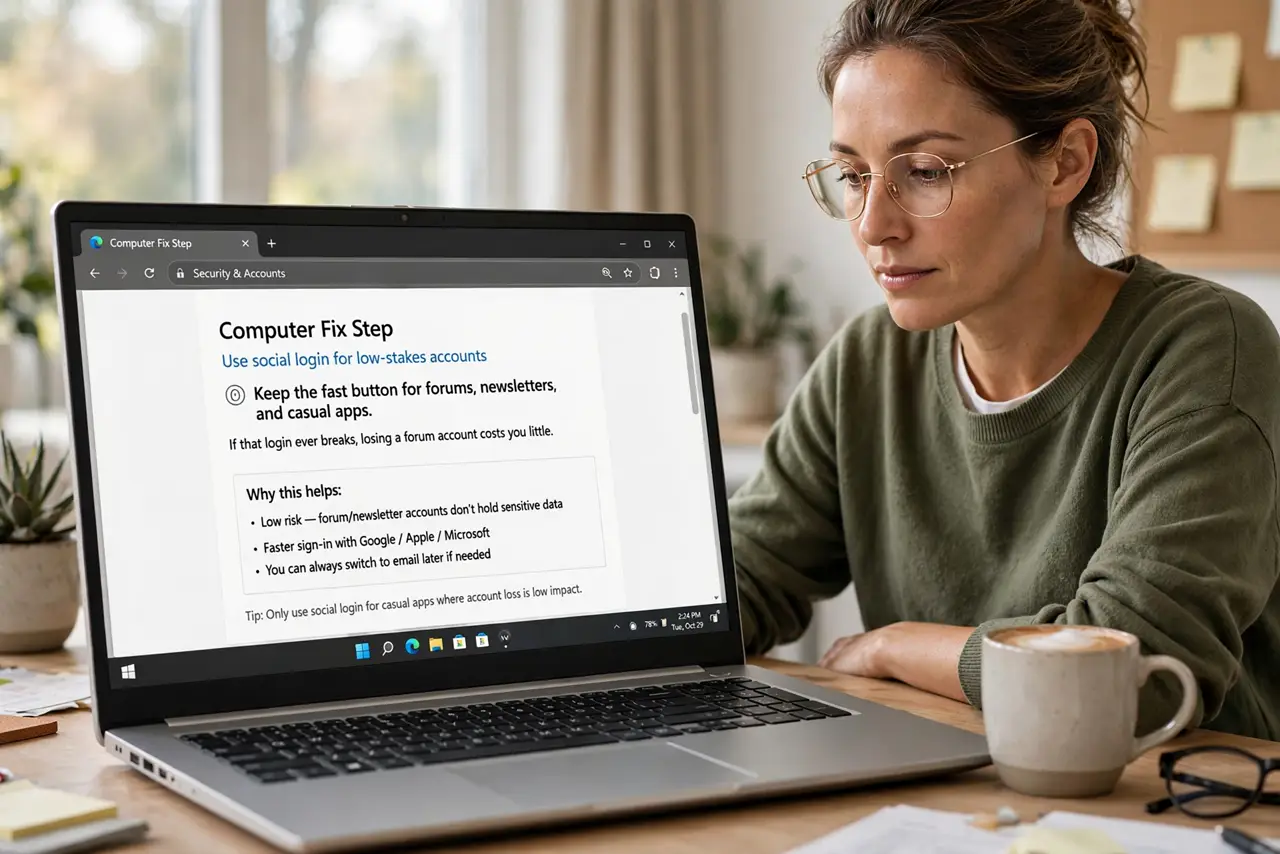
- Use social login for low-stakes accounts. Keep the fast button for forums, newsletters, and casual apps. If that login ever breaks, losing a forum account costs you little.
- Use unique passwords for important accounts. Give banking, email, and work their own email-and-password logins with two-factor. Important accounts deserve independence from any single provider.
- Review what your social login connects to. Open the social account's connected-apps page and see everything linked to it. Most people are surprised by how many services ride on that one login.
- Disconnect apps that do not need it. Remove the social login from services you barely use. Each disconnected app is one fewer account that falls if the social account is ever compromised.
- Watch for phishing around logins. Fake social login pages are a top phishing target. Always check the address bar shows the real provider before typing your social credentials.
- Keep a backup way into key accounts. For accounts that matter, add a backup email or phone. If the social provider ever locks you out, the backup is your way back in.
What NOT to do
- Do not use social login for your bank. Tying money to a social account merges two risk pools that are safer apart.
- Do not assume social login is automatically safer. It is convenient and phishing-resistant in some ways, but one compromised social account cascades everywhere.
- Do not grant every permission the app requests. A login that asks for your contacts and posts wants more than identity, so decline the extras.
- Do not forget which method you used where. Note it in your password manager, or you will be locked out guessing at the login screen.
Frequently asked questions
Is social login safe?
For casual accounts, yes. For banking and primary email, a separate login with two-factor keeps your most important accounts independent.
What is the main risk of social login?
One compromised social account can unlock every service connected to it, turning a single breach into many.
Can I switch from social to email login later?
Often yes. Many services let you add a password to a social-created account in their settings.