Filter Views vs Filters in a Spreadsheet
Two people filtering the same sheet step on each other's views. Regular filters change the sheet for everyone, while filter views give each person a private filtered view.
TL;DR / Quick Fix
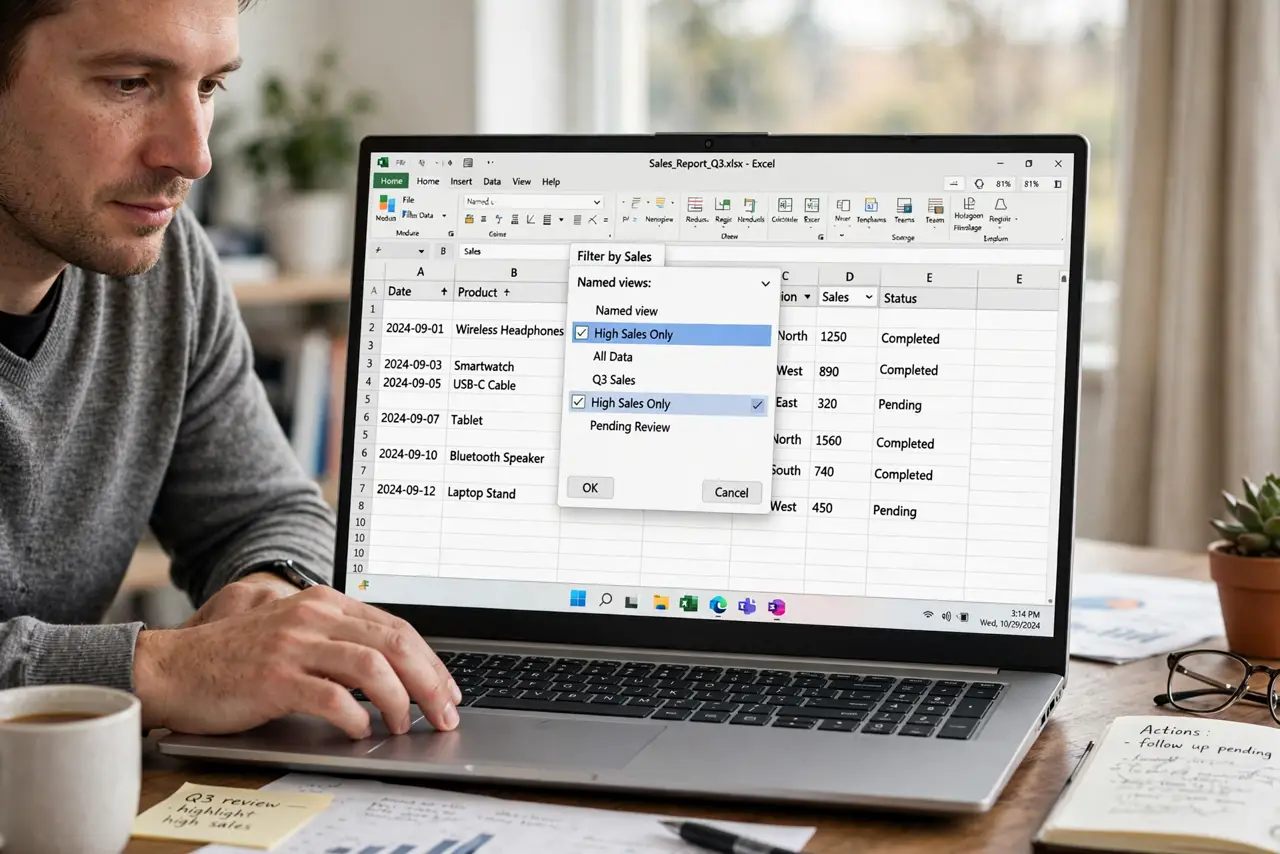
Quick fix: open the filter views menu and create a named filter view for your own filtering. Then filter inside that view, and confirm your colleague's view of the sheet stays unchanged so your colleague's view of the sheet stays unchanged.
Follow these steps
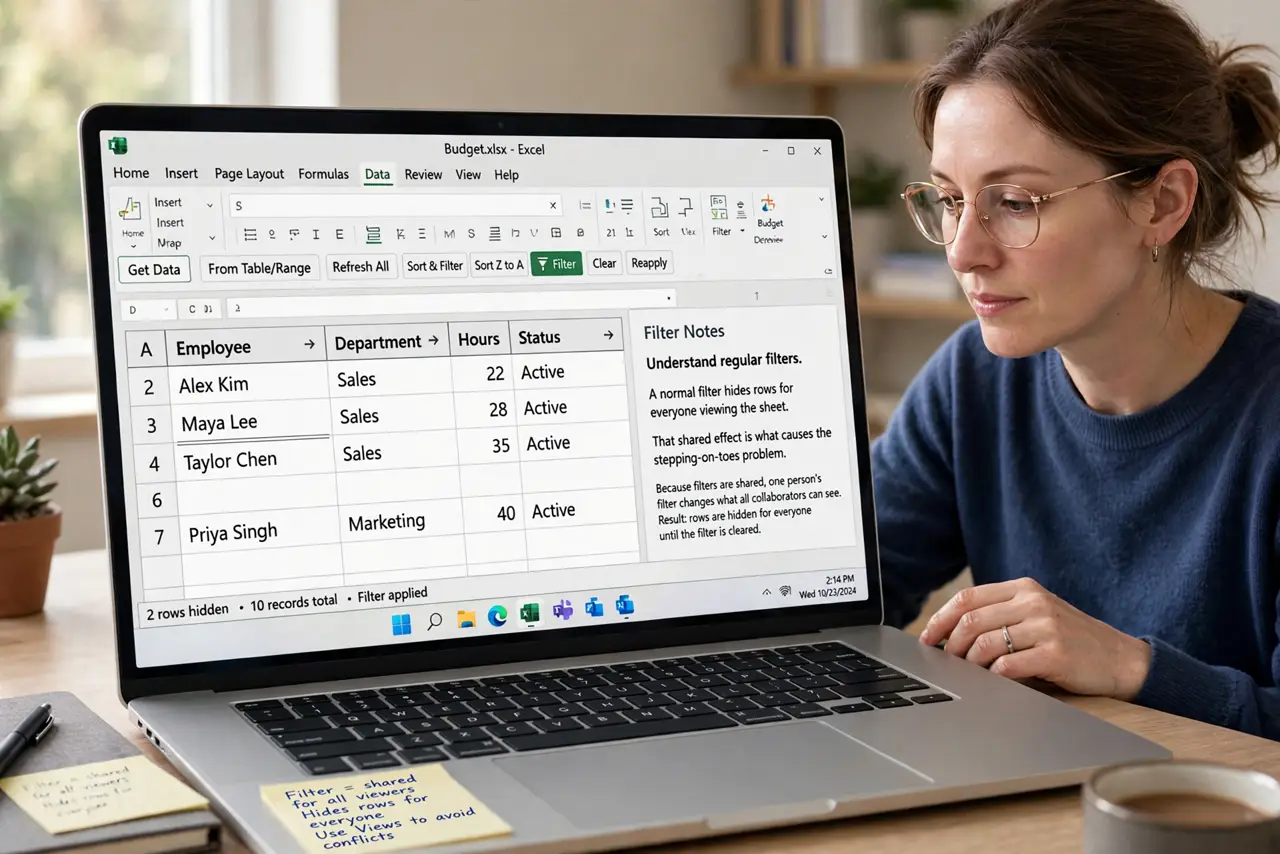
- Understand regular filters. A normal filter hides rows for everyone viewing the sheet. That shared effect is what causes the stepping-on-toes problem.
- Understand filter views. A filter view is a personal saved filter. Each person gets their own, and one person's view never changes another's.
- Create your own filter view. Open the filter views menu and create a new one with your name. Filtering inside it keeps your work private to your view.
- Filter inside the view only. Apply your filters while the view is active. Filters applied outside any view still affect everyone.
- Name views clearly. Name each view after its purpose or owner, like Maria-region-filter. Clear names stop people from editing the wrong view.
- Delete stale views. Remove filter views nobody uses anymore. A pile of dead views confuses new people opening the sheet.
What NOT to do
- Do not filter a shared sheet with regular filters. Everyone sees your filter, and their work gets hidden too.
- Do not create ten views for one task. One clear view per purpose keeps the menu usable.
- Do not edit inside someone else's view. Create your own instead, since changing theirs breaks their workflow.
- Do not forget which view is active. Check the indicator before filtering, so your filter lands in the right place.
Frequently asked questions
What is the difference between a filter and a filter view?
A filter changes the sheet for everyone, while a filter view is a personal saved filter that affects only your view.
When should I use a filter view?
Whenever a sheet is shared and people need different filtered looks at the same data.
Can others see my filter view?
They can open it if they choose, but it never changes what they see by default.