SSD Health Warning Appears? What to Do Next
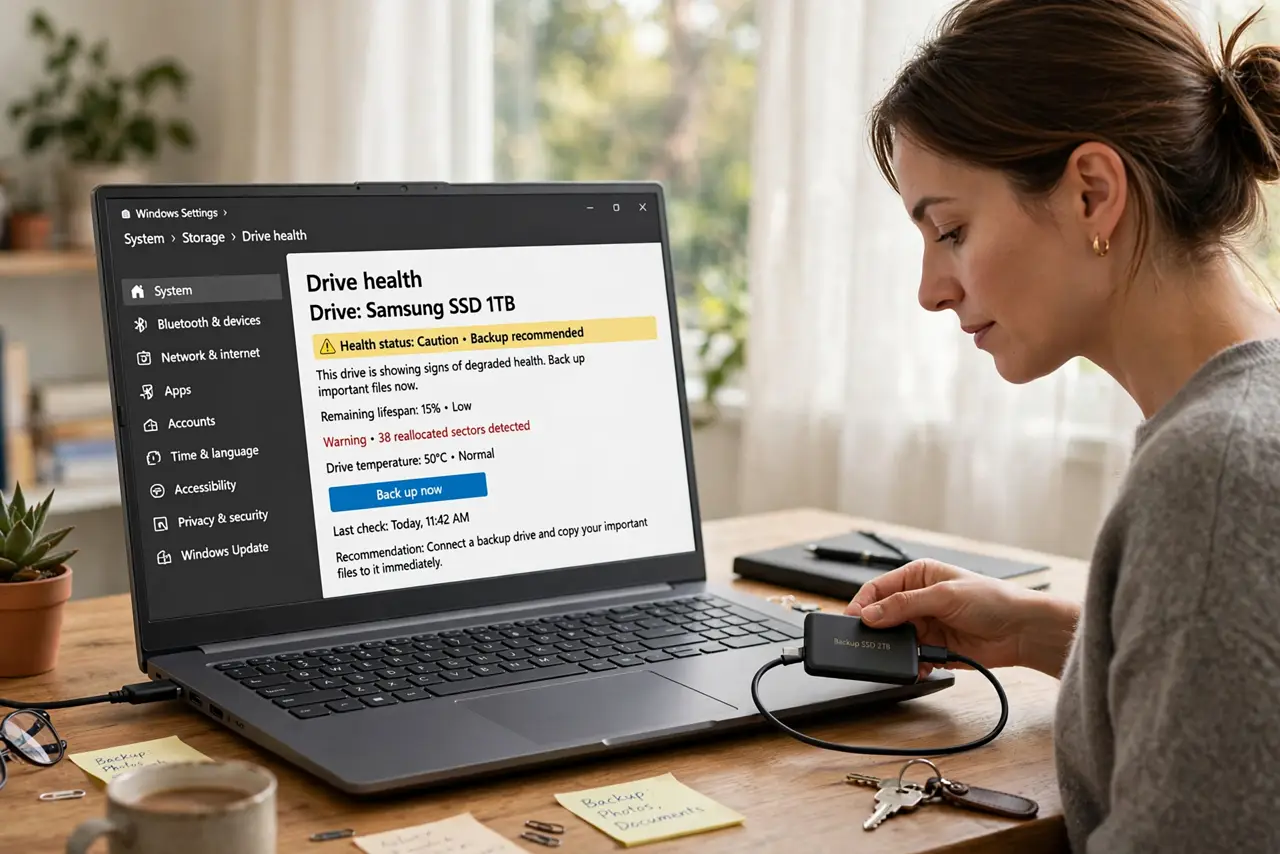
An SSD health warning means the drive reports wear or errors that could lead to failure. SSDs often fail suddenly, without the long warning sounds a hard drive gives, so a health warning is your window to act. Back up first, then plan a replacement while the drive still works. If the drive already is not detected, the checks differ, because you cannot back up from a drive the PC cannot see.
TL;DR / Quick Fix
Quick fix: Back up your important files at once. Read the exact warning, not just the headline. Then work through the remaining steps in order, checking one change at a time, and stop for a technician if you see damage, swelling, or a burning smell.
Follow these steps
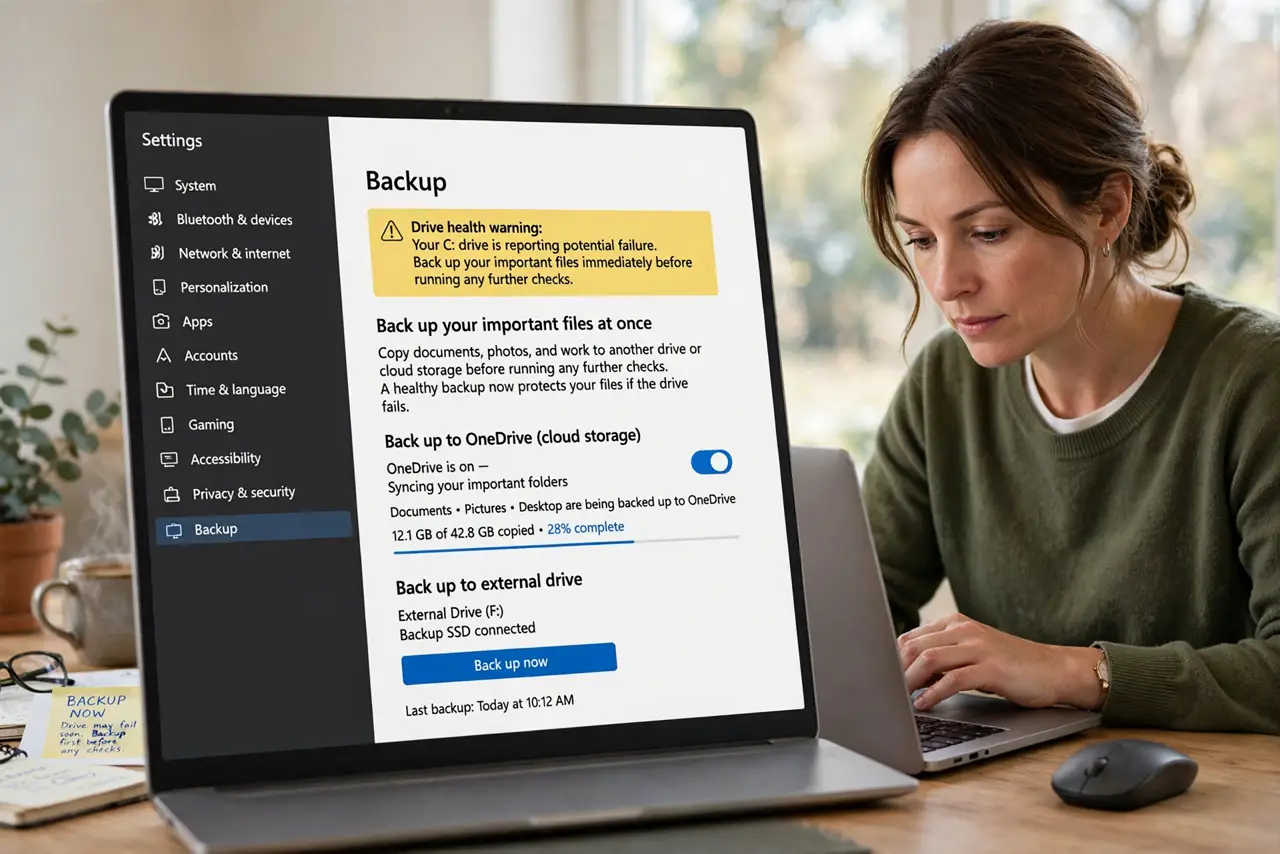
- Back up your important files at once. Copy documents, photos, and work to another drive or cloud storage before running any further checks. A health warning means the drive may not last, so the backup comes first.
- Read the exact warning, not just the headline. Note whether the warning mentions wear, bad blocks, or a temperature problem. Wear means plan a replacement; a temperature warning may mean cooling needs attention first.
- Check free space on the SSD. An almost-full SSD wears faster and slows down, so free space by moving large files you rarely use to another drive. Do not fill an SSD to the brim again.
- Update the drive firmware only from the maker. Check the SSD maker site for your exact model, and update firmware only if the maker lists a fix for your warning. Never use firmware from a random download site.
- Test the SSD on a second PC if the warning looks odd. If the warning appears on one PC but the drive seems fine, test it elsewhere. A faulty cable or port can produce errors that look like drive wear.
- Replace the drive and restore from backup. Buy a replacement drive, install it, and restore your backup. Retire the warned drive from important storage, even if it keeps working for a while.
What NOT to do
- Do not ignore an SSD health warning because the drive still works. SSDs can fail suddenly, and a warning is the time to back up, not a time to wait.
- Do not fill a warned SSD with new files. More writes wear it further, so move files off it instead of adding to it.
- Do not run intensive drive tests before backing up. Heavy testing stresses a worn drive and can finish it before your backup completes.
- Do not keep a warned SSD as your only backup drive. A drive already warning you is the worst place for the only copy of anything.
Frequently asked questions
What does SSD wear mean?
SSDs wear a little with every write. Makers report wear as a health percentage, and a low health reading means the drive is near the end of its rated life.
Can a health warning be wrong?
Sometimes a bad cable or an old tool misreads the drive. That is why a second-PC test and the maker tool matter, but back up before you test either way.
How long will a warned SSD last?
Nobody can say exactly, which is the point. Treat the warning as a deadline to replace the drive, not as a countdown you can trust.