Over-Provisioning? What It Does
Deep in your SSD's utility software sits a slider called over-provisioning, offering to reserve part of your drive 'for performance and endurance.' It sounds like giving up storage for nothing — but that hidden spare area is genuinely how SSDs stay fast for years. Here is what it does and whether you should touch it.
TL;DR / Quick Fix
Quick fix: over-provisioning reserves a slice of the SSD as spare workspace — makers already set some aside — which keeps write speeds steady and extends the drive's life. Most users should leave the factory setting alone. Only add more if you write huge amounts of data daily.
Follow these steps
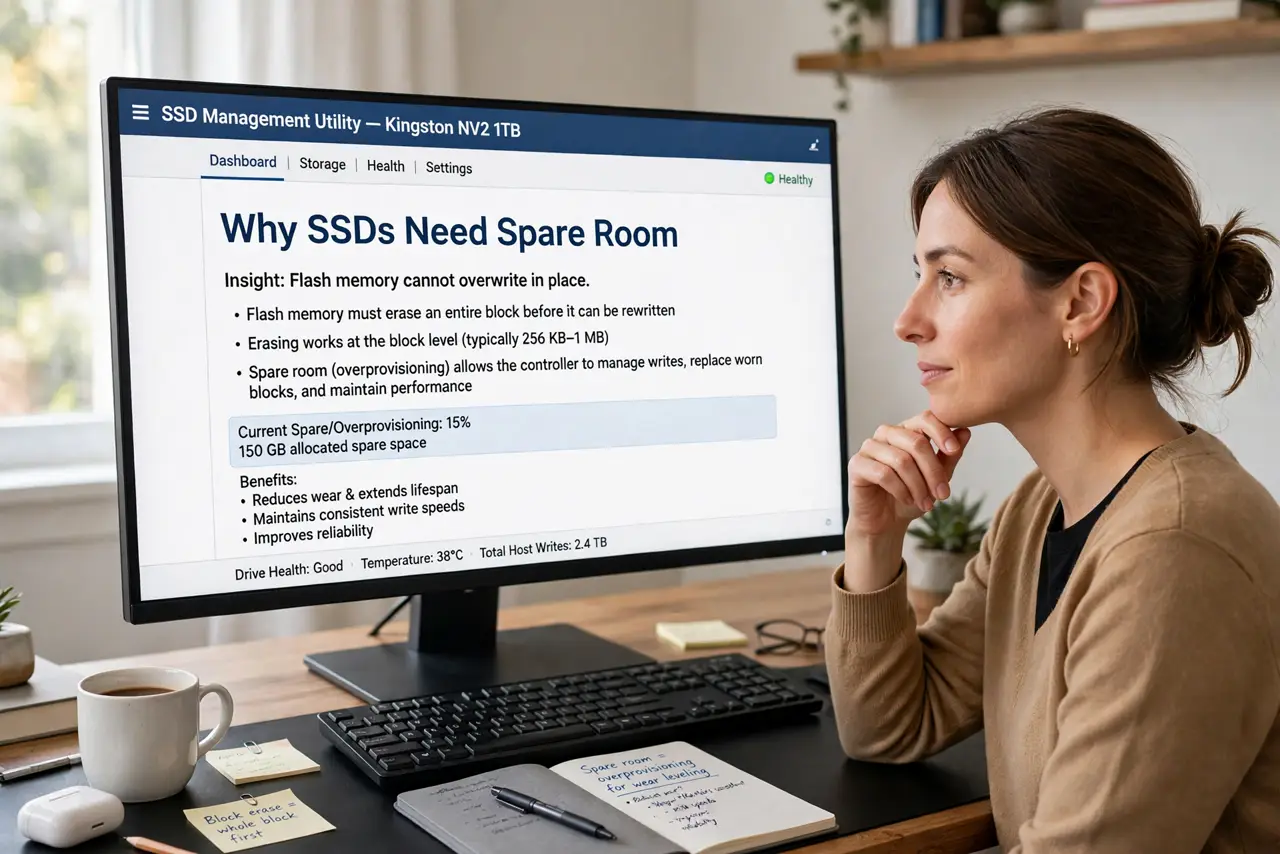
- Understand why SSDs need spare room. Flash memory cannot overwrite in place — it must erase whole blocks first. Spare area gives the controller room to shuffle data during those erases without stalling your writes.
- Know the factory already provides some. Every SSD ships with hidden spare space you never see. The slider in the utility only adds extra on top of that baseline.
- Leave it alone for normal use. Browsing, office work, and gaming never stress the spare area. The default is tuned for exactly this — touching the slider buys nothing here.
- Consider more only for heavy writes. Video scratch disks, databases, and constant large file writes benefit from extra spare area. If that is not you, skip it.
- Use the maker's utility, not a guess. Set over-provisioning through the SSD maker's own software, which sizes it correctly. Manual partition tricks from forums often just waste space.
- Pair it with TRIM for best effect. Spare area and TRIM work together — TRIM tells the drive which blocks are free, and the spare area gives it room to use that knowledge.
What NOT to do
- Do not max out the slider hoping for magic speed. Beyond the useful point you are just donating storage.
- Do not confuse over-provisioning with free space. Keeping the drive itself from filling past about four-fifths matters too, and is separate.
- Do not shrink partitions manually to 'create' spare area. The maker's utility does it properly; DIY versions often don't.
- Do not expect it to revive a dying drive. It preserves a healthy SSD — it cannot fix worn-out flash.
Frequently asked questions
Does over-provisioning reduce my usable storage?
Only the extra you add beyond the factory reserve. The hidden factory portion was never in your advertised capacity to begin with.
Will I notice a speed difference?
In everyday use, no. The benefit shows under sustained heavy writes, where a well-provisioned drive holds its speed instead of sagging.
Should I change it on an old SSD?
It can modestly help an aging drive under heavy writes, but for a lightly used old SSD, leaving the default is still the right call.