SSD vs Hard Drive Noise and Heat
Hard drives hum, click, and warm up; SSDs sit silent and cool. If noise or heat bothers you, knowing exactly where each drive type stands helps you decide what to upgrade — and what to leave alone.
TL;DR / Quick Fix
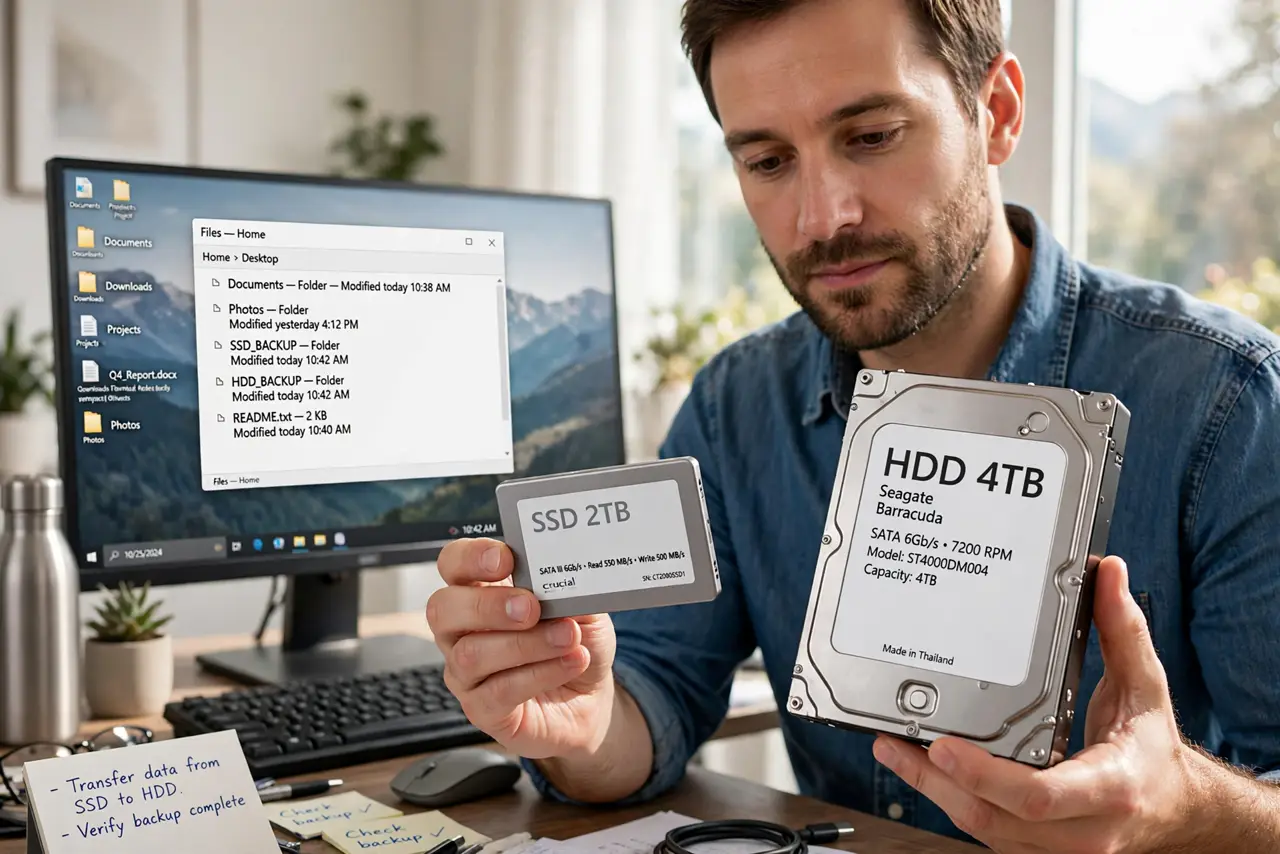
Quick fix: replace a noisy hard drive holding your system or daily files with an SSD for silence and speed. Keep big hard drives for bulk storage where their hum matters less, and check that any clicking drive is backed up first.
Follow these steps
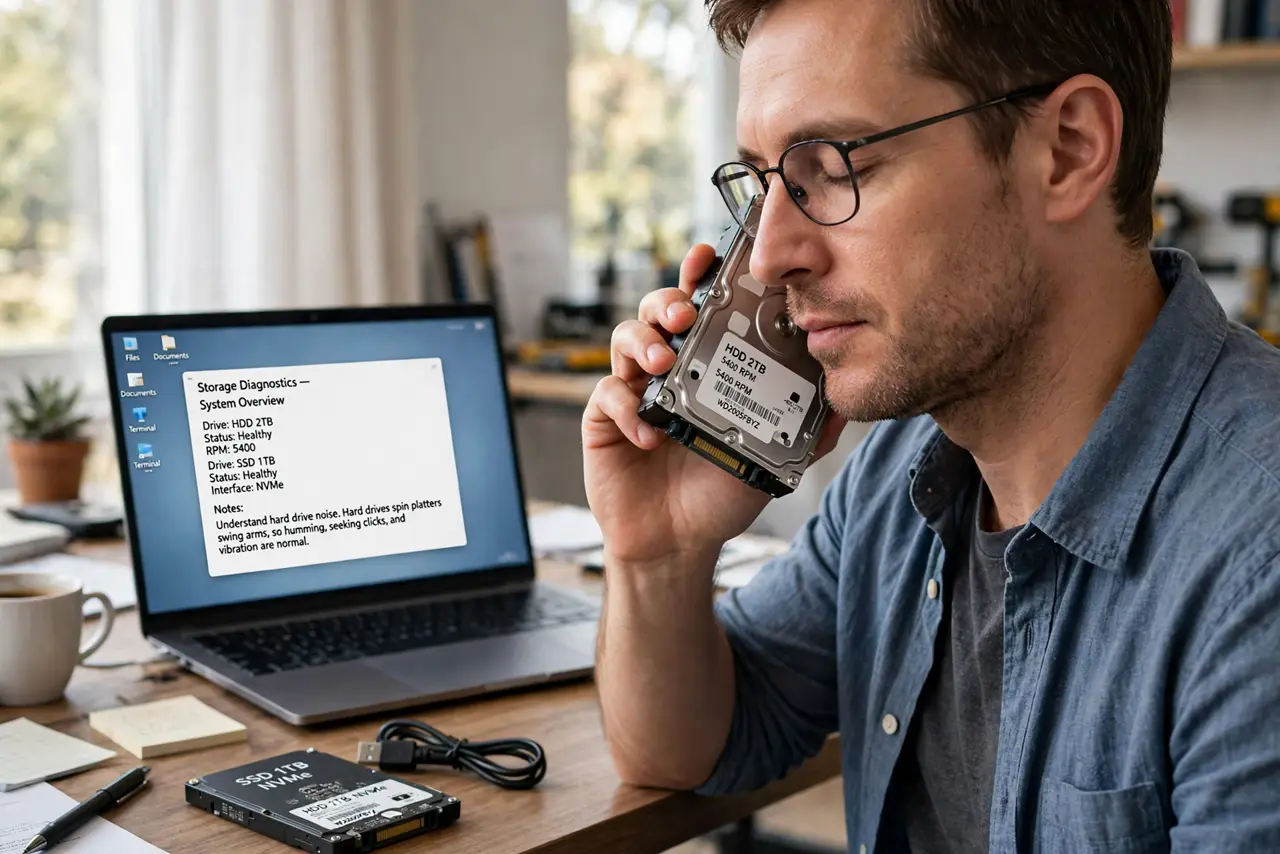
- Understand hard drive noise. Hard drives spin platters and swing arms, so humming, seeking clicks, and vibration are normal. Loud or new clicking is different — see the guide for a hard drive that clicks on startup if clicks are new.
- Understand hard drive heat. Spinning drives generate steady warmth, especially 7200 RPM models in tight cases. They are built for it, but they still warm the case around them.
- Understand SSD silence and coolness. SSDs have no moving parts, so they make zero noise and run cooler. That silence is often the most noticeable upgrade in a quiet-focused PC.
- Prioritize the SSD upgrade by noise impact. Put the operating system and daily apps on an SSD first. That silences the drive you hear all day, while bulk storage can stay on a quieter-spinning hard drive.
- Keep backups before trusting any drive. Silence does not mean immortality: SSDs fail too, just quietly. Keep the 3-2-1 backup habit regardless of drive type.
- Check the external clicking drive separately. External hard drives click louder through their enclosures. If the noise is from a USB drive, check that guide before assuming the internal drive is the problem.
What NOT to do
- Do not ignore new clicking from a hard drive. New or loud clicks can signal failure, so back up immediately instead of researching noise levels.
- Do not stack hard drives with no airflow. Heat shortens their life, so give each drive breathing room or a fan's path.
- Do not assume an SSD never fails. SSDs fail silently and suddenly, so backups matter just as much as with hard drives.
- Do not buy the cheapest SSD for critical data. Reputable brands with DRAM caches last longer and perform more consistently.
Frequently asked questions
Are SSDs really silent?
Yes. With no moving parts, an SSD makes no sound at all — the silence is real, not marketing.
Do hard drives run hotter than SSDs?
Yes, noticeably. Spinning platters and motors generate heat that SSDs simply do not produce.
Should I replace all my hard drives?
Not necessarily. SSD for system and daily files, hard drives for cheap bulk storage is the sensible split.