Stop Port-Out Fraud
Port-out fraud is when a scammer convinces your phone carrier to move your number to their SIM card — then your calls, texts, and two-factor codes go to them. With your number, they can reset passwords on your accounts. The defense is simple: lock the number at the carrier and stop using text messages for important logins. Here is how.
TL;DR / Quick Fix
Quick fix: call your carrier and set a port-out PIN or number-transfer lock so nobody can move your number without it. Then switch your important accounts from SMS codes to an authenticator app. These two moves close the main door scammers use to hijack numbers and bypass texted security codes.
Follow these steps
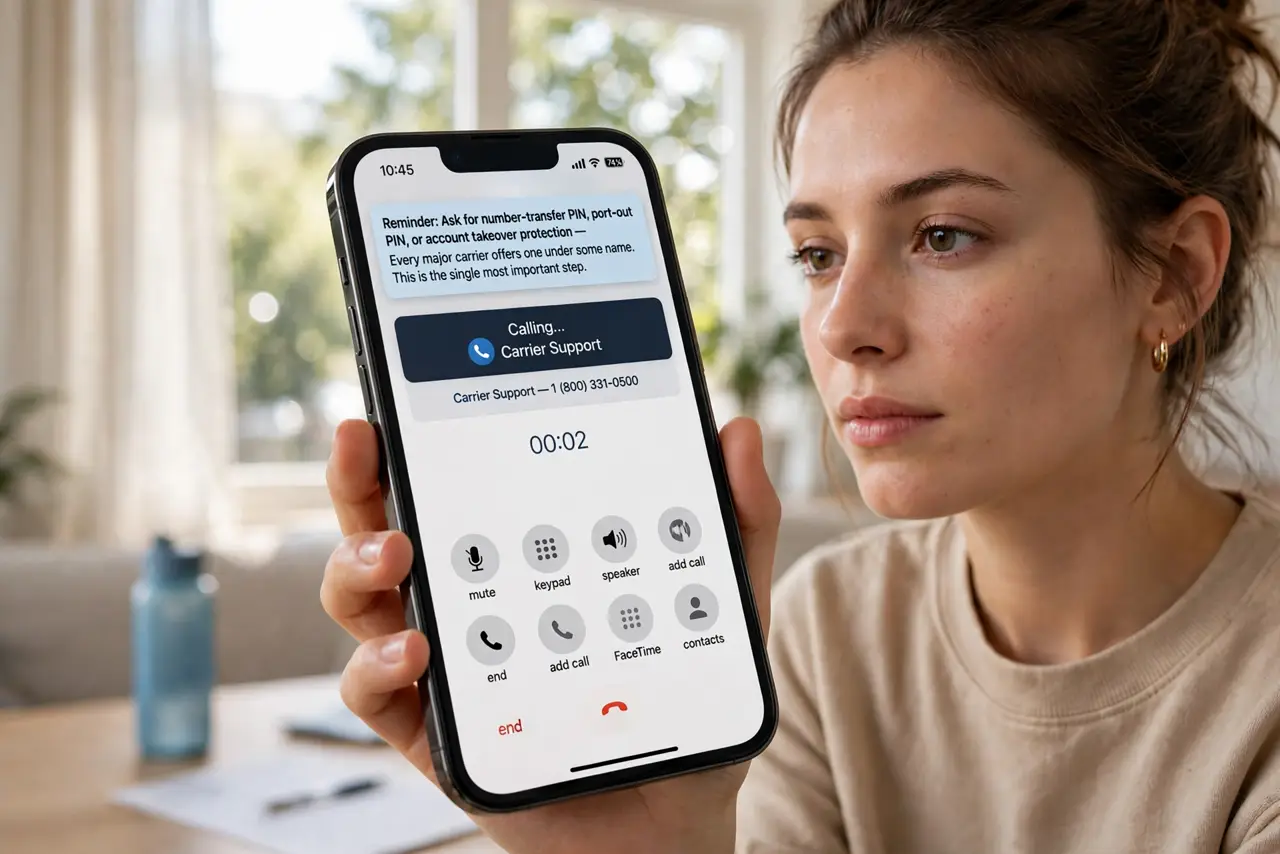
- Call your carrier today. Ask for a number-transfer PIN, port-out PIN, or account takeover protection — every major carrier offers one under some name. This is the single most important step.
- Set a strong, unique PIN. Use a PIN you do not use anywhere else. The carrier's port-out PIN is what stops a scammer from moving your number with just your personal details.
- Move important logins off SMS codes. Switch your email, bank, and password manager to an authenticator app instead of texted codes. If codes never arrive by text, a stolen number buys the attacker nothing.
- Check which accounts still use your number for recovery. Review recovery settings on your key accounts. Where a phone number is the only recovery option, add an email or authenticator as backup.
- Watch for the warning sign. If your phone suddenly loses all service (no calls, no texts) while you did not change anything, your number may have been ported. Contact your carrier immediately from another phone.
- Keep the carrier PIN written down safely. Store it in your password manager or a safe place. Losing it yourself is an annoying lockout; a scammer guessing it is a disaster.
What NOT to do
- Do not rely on SMS codes for your most important accounts. Texted codes are the exact thing port-out fraud defeats.
- Do not reuse your carrier account PIN elsewhere. If it leaks from another site, your number protection falls with it.
- Do not ignore a sudden loss of phone service. No signal out of nowhere can mean your number was just ported — act fast.
- Do not post your phone number publicly where possible. Scammers harvest numbers from social profiles to start the attack.
Frequently asked questions
What is the difference between port-out fraud and SIM swapping?
They are close cousins: SIM swapping moves your number to a new SIM on your account, port-out moves it to a different carrier. Both end with the attacker holding your number — the same defenses stop both.
Will an authenticator app fully protect me?
For accounts moved off SMS, yes — the codes live on your phone, not your number. Keep backup codes safe in case the phone is lost.
My carrier says I already have a PIN. Am I safe?
Mostly — but verify it is a port-out/transfer PIN specifically, not just a voicemail PIN. Ask the carrier to confirm the number-transfer lock is on.