Get an IRS Identity PIN
Someone filed a tax return in your name and now your real return is rejected as a duplicate. Tax identity theft is a mess to unwind — but the IRS offers a free Identity Protection PIN that blocks anyone from filing with your Social Security number without it. Here is how to get yours.
TL;DR / Quick Fix
Quick fix: get a free IRS Identity Protection PIN at irs.gov — it is a six-digit number required on your tax return that blocks fraudsters from filing in your name. You will get a new PIN each year. Enroll before tax season for the smoothest experience.
Follow these steps
- Understand what the PIN does. The IP PIN is a six-digit number the IRS requires on your return. Without it, an e-filed return using your Social Security number gets rejected — which stops the fraudster cold.
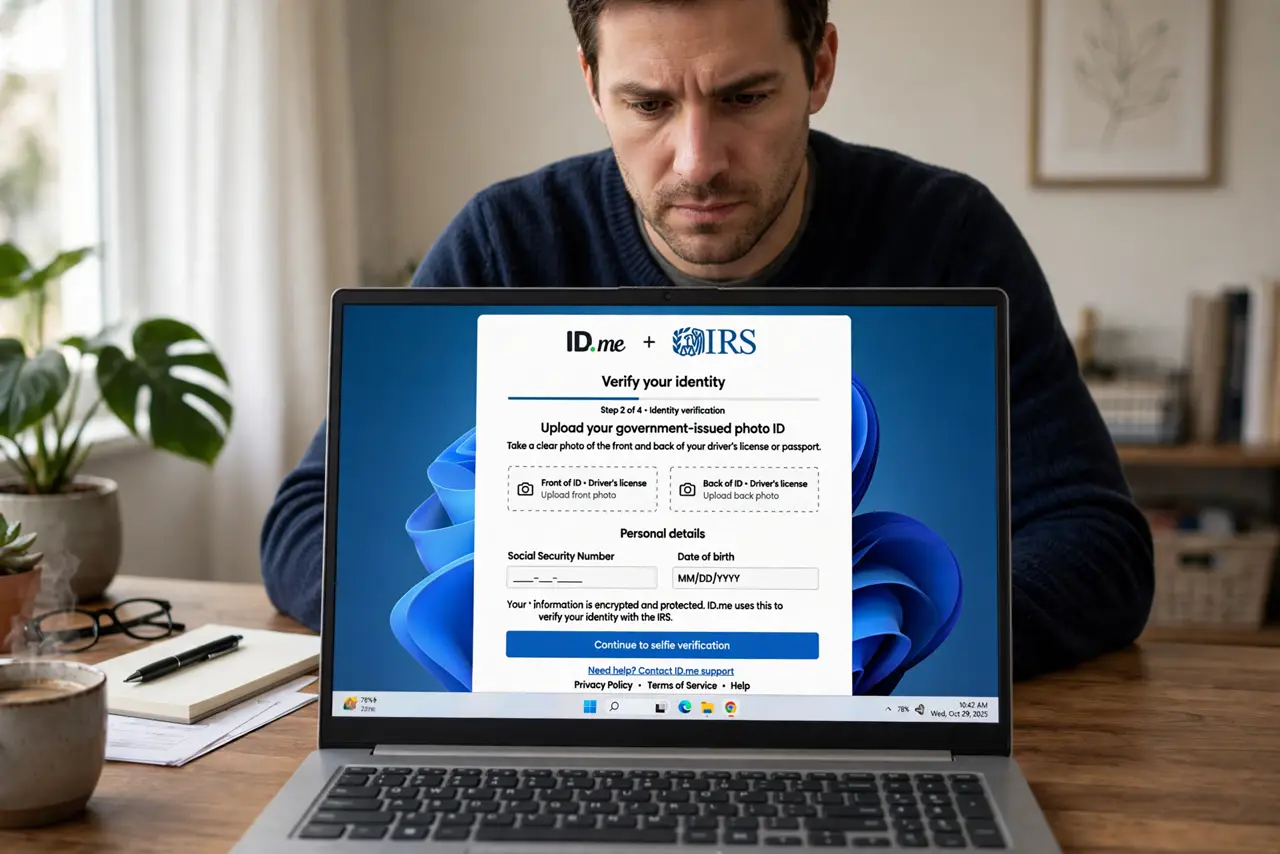
- Enroll at irs.gov. Use the IRS's online 'Get an IP PIN' tool. You will verify your identity through the IRS's secure process — it takes about fifteen minutes.
- Use the PIN every tax season. Enter it on your return each year. Your tax software has a field for it; paper filers write it in the designated spot.
- Expect a new PIN yearly. The IRS issues a fresh PIN each December or January. Watch for it — last year's PIN will not work.
- Keep it private. The PIN protects you only if the fraudster does not have it. Do not share it with anyone except your tax preparer — and note the IRS will never call demanding it.
- File early anyway. The PIN blocks fraudulent e-filing, but filing early still beats the fraudster to the punch. Early plus PIN is the full defense.
What NOT to do
- Do not share your IP PIN by email or phone. Anyone asking for it unsolicited is running a scam.
- Do not skip enrolling because 'it has not happened to me.' The PIN is prevention — after identity theft, you will wish you had it.
- Do not lose the current PIN. Retrieval is possible but slow; store it with your tax documents.
- Do not trust callers claiming to be the IRS. The IRS initiates contact by mail — see IRS scams.
Frequently asked questions
Is the IP PIN free?
Yes — completely free from the IRS. Anyone charging you for one is a scammer.
Do I need a new PIN every year?
Yes. The IRS issues a new one each year; the old one expires.
What if I already had identity theft?
Enroll immediately, and also place a credit freeze — tax fraud and credit fraud often travel together.