Lock Down TikTok Privacy
TikTok knows what you watch, when you watch, where you are, and who you know — the defaults share generously because that is the business model. You cannot make TikTok private in the data-collection sense, but you can lock down who sees your content and trim what the app takes. Fifteen minutes in Settings > Privacy covers the essentials.
TL;DR / Quick Fix
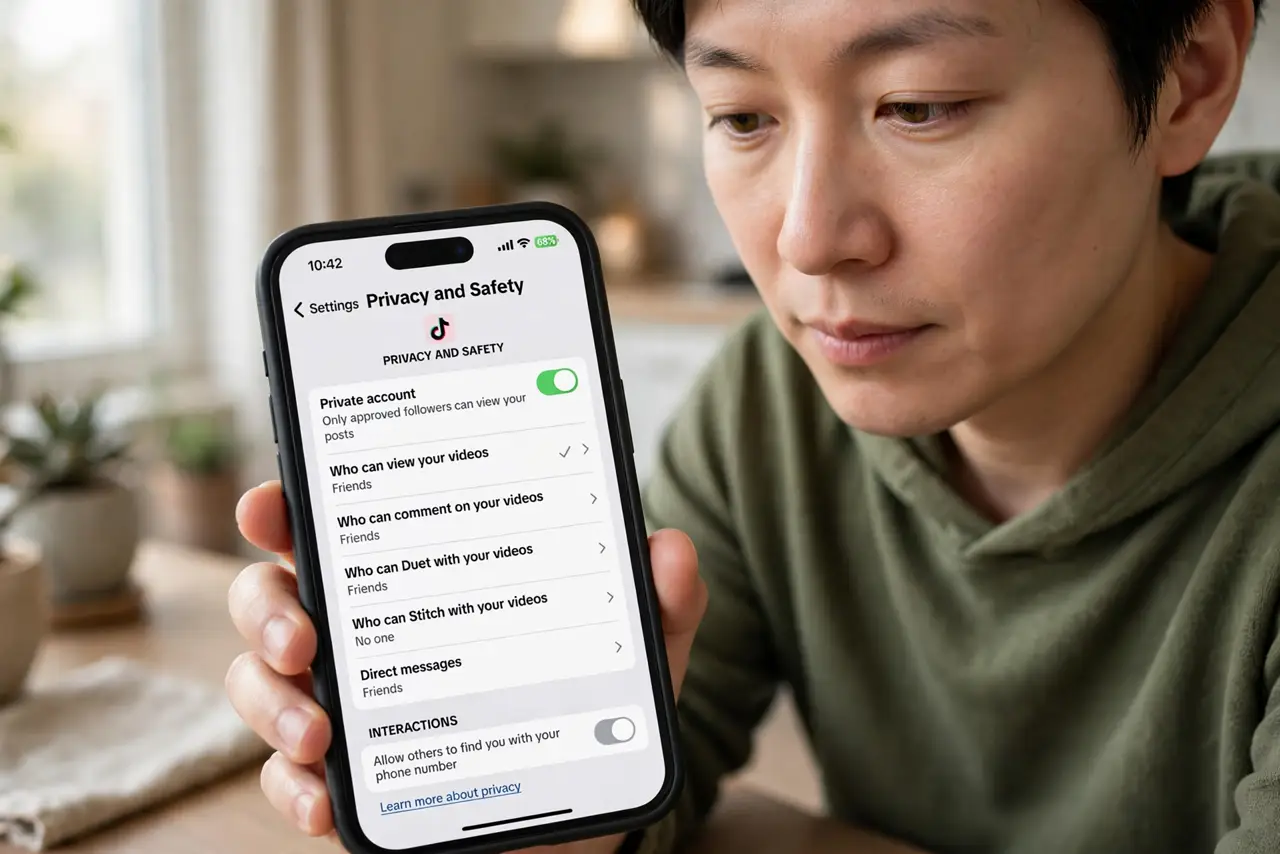
Quick fix: set TikTok to private, turn off personalized ads and location access, and review who can duet, stitch, or message you. Check Settings > Privacy yearly — defaults favor visibility. Limit third-party data sharing and download your data to see what is collected. See the privacy guide for details.
Follow these steps
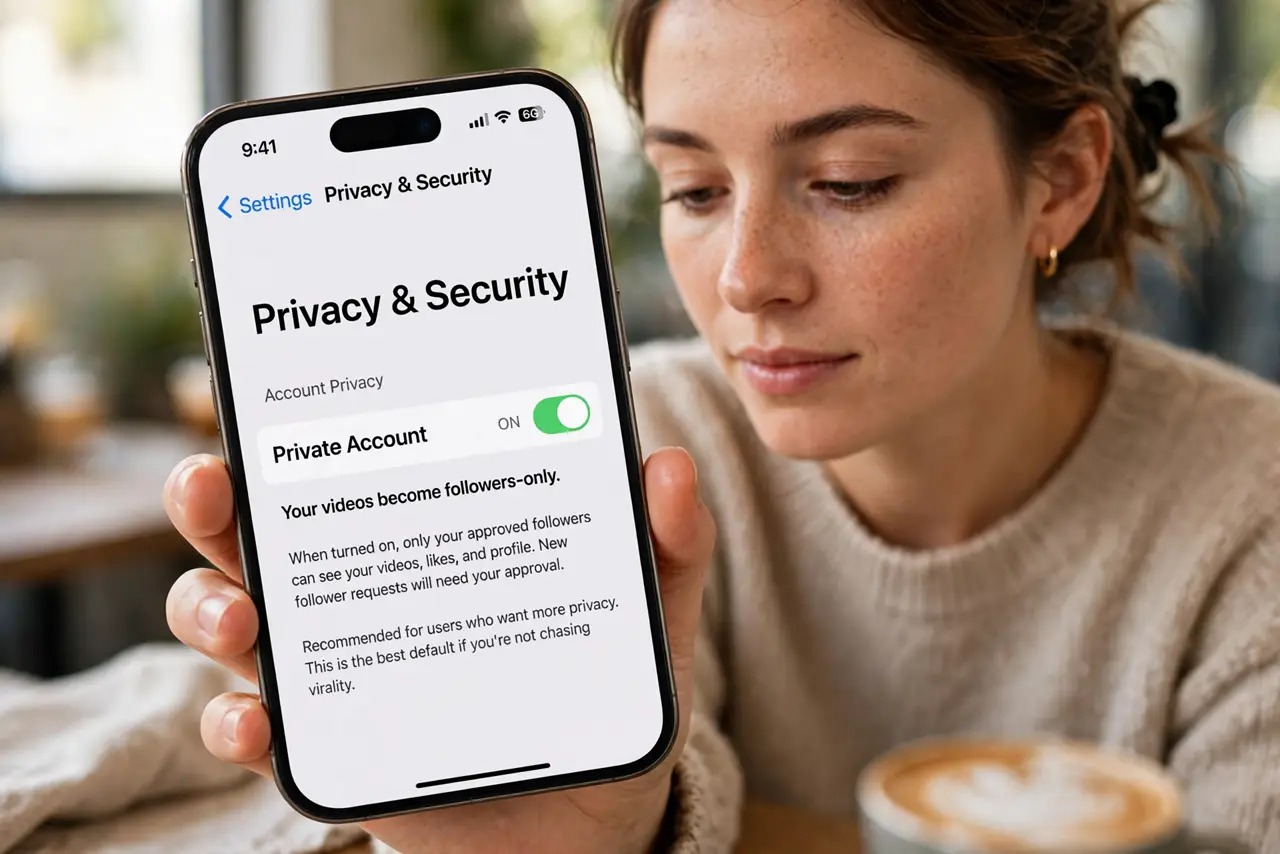
- Switch to a private account. Settings > Privacy > Private account. Your videos become followers-only — the single biggest change, and the right default for anyone not chasing virality.
- Control who can interact. Who can duet, stitch, comment, or message you — set each to Friends or No one. Strangers duetting your videos is a visibility you never asked for.
- Turn off personalized ads. Settings > Privacy > Ads personalization off. You will still see ads — just less creepily targeted ones. It is a small win, take it.
- Revoke location access. Phone Settings > TikTok > Location > Never. TikTok does not need to know where you are to show videos — deny it outright.
- Limit data sharing. Review the privacy settings for third-party data sharing and personalized recommendations. Turn off what you do not need — defaults are set for TikTok's benefit, not yours.
- Download your data. Settings > Account > Download your data. Seeing the file TikTok holds on you is eye-opening — and it is your right to have it. Details in the TikTok privacy guide.
What NOT to do
- Do not post with location tags on personal videos. TikTok's audience is global — a location-tagged routine is a pattern anyone can read.
- Do not link every contact and account. Syncing contacts feeds the recommendation engine your real-world network — skip it unless you need it.
- Do not assume private means the data stops flowing. Privacy settings control visibility; TikTok still collects usage data — that is a separate battle.
- Do not let kids run default settings. Children's accounts need the strictest settings plus Family Pairing — defaults are not child-safe.
Frequently asked questions
Does TikTok collect more data than other apps?
It collects a lot — like most social apps. The concern is less the amount than who holds it and under which jurisdiction, which is a policy question beyond settings.
Will private account hurt my views?
Yes, by design — private means followers only. If you are building an audience, use the interaction controls instead of full private.
Can I delete my TikTok data?
You can request deletion of your account and data, and download it first. Backups and legal-retention copies may persist — deleted has limits everywhere.