Check for TPM 2.0? How To
Windows 11 requires TPM 2.0 — a security chip that stores encryption keys — and many 'incompatible PC' errors come down to it being present but switched off. Checking takes a minute. Here is how to confirm it is there and enable it.
TL;DR / Quick Fix
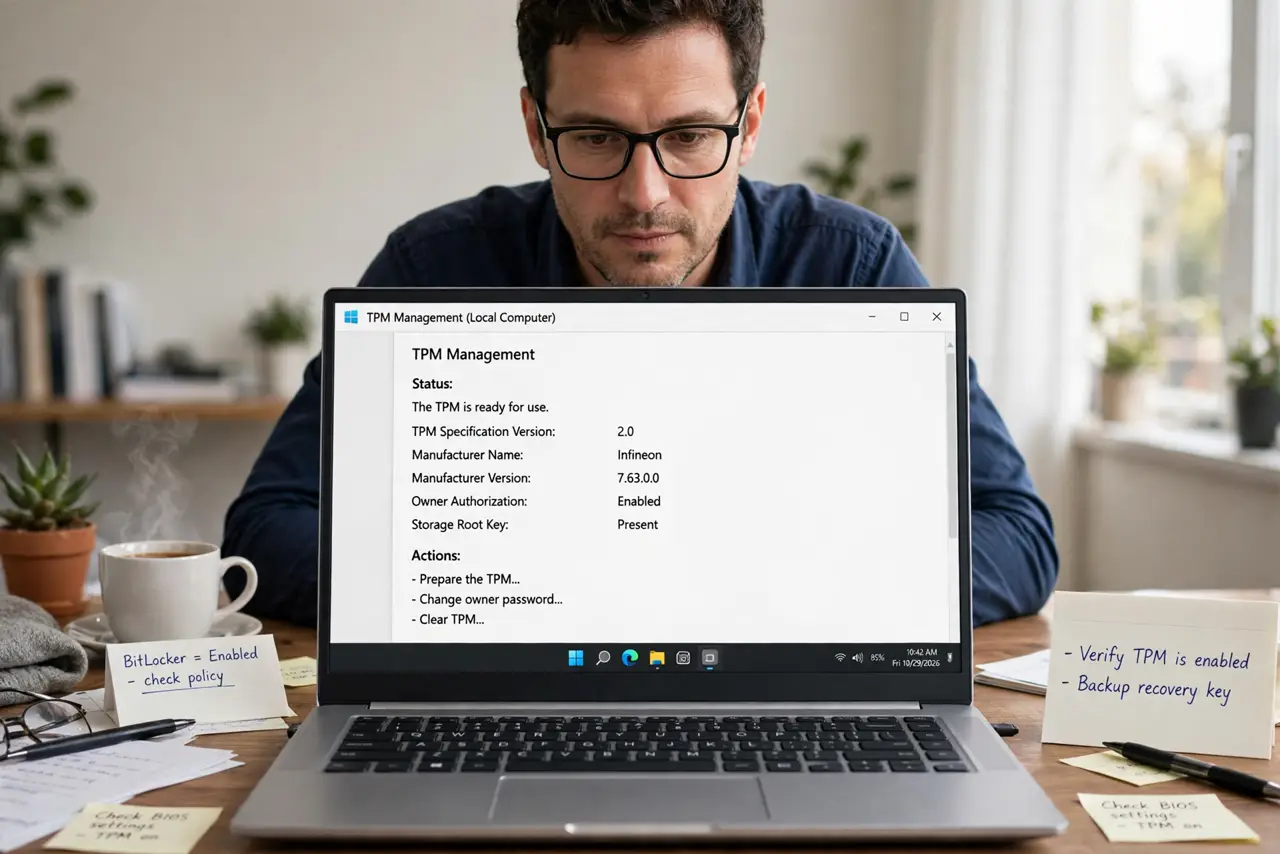
TPM 2.0 is a security chip Windows 11 requires for encryption keys and Secure Boot support. Press Win+R, type tpm.msc, and check the status: "ready for use" means you're set. If it's missing, enable TPM (sometimes called PTT or fTPM) in the BIOS security settings, then recheck.
Follow these steps
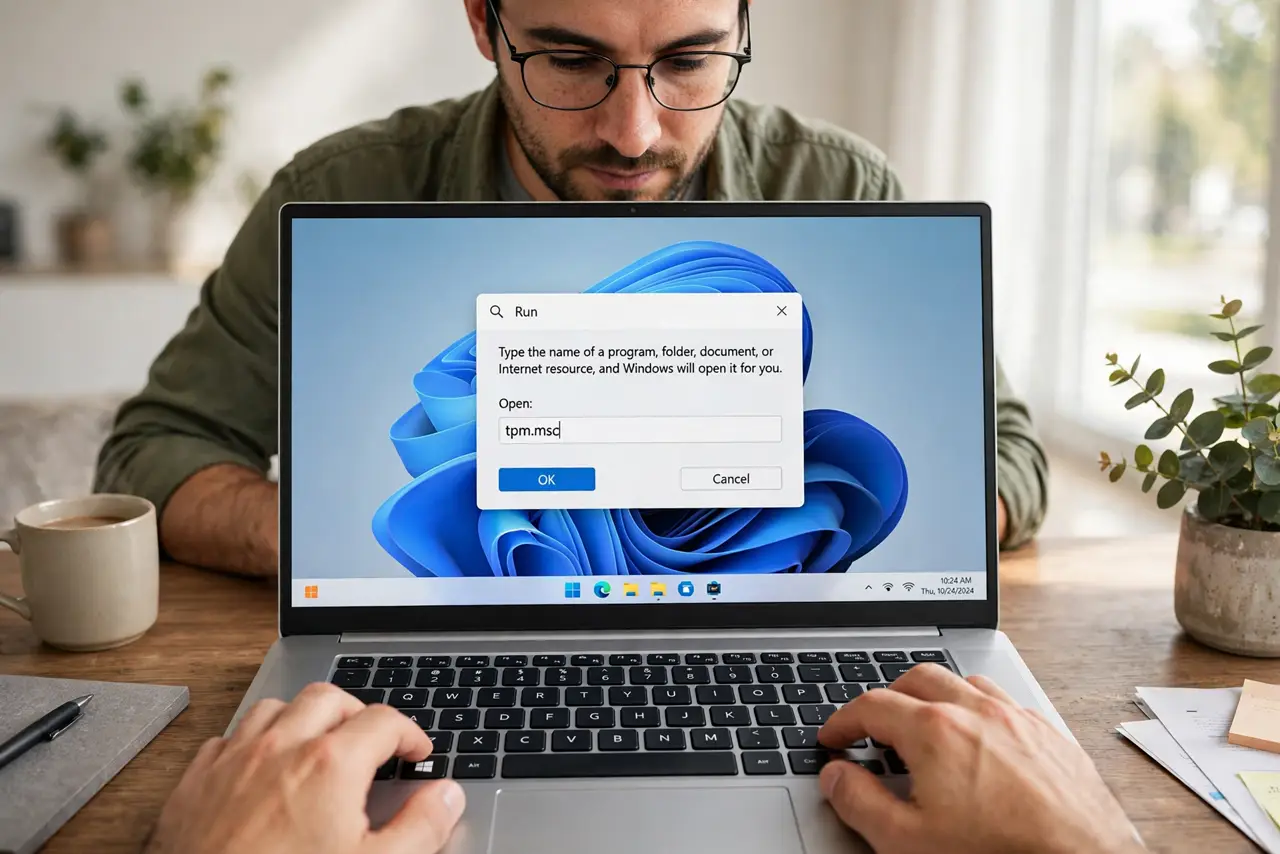
- Open the TPM console. Press Win+R, type tpm.msc, and hit Enter. This is the built-in checker — no downloads needed.
- Read the status. 'Ready for use' plus specification version 2.0 means you are done.
- If it is missing, enter the BIOS. Restart and press Del or F2 during boot to enter setup.
- Enable TPM, PTT, or fTPM. Under the Security tab. Intel calls it PTT; AMD calls it fTPM — same thing, different name.
- Save, reboot, and recheck. Run tpm.msc again. It should now report ready for use.
- Leave it on. BitLocker and Windows 11 features depend on it — see the BitLocker prompt guide if it starts asking for keys.
What NOT to do
- Do not clear the TPM casually. Clearing it can orphan BitLocker-encrypted drives — back up recovery keys first.
- Do not confuse the TPM with Secure Boot. They are partners, not the same thing — see the Secure Boot explainer.
- Do not buy a TPM module before checking. Most modern CPUs include firmware TPM already.
- Do not disable it after enabling. Windows 11 expects it present and will complain.
Frequently asked questions
What does the TPM actually do?
It stores encryption keys and verifies boot integrity in dedicated hardware, safe from software tampering.
My CPU is old — can I add TPM?
Some boards accept a hardware TPM module. Many older boards cannot — check the manual.
Does the TPM slow down my PC?
No. It is idle except during boot and encryption operations.