Triage Email in Two Minutes
Email stalls because every message demands a decision and decisions are exhausting. The two-minute triage breaks the jam: touch each email once, and anything answerable in two minutes gets answered immediately. The inbox stops being a swamp of deferred choices and starts moving.

TL;DR / Quick Fix
Quick fix: process email in dedicated triage sessions — open each message once and either answer it now (if under two minutes), file it, delegate it, or delete it. Never re-read without deciding. Two focused sessions a day beat constant inbox grazing, and the pile visibly shrinks within a week.
Follow these steps
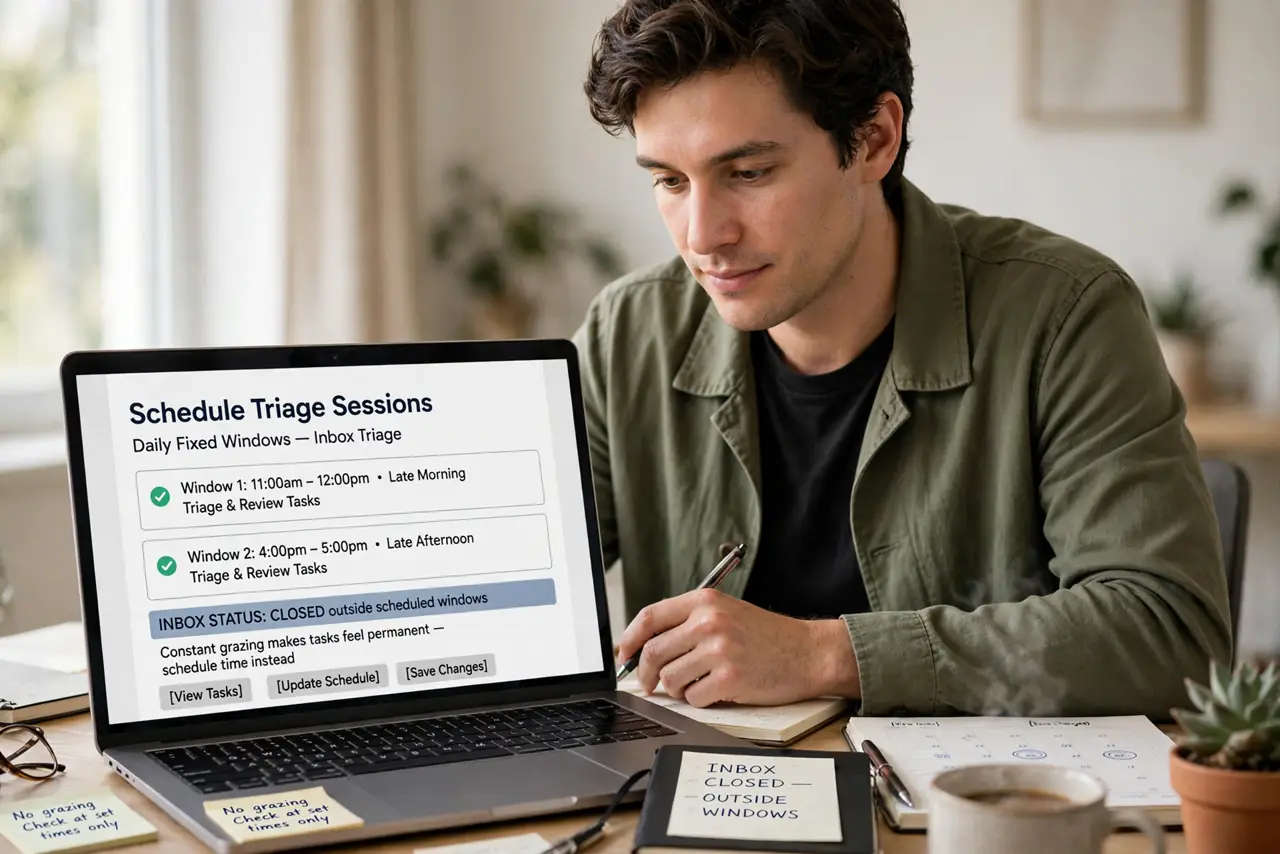
- Schedule triage sessions. Two fixed windows a day — late morning and late afternoon. Outside those, the inbox is closed. Constant grazing is what makes the piling tasks feeling permanent.
- Apply the two-minute rule. If the reply takes under two minutes, do it now — the classic two-minute rule in its natural habitat. Filing a two-minute email for later costs more than answering it.
- Decide, do not re-read. Every email gets one of four fates on first touch: answer, file, delegate, delete. Re-reading without deciding is the actual inbox disease.
- File ruthlessly. Newsletters you never read, threads that ended — archive or delete on sight. A smaller inbox makes the remaining decisions easier.
- Unsubscribe in the moment. When triaging, every unwanted newsletter gets unsubscribed immediately, not later. Later never comes; the unsubscribe link is right there.
- End with inbox zero-ish. The goal is not a holy empty inbox but a decided one. Everything left has a next action and a date — see the realistic inbox zero mindset for keeping it humane.
What NOT to do
- Do not check email first thing. Morning triage before priorities hands your day to strangers — plan first, triage second.
- Do not leave the inbox open all day. Notifications fragment attention; the triage sessions are the container.
- Do not use the inbox as a to-do list. Emails needing real work get converted to tasks with dates, not left to rot.
- Do not aim for perfect zero daily. A decided inbox with five scheduled items beats a frantic empty one.
Frequently asked questions
How long should triage take?
Most inboxes clear in 15 to 30 minutes per session once the habit sticks. The first week is slower — that is normal.
What about emails needing long replies?
Convert to a task, schedule the writing block, archive the email. The inbox holds decisions, not projects.
Should I get to zero every day?
Decided is the goal, not zero. Zero is a side effect of deciding quickly, not a moral achievement.