Work Better with Two Monitors
One screen means constant alt-tabbing: the document hides behind the video call, the chat hides behind the spreadsheet, and your train of thought hides behind all of it. A second monitor is the cheapest productivity upgrade in existence — but only if you arrange it deliberately. Otherwise it becomes a second screen for distractions.
TL;DR / Quick Fix
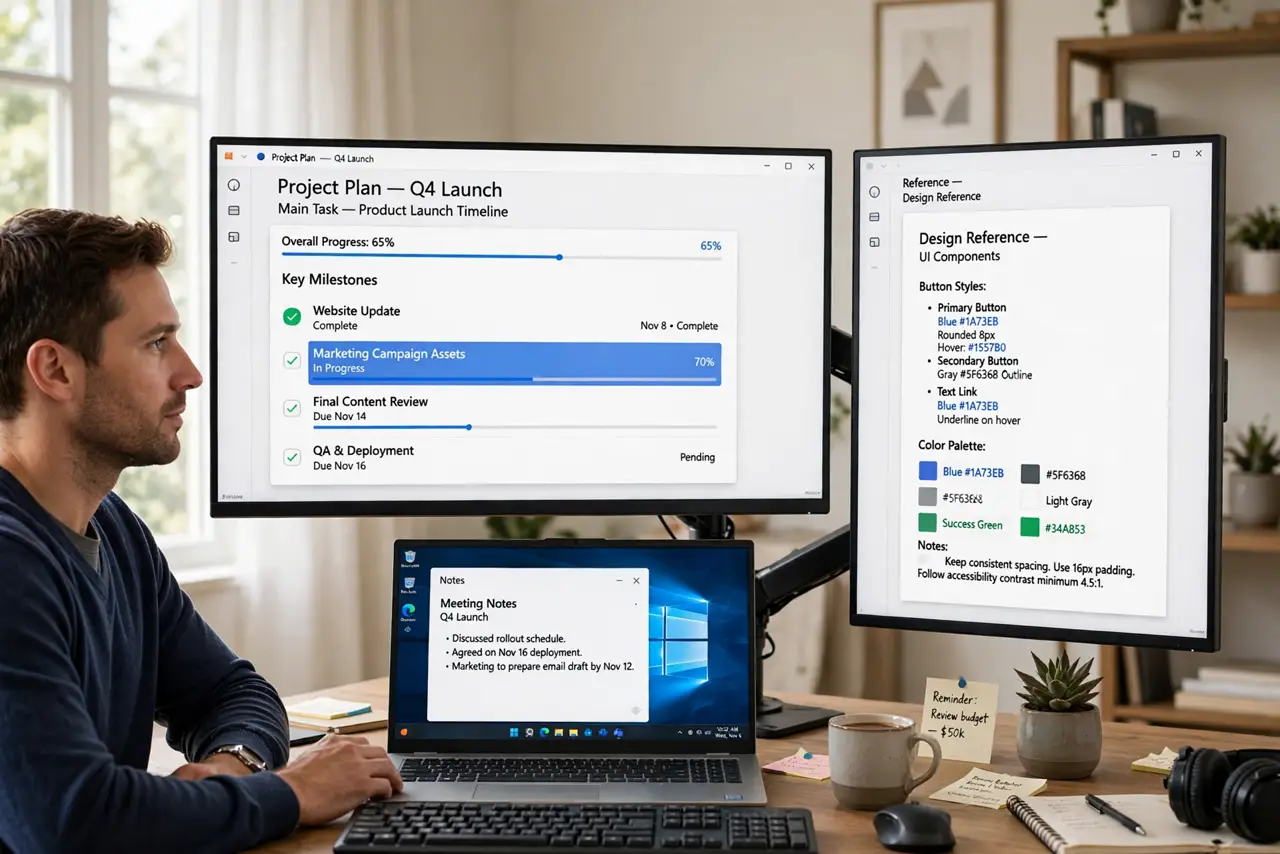
Quick fix: put your main task on the primary screen and reference material — chat, docs, email — on the second. Match heights so your neck stays neutral, and learn window-snapping shortcuts to throw windows between screens. One focused task per screen beats twelve windows scattered everywhere.
Follow these steps
- Put the main task front and center. Your primary monitor holds the work that matters right now. The second screen is for reference — documentation, chat, email, music — never a second main task competing for attention.
- Match heights and distance. Align the tops of both screens at eye level so your neck stays neutral. A second monitor that forces constant looking down trades productivity for a stiff neck.
- Learn window-snapping shortcuts. Master the shortcuts that throw windows between screens and snap them to halves. Speed of arrangement is the whole game — see the window workflow guide for the full routine.
- Align different sizes sensibly. If the monitors differ in size, align them by eye level rather than by base — the size alignment guide shows the least neck-straining arrangement.
- Keep distractions off the second screen. Social feeds and news on the always-visible screen will steal glances all day. The second monitor is for work reference, not a distraction dashboard.
- Try task-based layouts. Coding: editor plus docs. Writing: draft plus research. Calls: video plus notes. Assign each recurring task a layout and switching becomes instant.
What NOT to do
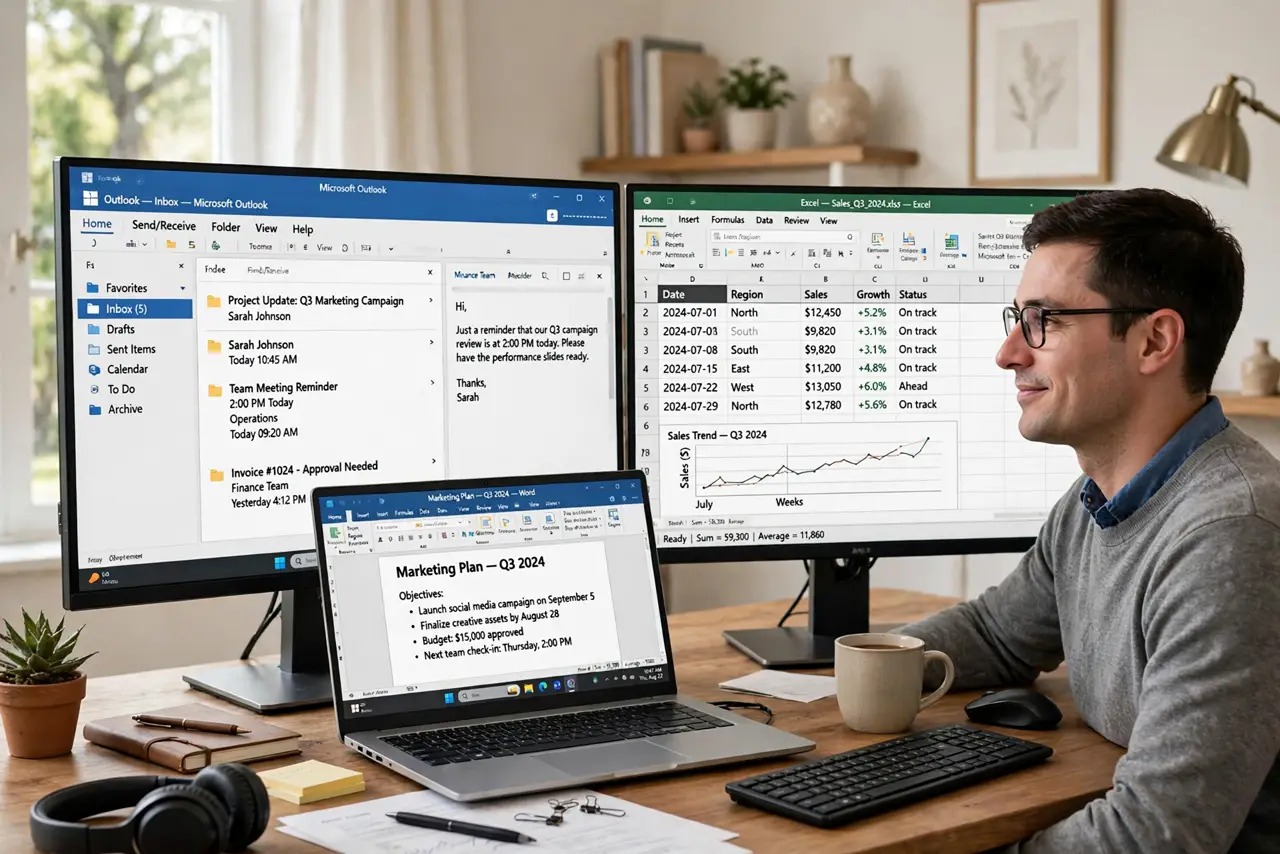
- Do not put email front and center on monitor two. An always-visible inbox trains constant checking — keep it behind a click.
- Do not mismatch brightness wildly. Two screens at very different brightness strains the eyes — match them roughly.
- Do not angle the second monitor away. If you have to swivel your whole body to read it, it is decoration, not a tool.
- Do not assume more screens equal more done. Two is the sweet spot for most people; three often just adds distraction surface.
Frequently asked questions
Is a second monitor worth it?
For knowledge work, yes — it is the highest return-per-dollar upgrade most people can make. The gains come from eliminating alt-tab friction.
Should the monitors match?
Nice but not required. Matching size and resolution is pleasant; matching height and eye level matters more.
What about an ultrawide instead?
Ultrawides replace two monitors elegantly but cost more and complicate fullscreen apps. Two separate screens remain the flexible, cheaper choice.