Update Gadget Firmware
That smart plug has been running the same firmware since you unboxed it three years ago — and somewhere, a public list of its known vulnerabilities has been growing the whole time. Attackers do not hack gadgets so much as look up which old flaws each one still has. Firmware updates close those holes, and most take two minutes from the maker's app. This is the unglamorous chore behind every 'secure your smart home' headline, alongside changing default passwords.
TL;DR / Quick Fix
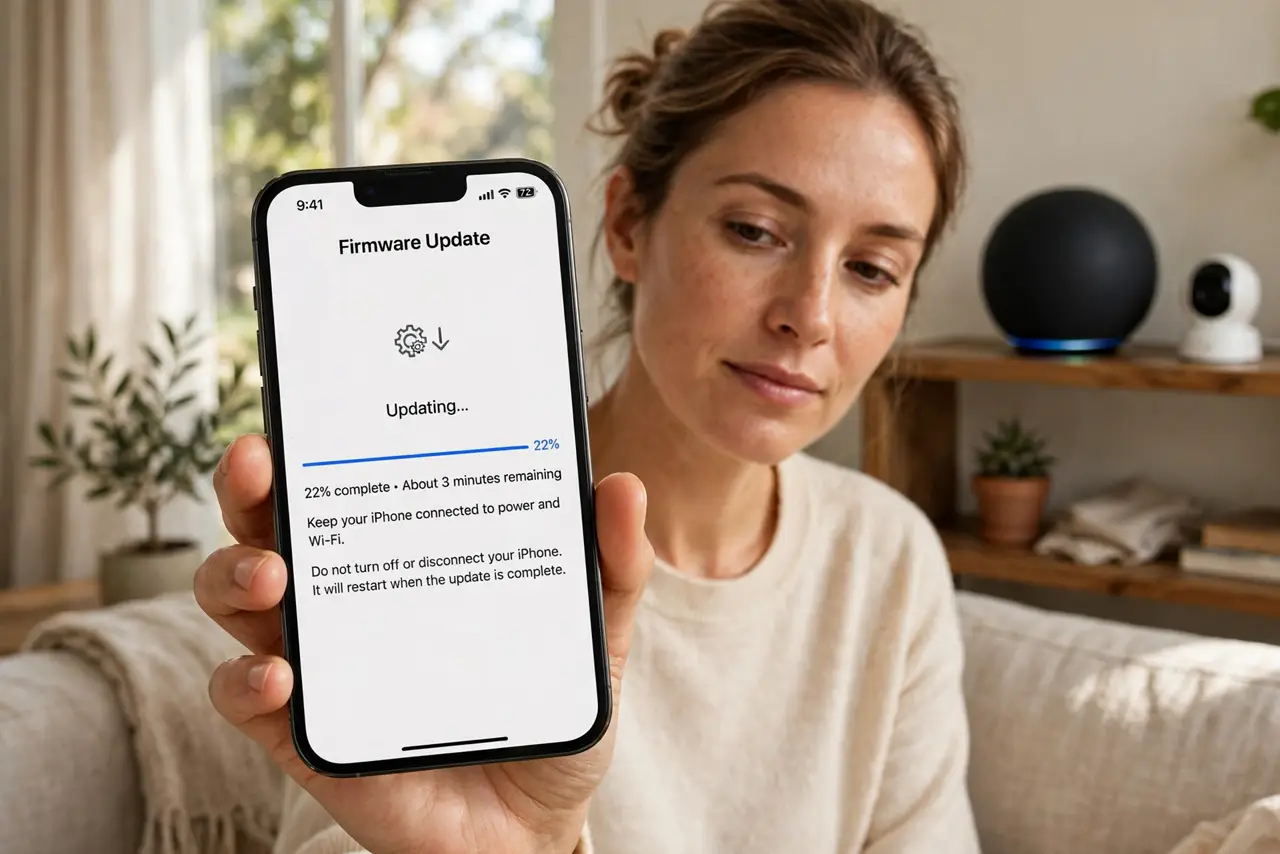
Quick fix: update your smart gadgets' firmware through each maker's app or support page, then turn on automatic updates wherever offered — unpatched gadgets are the easiest targets on any network. Do routers and cameras first. A yearly ten-minute sweep keeps every device off the known-vulnerability lists attackers scan.
Follow these steps
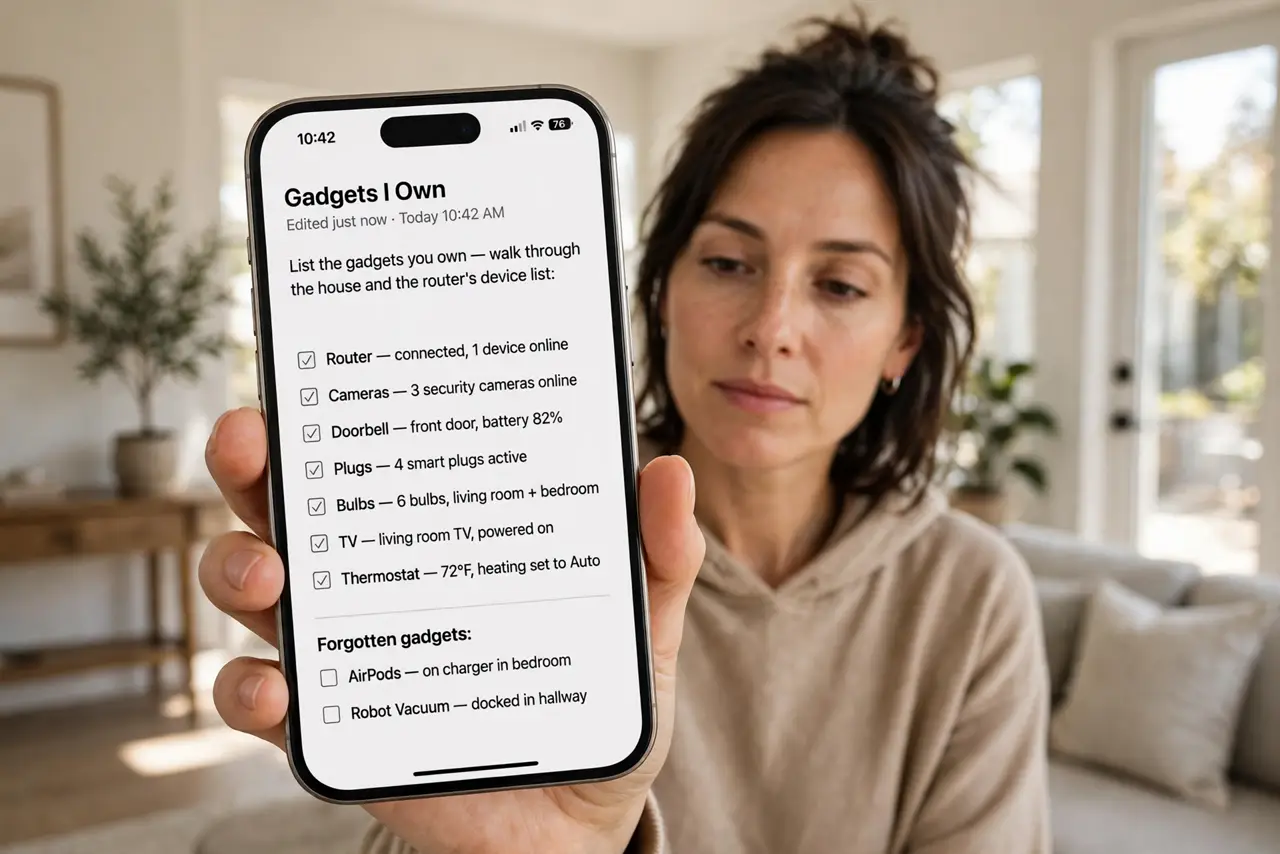
- List the gadgets you own. Walk through the house and the router's device list: router, cameras, doorbell, plugs, bulbs, TV, thermostat. Forgotten gadgets are the unpatched ones — the list is the starting line.
- Check for updates in each maker's app. Open the device's app and look under Settings, Device info, or About for a firmware/software update option. Most makers push updates through the app you already installed at setup.
- Install updates one device at a time. Run the update and let the gadget reboot without interruption — unplugging mid-update can brick cheap devices. Do the router when nobody needs the internet for ten minutes.
- Turn on automatic updates everywhere offered. Cameras, routers, and TVs increasingly offer auto-update toggles. Enable them — future-you will not remember to check manually, and attackers count on exactly that.
- Check the maker's support page for orphans. Gadgets whose apps are abandoned may still have manual updates on the support site. If neither app nor site offers updates, the device is end-of-life — plan its replacement.
- Do a yearly sweep. Once a year, walk the list again and verify everything is current. Ten minutes annually beats discovering a three-year-old flaw the hard way.
What NOT to do
- Do not unplug a gadget mid-update. Interrupted firmware writes brick devices — start updates only when you can leave them alone.
- Do not assume 'it works fine' means 'it is safe.' Working and patched are unrelated — the most vulnerable gadgets work perfectly.
- Do not update the router during work hours. A ten-minute internet outage mid-meeting is avoidable — schedule router updates deliberately.
- Do not keep using a gadget its maker abandoned. No updates means every future flaw stays open forever — end-of-life devices belong on a separate network or in the bin.
Frequently asked questions
Will updates erase my settings?
Almost never — firmware updates preserve configuration. Still, screenshot important settings before a router update, just in case the rare reset happens.
What if the update fails?
Retry once; if it keeps failing, check the maker's support page for a manual update file or recovery mode. Do not factory-reset blindly — a failed update is not a broken device yet.
Do cheap no-name gadgets get updates?
Rarely, which is the real cost of cheap. Prefer makers with a visible update history — it is the best predictor of future support.