Upgrade Laptop RAM
Your laptop with 8 GB of RAM stutters when you open a few browser tabs plus a video call. More RAM is the classic fix — but only some laptops allow it, and buying the wrong stick wastes money. Here is how to check, buy, and install the right memory.
TL;DR / Quick Fix
Quick fix: check if your laptop's RAM is upgradeable — many thin models have soldered memory that cannot change. If it is socketed, match the exact type and speed, install with the power off, and 16 GB is the sweet spot for most people.
Follow these steps
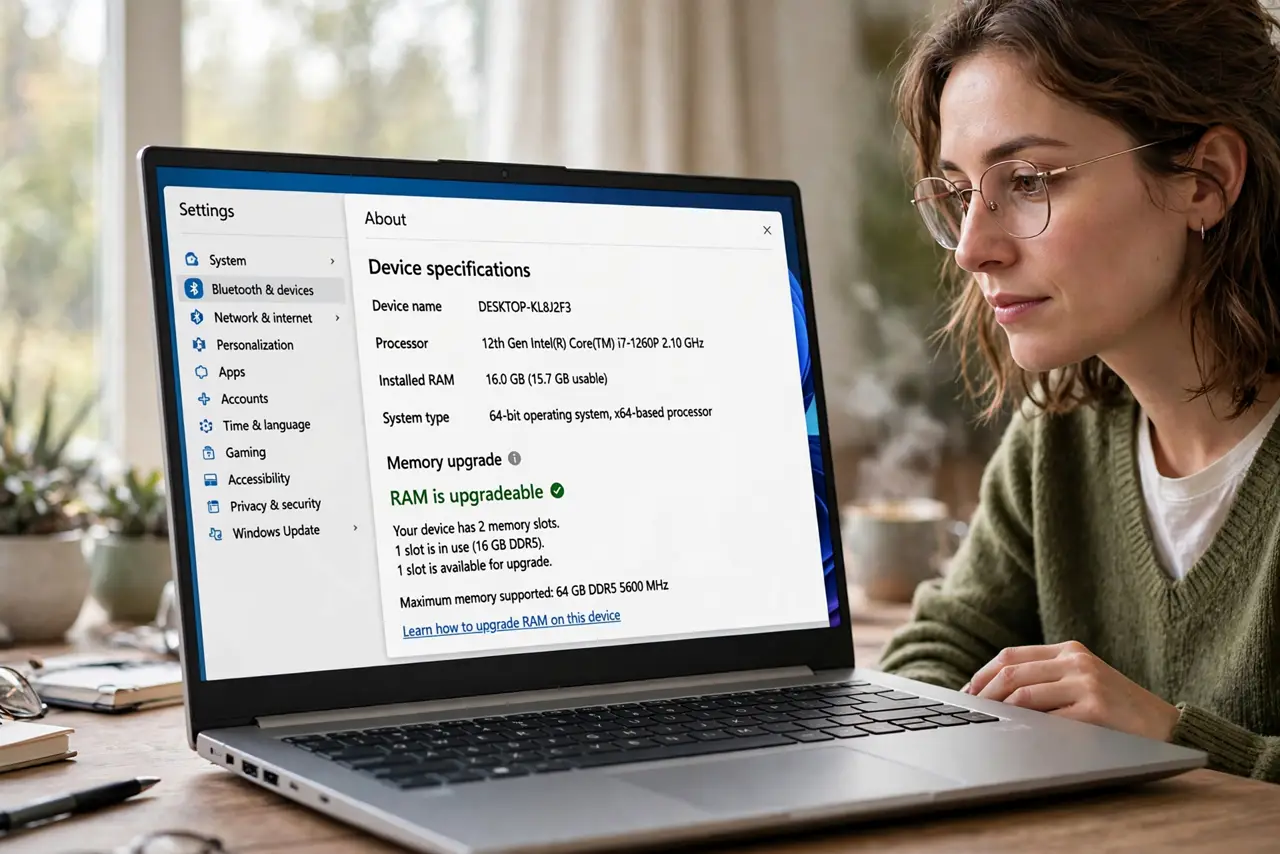
- Check if your RAM is upgradeable. Look up your exact model — see upgradeable check. Soldered RAM cannot be upgraded at any price; socketed RAM can.
- Find the right specification. Match the type (DDR4/DDR5), speed, and form factor (SO-DIMM for laptops). The manual or manufacturer's specs list exactly what fits.
- Decide how much. 8 GB to 16 GB is the meaningful jump for most people. Beyond 16 GB only matters for video editing, VMs, and heavy development.
- Buy matched pairs for dual channel. Two identical sticks run in dual-channel mode, which is faster than one larger stick. Matched pairs beat mixed singles.
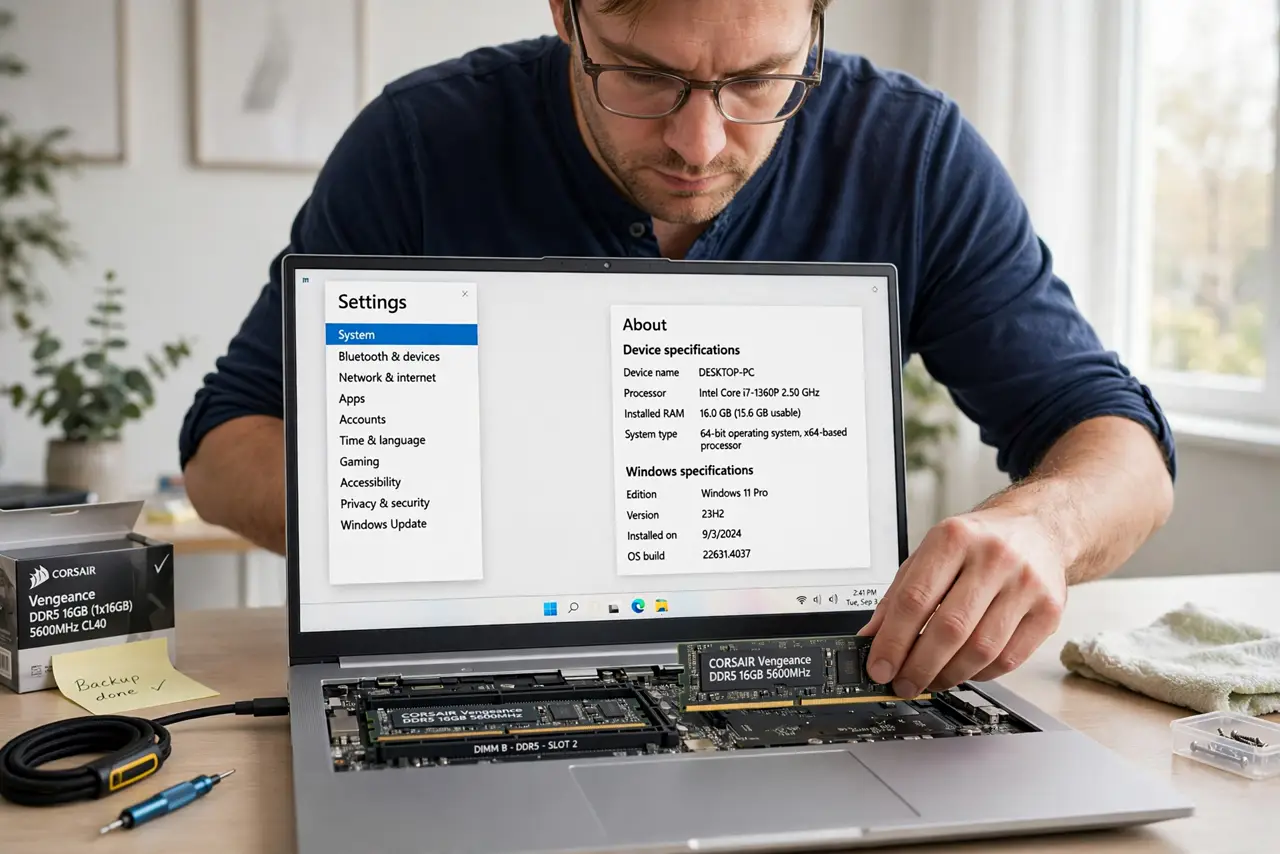
- Install with power fully off. Shut down, unplug, and remove the back panel. Seat the stick at an angle, press down until the clips snap — no force needed when aligned.
- Verify it worked. Boot up and check the system info shows the new total. Run the machine normally for a day — crashes point to a badly seated or faulty stick.
What NOT to do
- Do not buy RAM before checking soldered vs socketed. Soldered memory means no upgrade is possible — ever.
- Do not mix wildly different speeds. The system drops to the slowest stick — matched pairs perform best.
- Do not force the stick. RAM seats with light pressure at the right angle; forcing bends pins.
- Do not upgrade RAM to fix a full drive. Slowness from 95%-full storage needs an SSD upgrade, not memory.
Frequently asked questions
Is 16 GB enough?
For browsing, office work, and light creative tasks, yes — the sweet spot. Heavy workloads want 32 GB.
Will more RAM speed up my old laptop?
If it is memory-starved, noticeably. If the bottleneck is the old hard drive or CPU, less so.
Can I mix brands?
Usually yes if specs match, but matched pairs from one kit are the safest bet.