Upgrade Your Laptop SSD
Your laptop's storage is full and everything crawls — or it still has a spinning hard drive in 2026. An SSD upgrade is the single biggest speed boost an older laptop can get: faster boots, instant app launches, silence. Here is how to do it without losing a file.
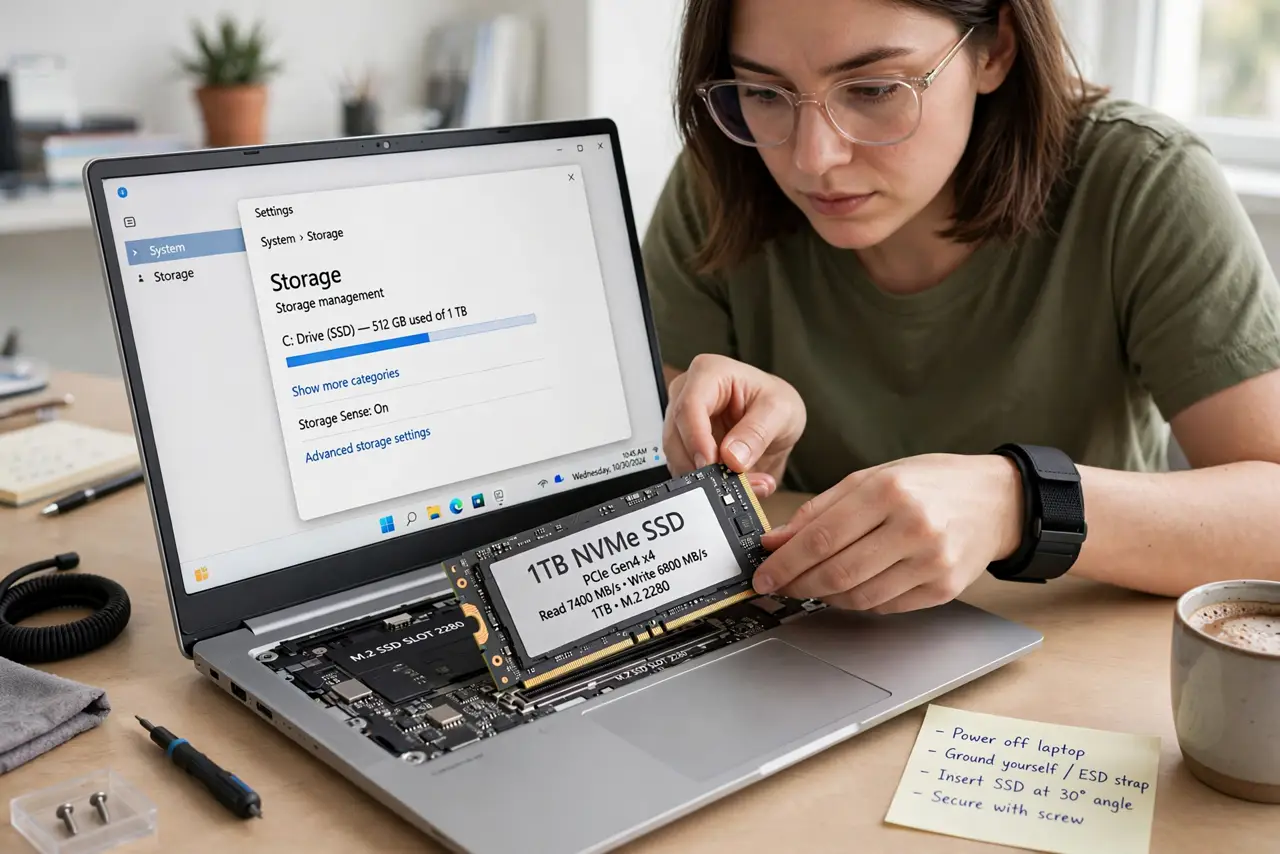
TL;DR / Quick Fix
Quick fix: clone your old drive to the new SSD before swapping, so nothing is lost and Windows boots as before. Match the SSD type your laptop takes — SATA or NVMe. A 500 GB SSD is the value sweet spot for most upgraders.
Follow these steps
- Check what your laptop takes. Look up the model: 2.5-inch SATA, M.2 SATA, or M.2 NVMe. Buying the wrong form factor is the classic mistake — see SSD upgrade basics.
- Back up first. Before touching hardware, back up. Cloning usually preserves everything, but 'usually' is not a backup strategy.
- Clone the old drive. Connect the new SSD via a USB adapter and clone with free cloning software. The new drive becomes an exact copy — same system, same files, more speed.
- Swap the drives. Power off, unplug, open the back panel, and swap. Keep track of screws; laptop screws love to vanish.
- Boot and verify. First boot from the new SSD should look exactly like the old system — only faster. Check that all files and apps are present.
- Keep the old drive as backup. Do not wipe the old drive for a month. It is your free fallback if anything was missed in the clone.
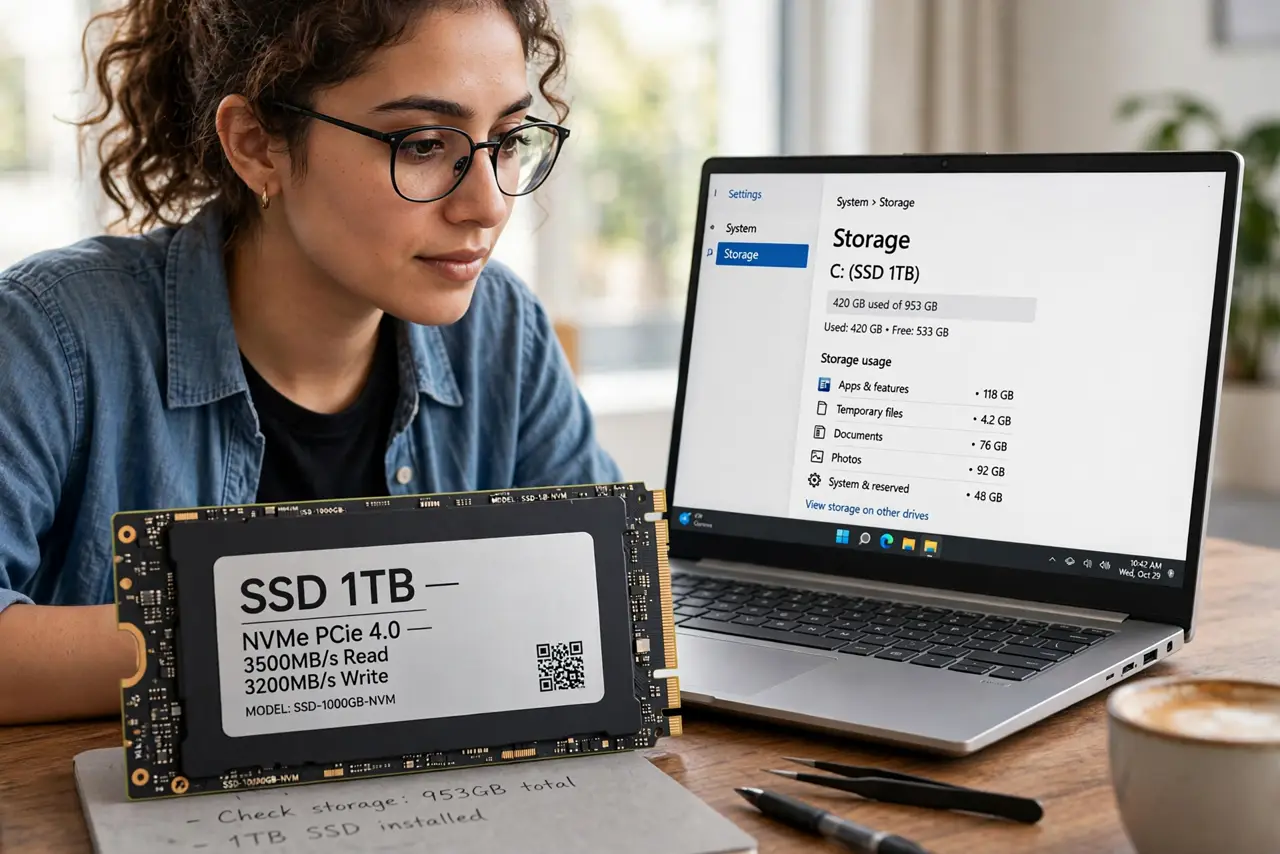
What NOT to do
- Do not buy the wrong form factor. SATA and NVMe M.2 sticks look similar and are not interchangeable — check the keying.
- Do not skip the backup. Cloning is reliable until the one time it is not.
- Do not force connectors. SSDs seat with light pressure; forcing bends pins or cracks the slot.
- Do not wipe the old drive immediately. Keep it intact for weeks as insurance.
Frequently asked questions
SSD or more RAM first?
If the laptop has a spinning hard drive, SSD first — no contest. If it already has an SSD and 8 GB RAM, consider RAM.
How big an SSD do I need?
500 GB suits most people; 1 TB if you hoard photos and video. Bigger is calmer.
Will it really feel faster?
Boot times often drop from minutes to seconds. It is the most dramatic upgrade per dollar in computing.