Not Every USB-C Cable Charges
Same connector, wildly different cables. Some USB-C cables charge at full speed, some trickle, and some only carry data. If your device charges slowly — or not at all — the cable is suspect number one. Here is how to tell them apart.
TL;DR / Quick Fix
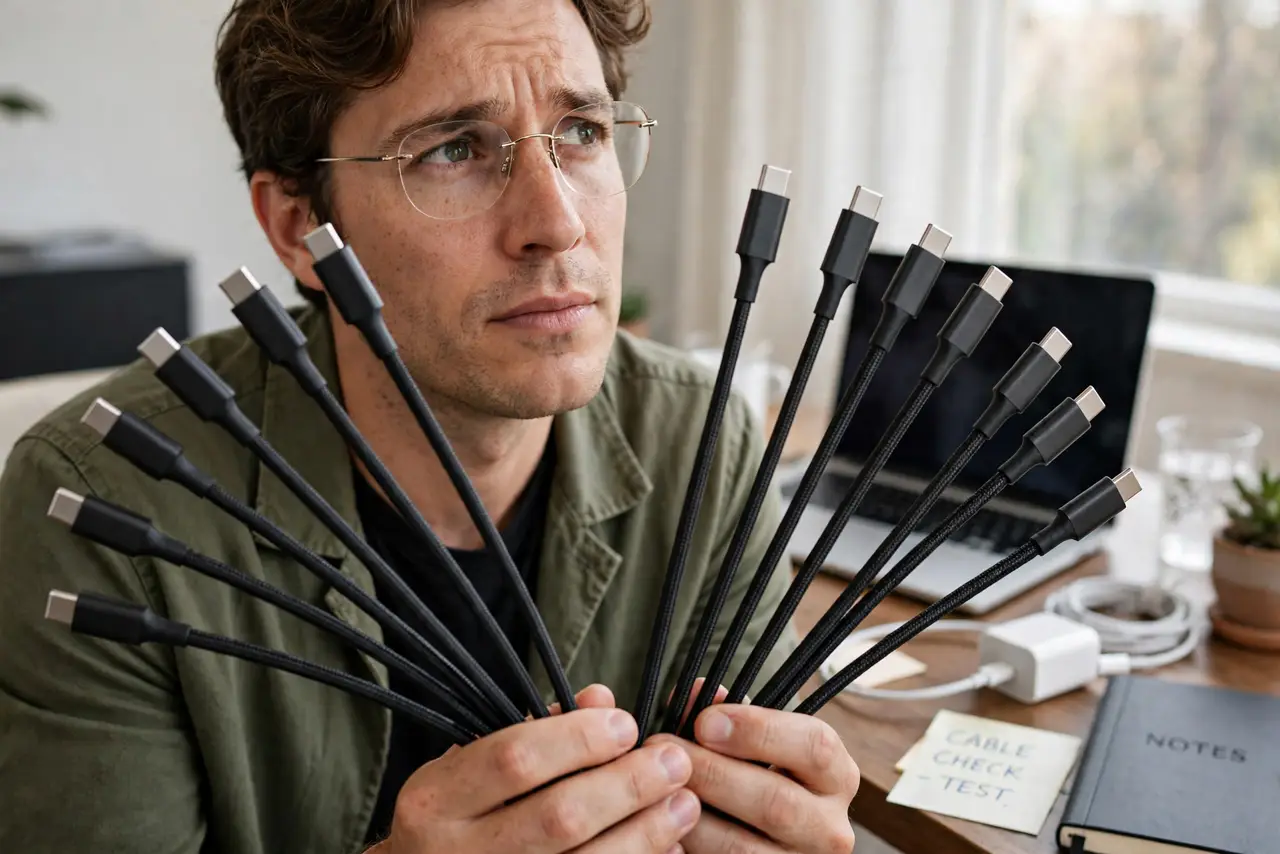
USB-C cables differ in power capacity — some handle high wattage, others barely trickle, and some are data-only. If charging is slow or absent, swap in the cable that came with the device or one rated for your wattage. Check for a printed rating; cable and charger both limit speed.
Follow these steps
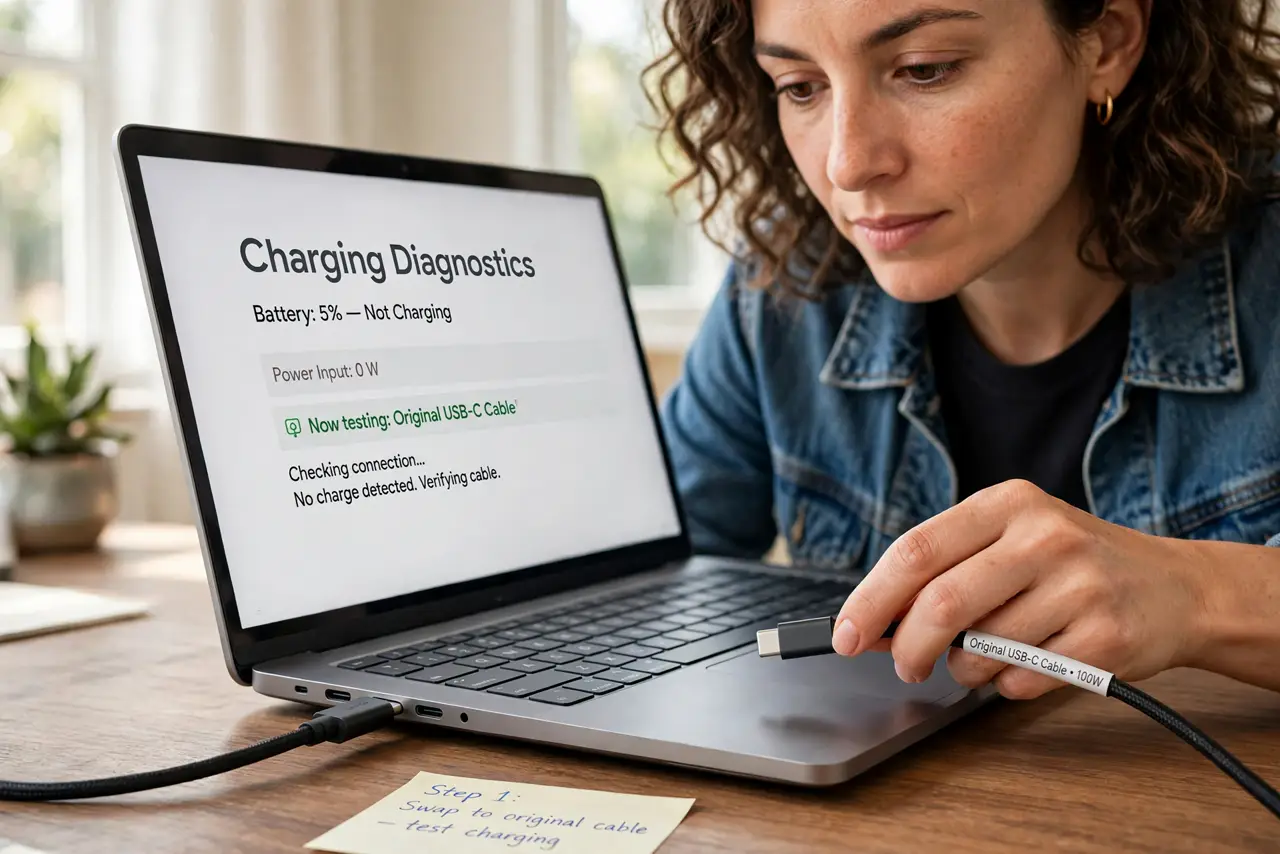
- Swap in the original cable first. It is the fastest diagnosis there is. If charging recovers, the old cable was the problem.
- Read any printing on the cable. Wattage or amp ratings are sometimes printed on the jacket. Faint, but worth a look.
- Learn the data-only trap. Some cables carry data but almost no power — see how to tell them apart.
- Know Thunderbolt vs plain USB-C. Markings differ and both charge, at different rates. The Thunderbolt identifier guide decodes the symbols.
- Test the cable on another device. A cable that fails everywhere is the culprit; one that works elsewhere points back at the charger or laptop.
- Buy rated cables for high-wattage laptops. Match the cable's rating to the charger's watts — the whole chain must agree.
What NOT to do
- Do not assume the thickest cable is the best. Thickness is a weak signal for power capacity.
- Do not use a bargain-bin cable on a high-wattage laptop and expect full speed.
- Do not coil cables tightly around the brick every day. It breaks them internally over time.
- Do not confuse 'charges my phone fine' with 'charges my laptop fine.' Phones sip power; laptops gulp it.
Frequently asked questions
How can I tell a cable's wattage?
Printed ratings, the original packaging, or your device's own 'slow charger' warning are the practical sources.
Do I need a special cable for fast charging?
You need one rated for the wattage — the cable that came with the device usually qualifies.
Can a bad cable damage my device?
Poorly made cables can cause problems. Stick to reputable brands and rated specs.