USB Port Loose? Fix the Connection Safely
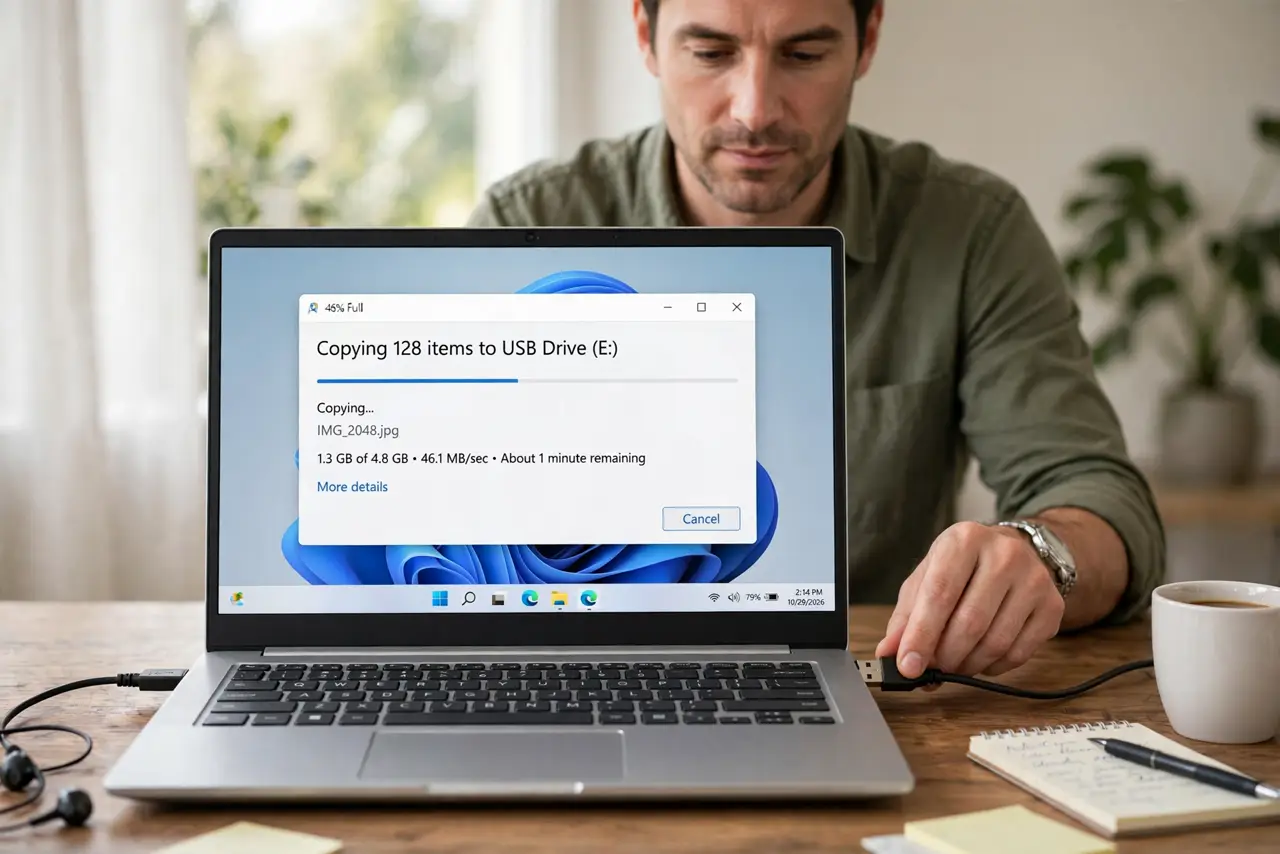
A loose USB connection that drops when you bump the cable is annoying, and it can corrupt a file transfer if it drops mid-copy. The fault can be the cable, the device plug, or the port itself, so test each part before you decide. A port that is physically bent or pushed inside needs a technician, not a tighter cable. If the port works for a mouse but not a drive, the mouse-but-not-drive checks explain the power side.
TL;DR / Quick Fix
Quick fix: Test with a different cable first. Test the same device in a different port. Then work through the remaining steps in order, checking one change at a time, and stop for a technician if you see damage, swelling, or a burning smell.
Follow these steps
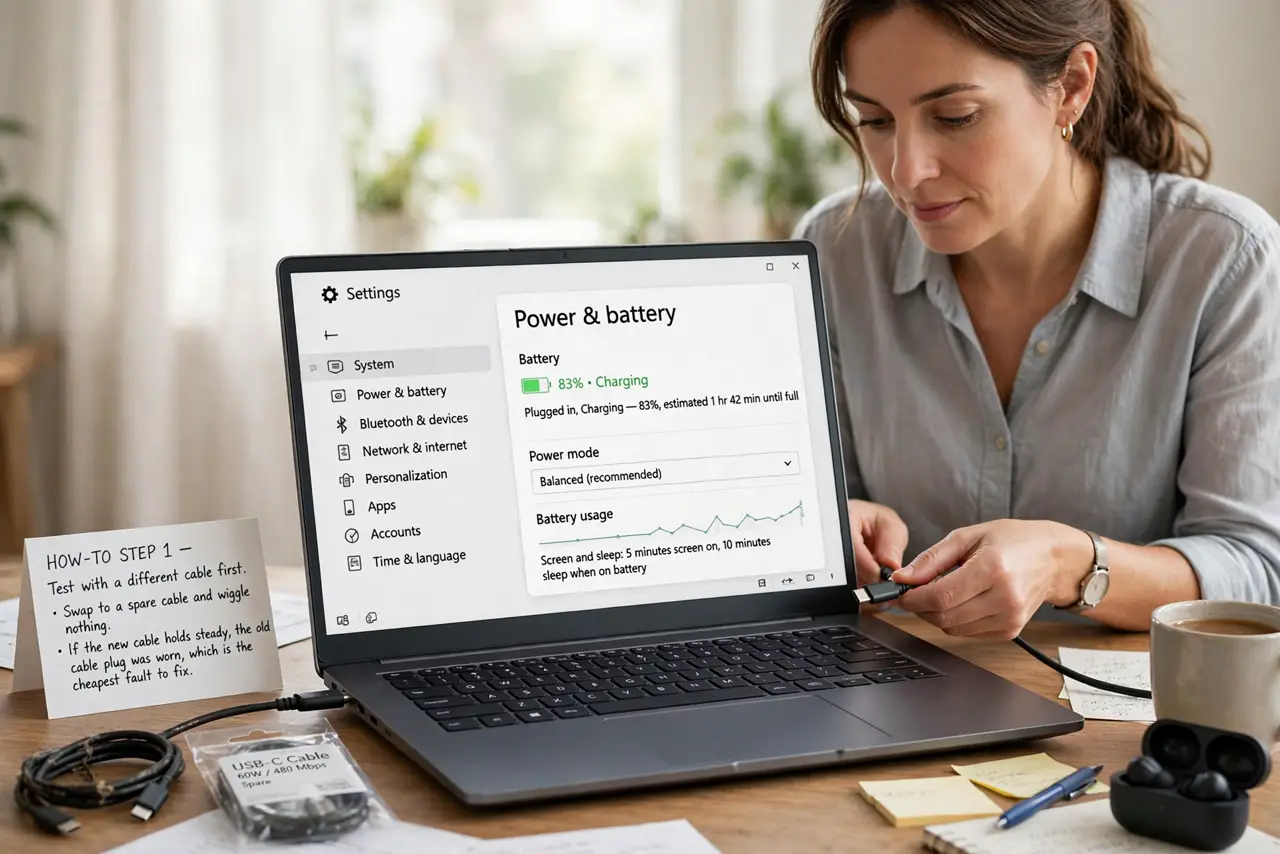
- Test with a different cable first. Swap to a spare cable and wiggle nothing. If the new cable holds steady, the old cable plug was worn, which is the cheapest fault to fix.
- Test the same device in a different port. Plug the same device and cable into another port on the same computer. A steady connection there points to the first port, while a loose connection everywhere points to the cable or device.
- Inspect the port and plug for damage. Shine a light into the port and look for bent pins, debris, or a tongue that moves too freely. Stop if pins are bent, because a bent port can short and damage a device.
- Clean the port gently, with power off. With the computer off, use a short burst of compressed air to clear dust from the port. Do not poke inside with metal tools, and do not use liquids in a port.
- Support the cable so it does not hang. Route the cable so its weight does not pull on the port, and avoid tight bends at the plug. A hanging cable works a loose port worse with every bump.
- Use a different port and book a repair if needed. If one port is loose but others are fine, use a good port for important transfers and book a port repair. A loose port will not tighten itself, and forcing plugs into it makes it worse.
What NOT to do
- Do not jam a plug in harder to make a loose port work. Forcing a plug bends pins and can short the port, damaging the device as well.
- Do not poke inside a USB port with metal tools. A short across port pins can damage the computer board, so use air only, with power off.
- Do not use a loose port for important file transfers. A drop mid-copy can corrupt the file, so use a steady port for anything you cannot afford to lose.
- Do not glue or wedge a plug into a loose port. Glue and wedges trap heat, block the port, and make a proper repair harder.
Frequently asked questions
Why does a cable fall out of one port but not others?
That port internal contacts have worn or bent, so they no longer grip the plug. Other ports with fresh contacts still hold the same cable firmly.
Can a loose port damage my device?
Yes, if pins are bent or the connection drops during a write. A drop mid-transfer can corrupt files, which is why steady ports matter for copies.
Is a loose port worth repairing?
If it is your only free port, yes. If other ports work, use them and book a repair when convenient, rather than forcing the loose one.