USB Power Delivery? Explained
'USB-PD' on a charger box sounds like jargon, but it is the reason one charger can now power your phone, laptop, and headphones. Power Delivery is the negotiation language USB-C devices use to agree on voltage. Here is the plain version.
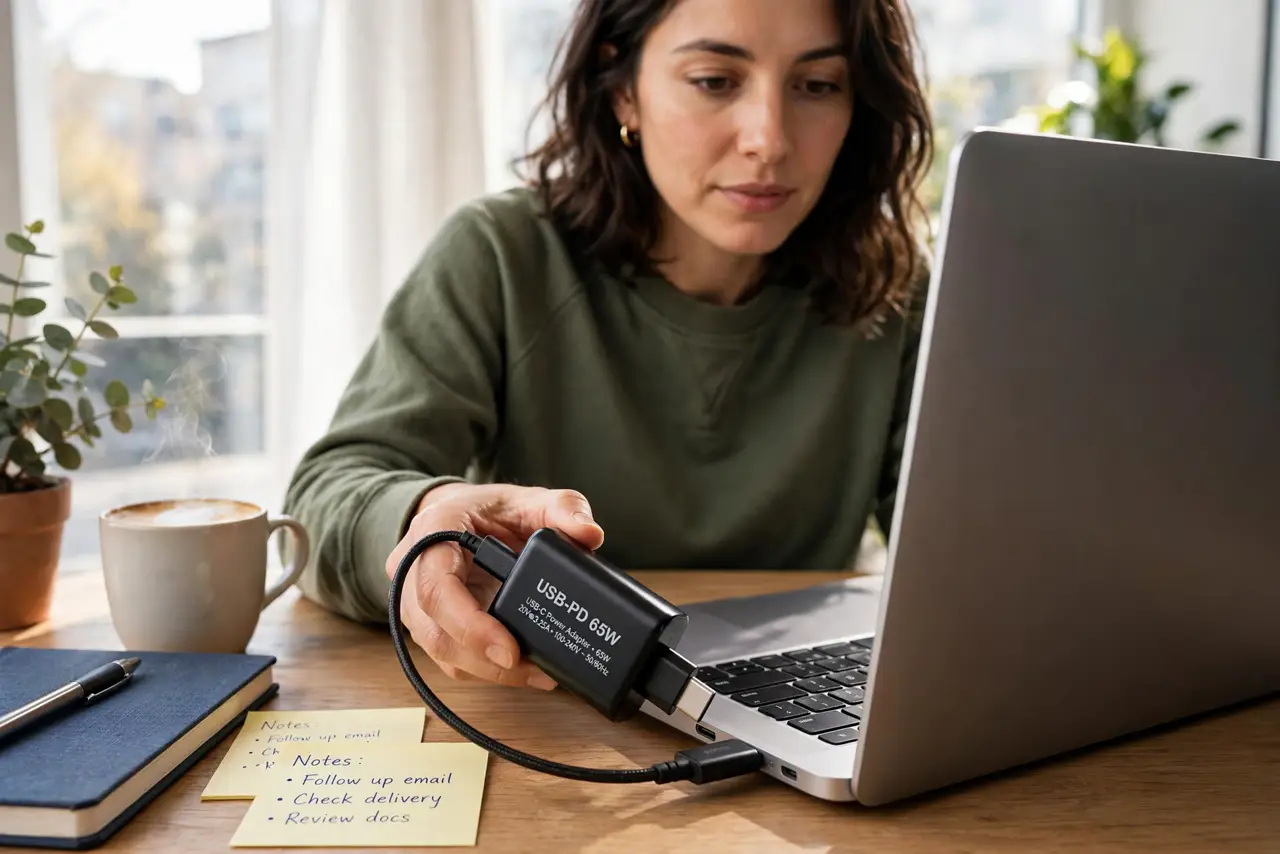
TL;DR / Quick Fix
USB Power Delivery is the standard that lets USB-C chargers and devices negotiate the right voltage automatically — up to high wattages for laptops. If both charger and device support PD, you get fast, safe charging with one brick. Without PD on both ends, charging falls back to slow rates.
Follow these steps
- Check both ends support PD. Charger and device must both speak it. One-sided PD does not negotiate — it just charges slowly.
- Understand the negotiation. The device requests a voltage; the charger supplies it. Automatic, every time you plug in.
- Know why one brick can do everything. PD scales from earbuds to laptops, which is why a single good charger can replace three.
- Watch the wattage ceiling. A 30W PD charger still cannot feed a 90W laptop — see the hub wattage mismatch for where this bites.
- Use a PD-rated cable. The cable must carry the negotiated power, not just the data handshake.
- Do not mix PD with proprietary fast-charge and expect the best of both. The device picks one protocol. Usually PD wins on universality.
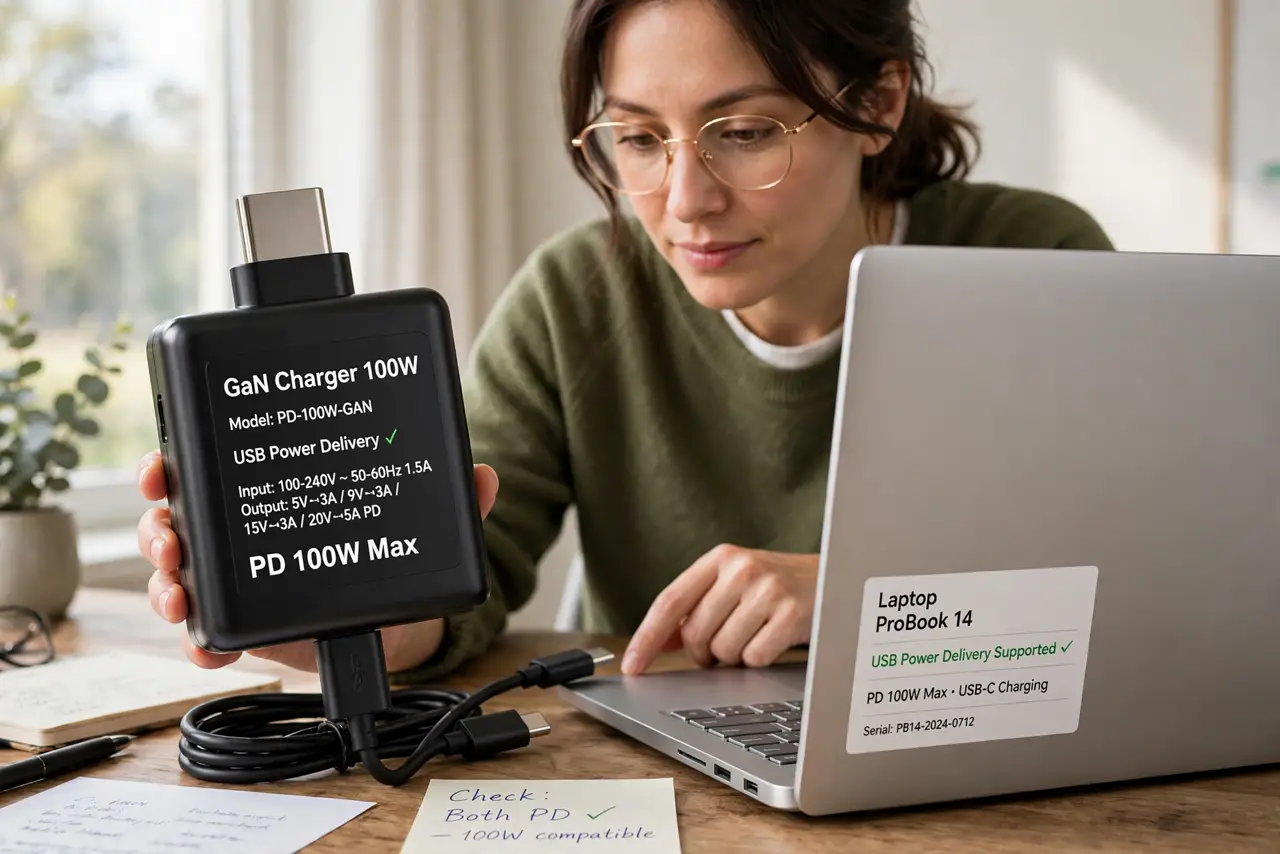
What NOT to do
- Do not assume every USB-C charger speaks PD. Many cheap ones do not — check the specs.
- Do not expect PD to fix a wattage mismatch. Negotiation cannot create watts that are not there.
- Do not charge a laptop through a non-PD hub and wonder why it is slow.
- Do not confuse PD with the cable. Both the charger and the cable must support it.
Frequently asked questions
Is USB-PD safe for small devices?
Yes. Negotiation means earbuds receive earbud-level power, not laptop-level.
What is PPS?
A PD extension allowing finer voltage steps. Nice to have, not required.
Do I need PD for my phone?
Only for fast charging. Basic charging works without it, just slower.