What Is USB4?
USB4 is the newest USB — 40 Gbps, one connector for everything, Thunderbolt compatibility — and the marketing makes it sound like the final answer to cable chaos. In practice it is excellent but optional for most people today. Here is what USB4 actually brings and whether your next device needs it.
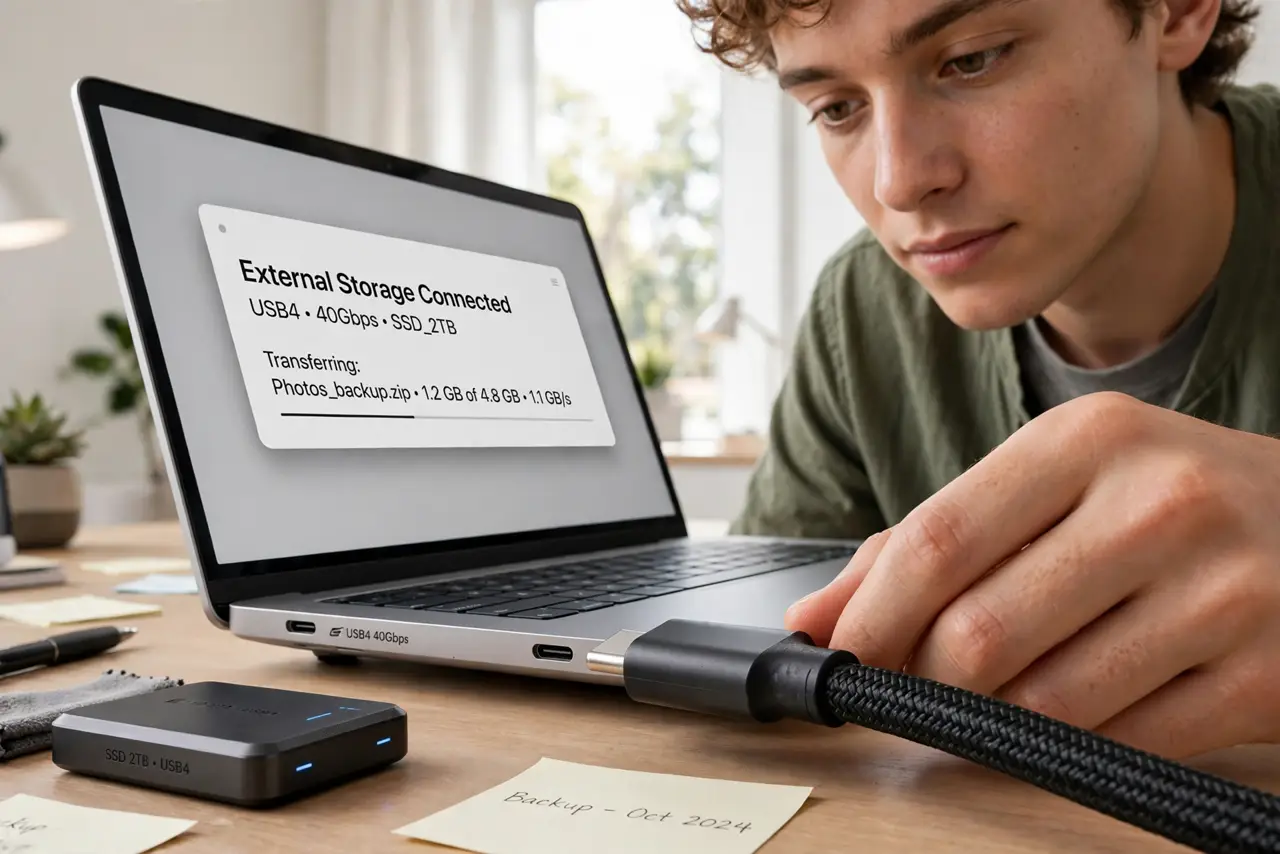
TL;DR / Quick Fix
Quick fix: USB4 is the 40 Gbps successor to USB 3 over the USB-C connector, with optional Thunderbolt compatibility. It matters for fast SSDs, docks, and multi-display setups — not for keyboards and phones. Both port and cable must be USB4-rated; one weak link slows everything.
Follow these steps
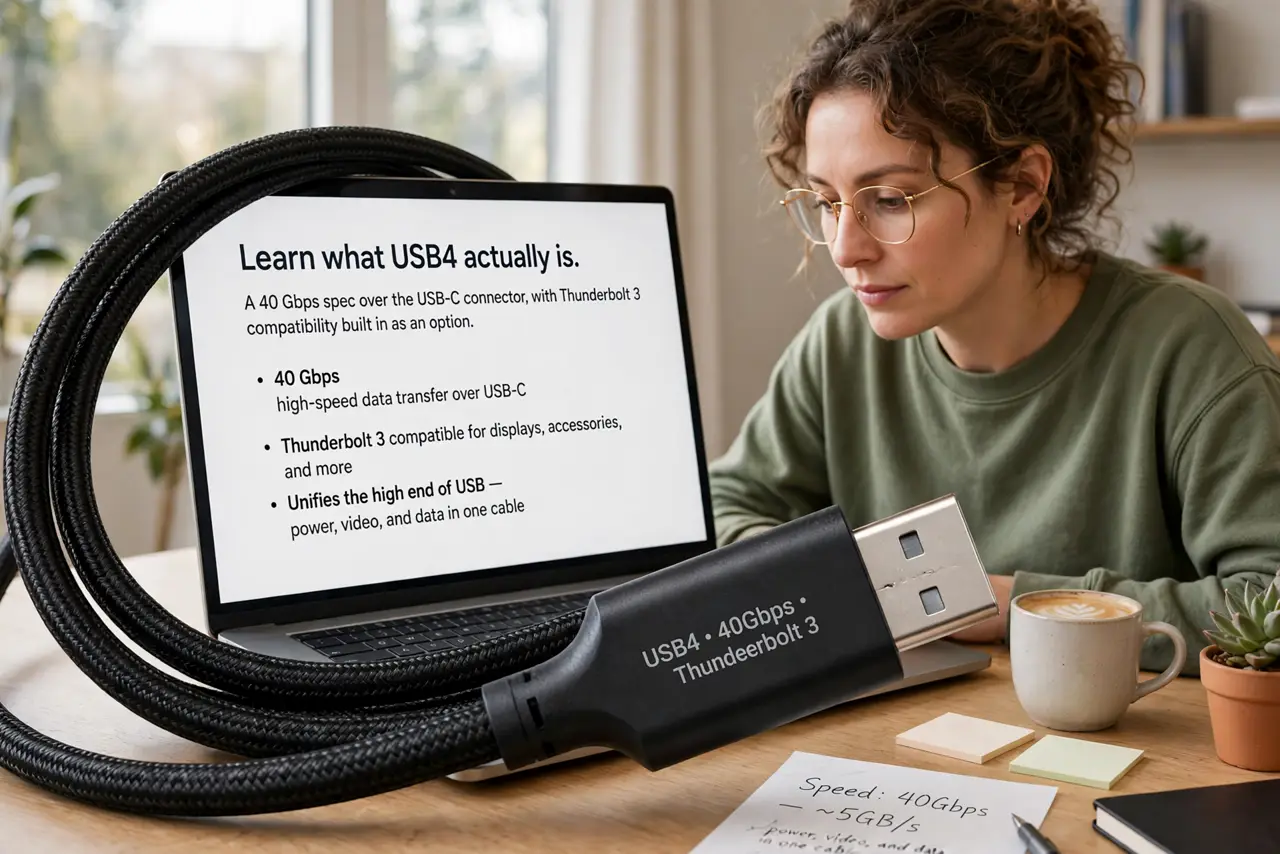
- Learn what USB4 actually is. A 40 Gbps spec over the USB-C connector, with Thunderbolt 3 compatibility built in as an option. It unifies the high end of USB — see the version map for where it sits.
- Know what it is not. USB4 does not automatically mean 40 Gbps — the spec allows 20 Gbps implementations too. And the connector alone tells you nothing; cable identification matters more than ever.
- Match it to real needs. Fast NVMe enclosures, serious docks, and dual-4K displays justify USB4. Everyday peripherals gain nothing — a mouse on USB4 is still a mouse.
- Check both ends of the chain. Port, cable, and device must all be USB4-capable for full speed. A USB4 laptop with a USB 3 cable gives USB 3 results — the chain rule from the USB versions guide applies.
- Understand the Thunderbolt overlap. Many USB4 ports are also Thunderbolt 4 certified, which guarantees the 40 Gbps and display features. Uncertified USB4 may offer less — the badge is the promise.
- Do not upgrade just for the number. If your current setup already saturates your needs, USB4 adds nothing visible. Buy it when you buy the device that needs it, not before.
What to avoid
- Do not assume every USB-C port is USB4. The connector shape is shared across generations — check the specs for the actual version.
- Do not buy USB4 cables for slow devices. Premium cables for a keyboard are wasted money — match cable to device.
- Do not confuse USB4 with USB4 v2. Version 2 reaches 80 Gbps on the newest hardware — another rung appearing above, as always.
- Do not expect USB4 to fix a bad dock. Protocol upgrades do not rescue cheap electronics — a good USB 3 dock beats a bad USB4 one.
Frequently asked questions
Is USB4 backwards compatible?
Fully — it works with all older USB devices, falling back to their speeds gracefully. Old and new coexist on the same port.
Do I need USB4 for an external SSD?
For the fastest NVMe enclosures, yes — they need the bandwidth. For SATA-speed externals, USB 3 is plenty and cheaper.
USB4 vs Thunderbolt 4?
Thunderbolt 4 is stricter — it guarantees 40 Gbps, dual 4K, and more. USB4 is the broader spec with optional capabilities; the Thunderbolt badge is the stronger promise.