Try a Vertical Mouse
By 4pm your wrist aches — the flat mouse forces your forearm into a twisted, palm-down position for eight hours straight. A vertical mouse holds your hand in a neutral 'handshake' grip instead, and for many people the difference is immediate. It looks strange; it feels strange for two days; then it feels normal. Here is how to try one properly.
TL;DR / Quick Fix
Quick fix: a vertical mouse holds your hand in a neutral handshake position instead of twisted flat — which relieves wrist strain for many all-day users. Give it a full week before judging; the first days feel strange. Pair it with proper desk height for the full ergonomic win.
Follow these steps
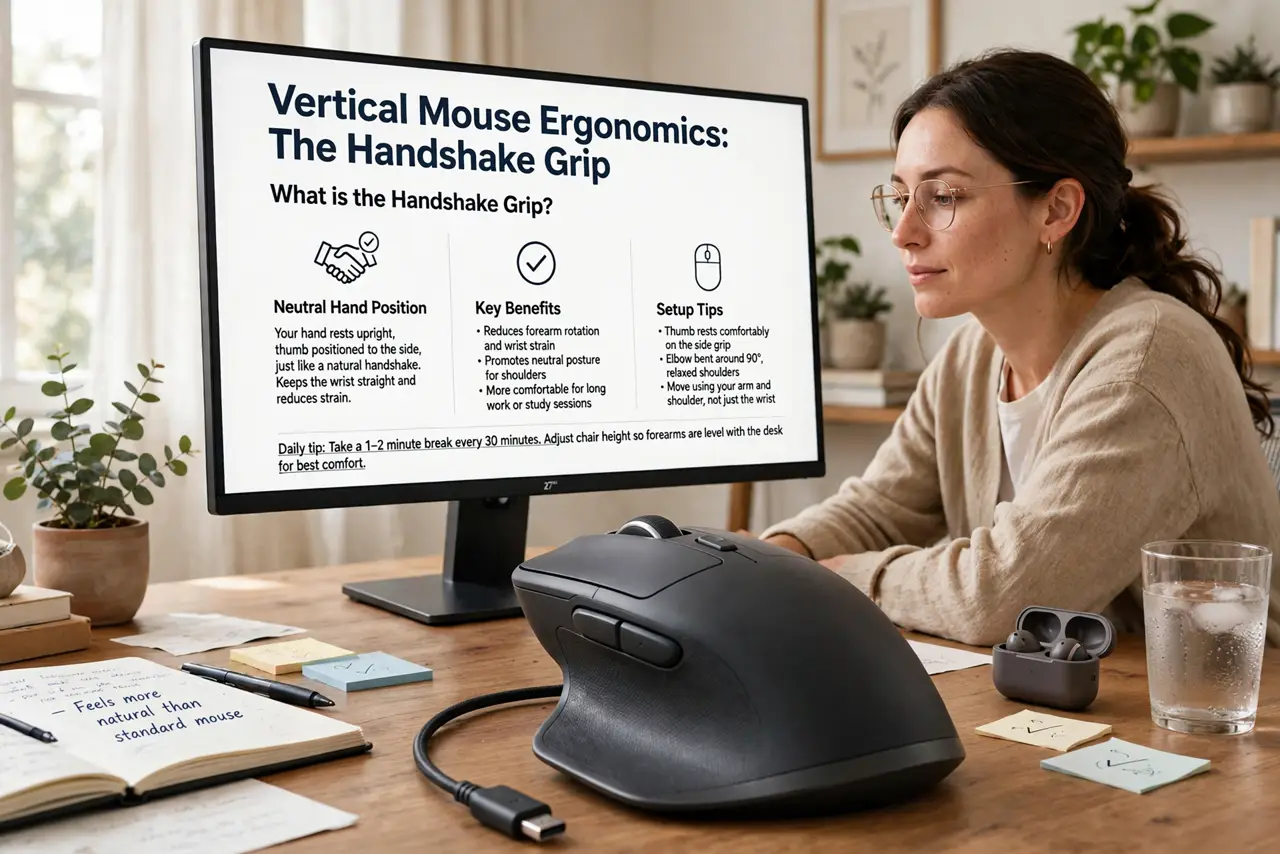
- Understand the ergonomics. A flat mouse pronates your forearm — palm down, twisted. A vertical mouse keeps the handshake position: neutral wrist, relaxed forearm. Hours of twist become hours of neutral; that is the entire medical argument, and it is a good one.
- Pick the right size. Vertical mice come in sizes like gloves — too big strains, too small cramps. Check the maker's sizing guide against your hand length. The vertical mouse roundup covers the popular models.
- Give it a full week. Day one feels alien; precision suffers and you will miss clicks. By day five most people are back to full speed. Judging on day one is like judging shoes after one block — the adaptation is the point.
- Set desk height correctly. The mouse only helps if your elbow sits near 90 degrees with the wrist straight. A vertical mouse on a too-high desk still strains — ergonomics is a system, and the ergonomic keyboard guide completes the picture.
- Keep your old mouse handy. For precision gaming or detailed design work, many people keep a flat mouse for those sessions. Vertical for the workday, traditional for play — no rule says one mouse forever.
- Watch for real pain signals. A vertical mouse relieves strain; it does not treat injury. Numbness, tingling, or pain that persists for weeks deserves a doctor or physiotherapist, not a shopping decision.
What NOT to do
- Do not judge it after one afternoon. The adaptation curve is real — nearly everyone hates day one and most converts love day ten.
- Do not buy the cheapest vertical mouse. Bad sensors and mushy buttons will make you blame the form factor for the manufacturer's sins.
- Do not ignore the rest of the setup. Chair height, monitor height, and keyboard position matter as much — the mouse is one piece.
- Do not push through sharp pain. Discomfort while adapting is normal; sharp or radiating pain is a medical signal, not an adjustment phase.
Frequently asked questions
Are vertical mice actually better?
For wrist posture, yes — the neutral grip is biomechanically kinder. Whether that translates to less pain varies by person, but the mechanism is sound.
Can I game with a vertical mouse?
Casually, yes. Competitively, most players stick with flat mice — the vertical grip trades a little precision for comfort, and esports notices.
Wired or wireless vertical mouse?
Wireless for the clean desk, wired for zero-latency work. Battery life on modern wireless models is months, so it is mostly about preference.