VGA Adapter Picture Shifted? Center It Again
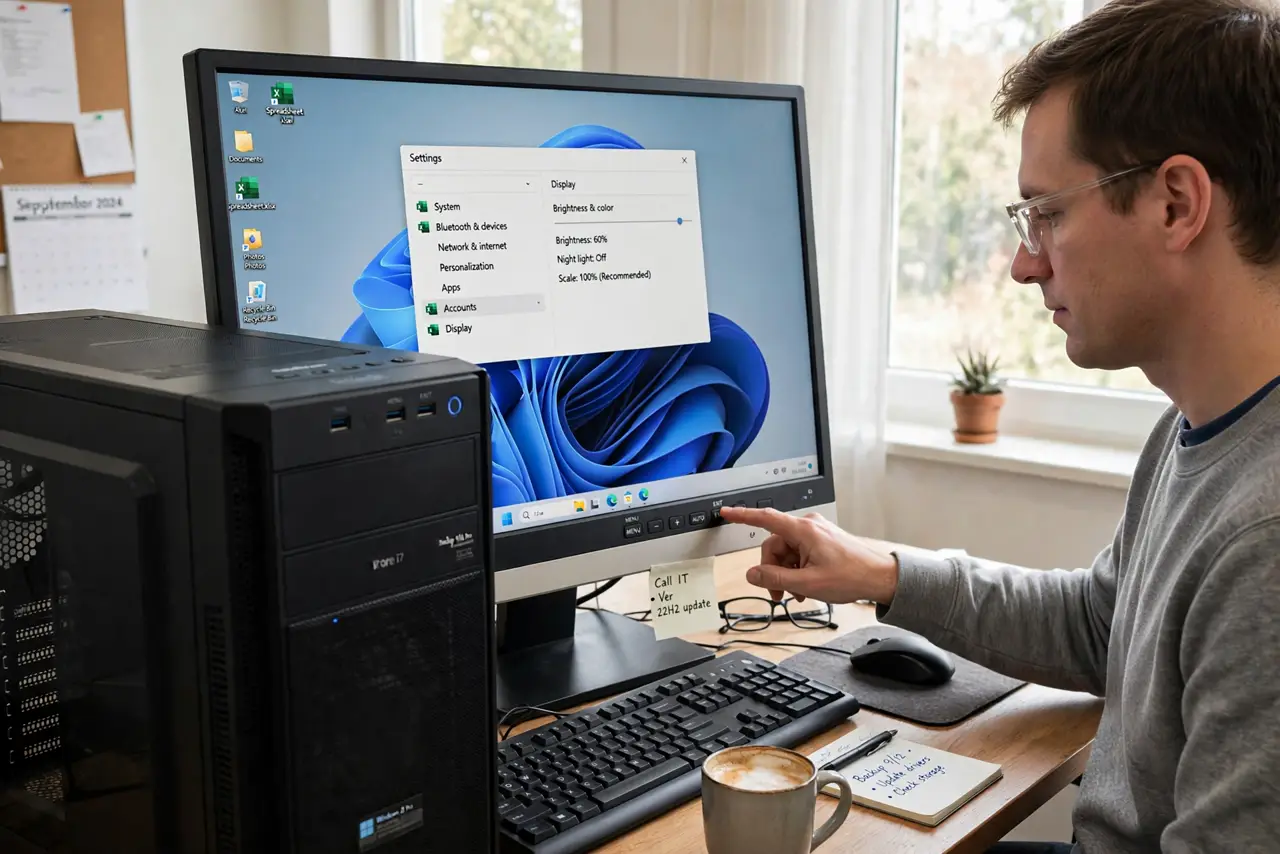
A VGA picture shifted to one side, with a black bar or a cut-off edge, usually means the monitor misread the analog signal, or the adapter is loose. Analog signals need the monitor to guess the timing, and a loose adapter makes that guess wrong. Start with the monitor own controls, which exist exactly for this. A digital port that shows nothing needs the HDMI no signal checks instead.
TL;DR / Quick Fix
Quick fix: Run the monitor auto-adjust. Reseat the VGA adapter firmly. Then work through the remaining steps in order, checking one change at a time, and stop for a technician if you see damage, swelling, or a burning smell. Check each change before moving on.
Follow these steps
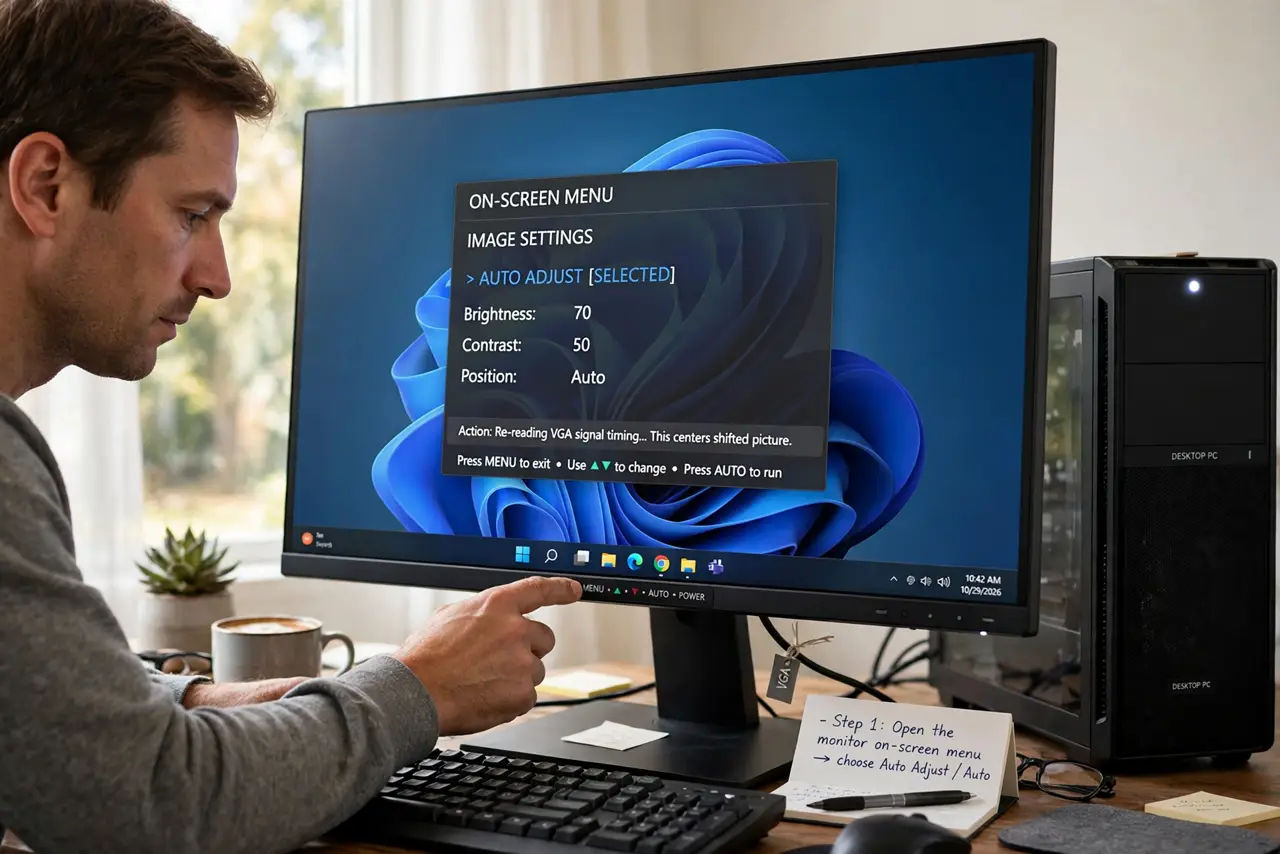
- Run the monitor auto-adjust. Open the monitor on-screen menu and choose Auto Adjust or Auto. This makes the monitor re-read the VGA signal timing, which centers most shifted pictures at once.
- Reseat the VGA adapter firmly. Unplug the adapter at both ends, check the pins for bends, then push it fully in and tighten the side screws by hand. A loose adapter shifts the picture and can add color faults too.
- Use the monitor position controls. In the monitor menu, find the horizontal and vertical position controls and nudge the picture until it is centered. Save the setting if the menu offers a save option.
- Set a resolution the monitor supports. In display settings, choose a standard resolution the monitor maker lists, not the highest the PC offers. An unsupported resolution can shift, stretch, or blank a VGA picture.
- Try a different adapter if you can. Swap to a spare VGA adapter and test again. Adapters vary, and a faulty adapter can shift the picture even when the cable and monitor are fine.
- Test the monitor on a direct VGA port if one exists. If the PC or another device has a direct VGA port, test the monitor there. A centered picture on a direct port points to the adapter, not the monitor.
What NOT to do
- Do not force a VGA plug with bent pins. Bent pins can damage the port, so replace the cable or adapter instead of forcing it in.
- Do not overtighten VGA screws with tools. Hand-tight is enough, and tools can break the connector or strip the screws.
- Do not set a resolution the monitor cannot support and leave it. If the screen goes blank, wait for it to revert, or restart into a safe resolution.
- Do not buy a new monitor for a shifted VGA picture. Auto-adjust, seating, and a spare adapter fix most shifted pictures for free.
Frequently asked questions
Why is only a VGA picture shifted?
VGA is analog, so the monitor must guess the signal timing. A loose adapter or an odd resolution makes that guess wrong, while digital signals carry timing exactly.
What does auto-adjust actually do?
It re-reads the analog signal and resets position, size, and phase to match it. That is why it fixes most shifts in one press.
What if auto-adjust does nothing?
Reseat the adapter and check the resolution next. If both fail, try a spare adapter, because the adapter itself may be faulty.