VPN Location Shows Wrong Country? Fix It
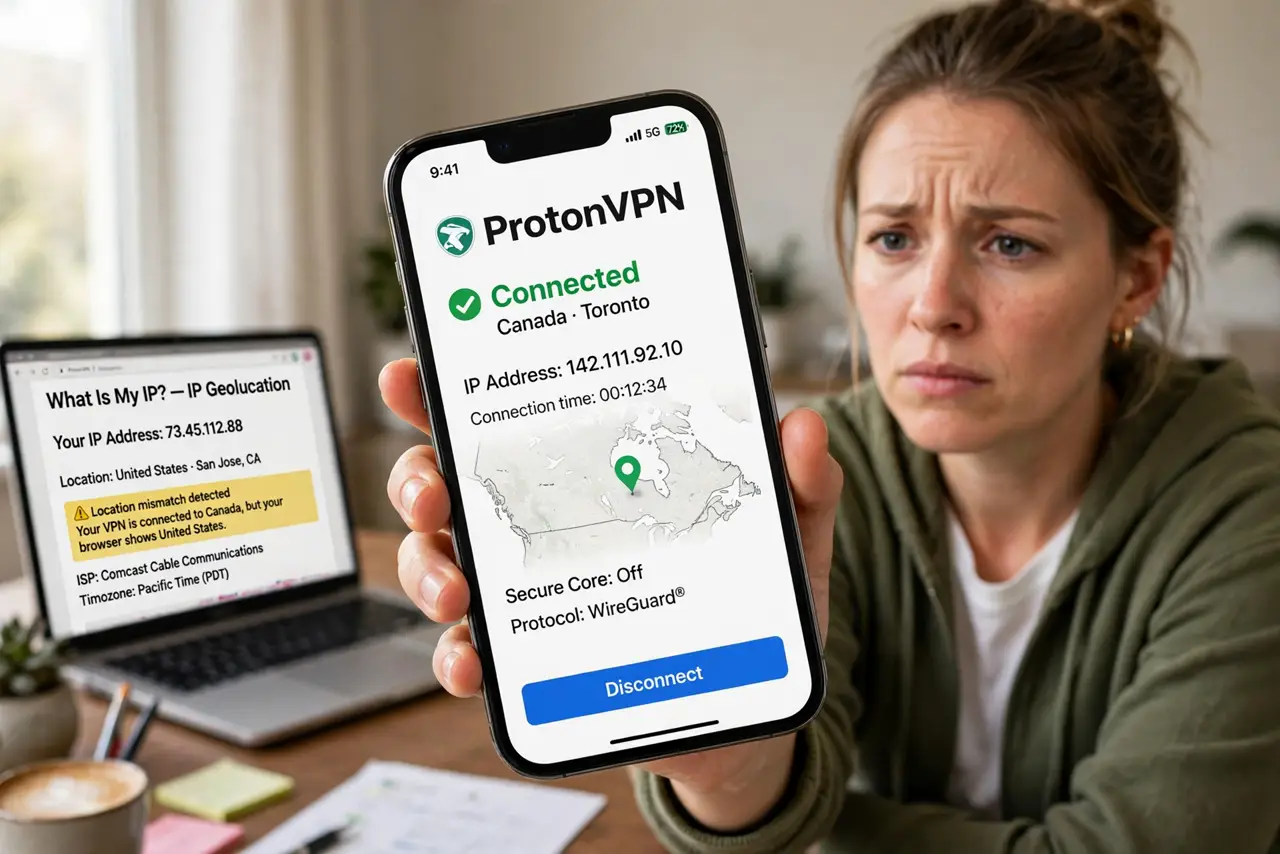
You pick a server in one country, but a site still shows you in another. That usually comes from cached location data, a browser location setting, or a server whose address is registered elsewhere. Work through server, cache, and settings in order.
TL;DR / Quick Fix
Quick fix: disconnect and connect to a different server in the country you want, clear cookies and site data for the site, and reload it. If it still shows wrong, check browser location permission and try a private window. Switch servers and clear old data.
Follow these steps
- Reconnect to a server in the wanted country. Disconnect the VPN, choose a specific server in the country you want, not just a region, and reconnect. Confirm the VPN app shows the intended country.
- Clear cookies and site data for the site. Clear cookies and site data for the site that shows the wrong location. Old cookies can tell the site where you were before, even after the VPN changes.
- Reload the site in a private window. Open the site in a private or incognito window with the VPN connected. A private window skips old cookies and extensions that may leak location.
- Check browser location permission. Check whether the site has location permission in your browser. If it does, it can read device location directly, bypassing the VPN country entirely.
- Turn off device location for that test. Turn device location off, or deny it for the browser, while testing. This forces the site to rely on the VPN address instead of GPS.
- Try another server in the same country. If the country is still wrong, try a different server in that country. Some server addresses are registered in a neighboring country, and another server fixes it.
What NOT to do
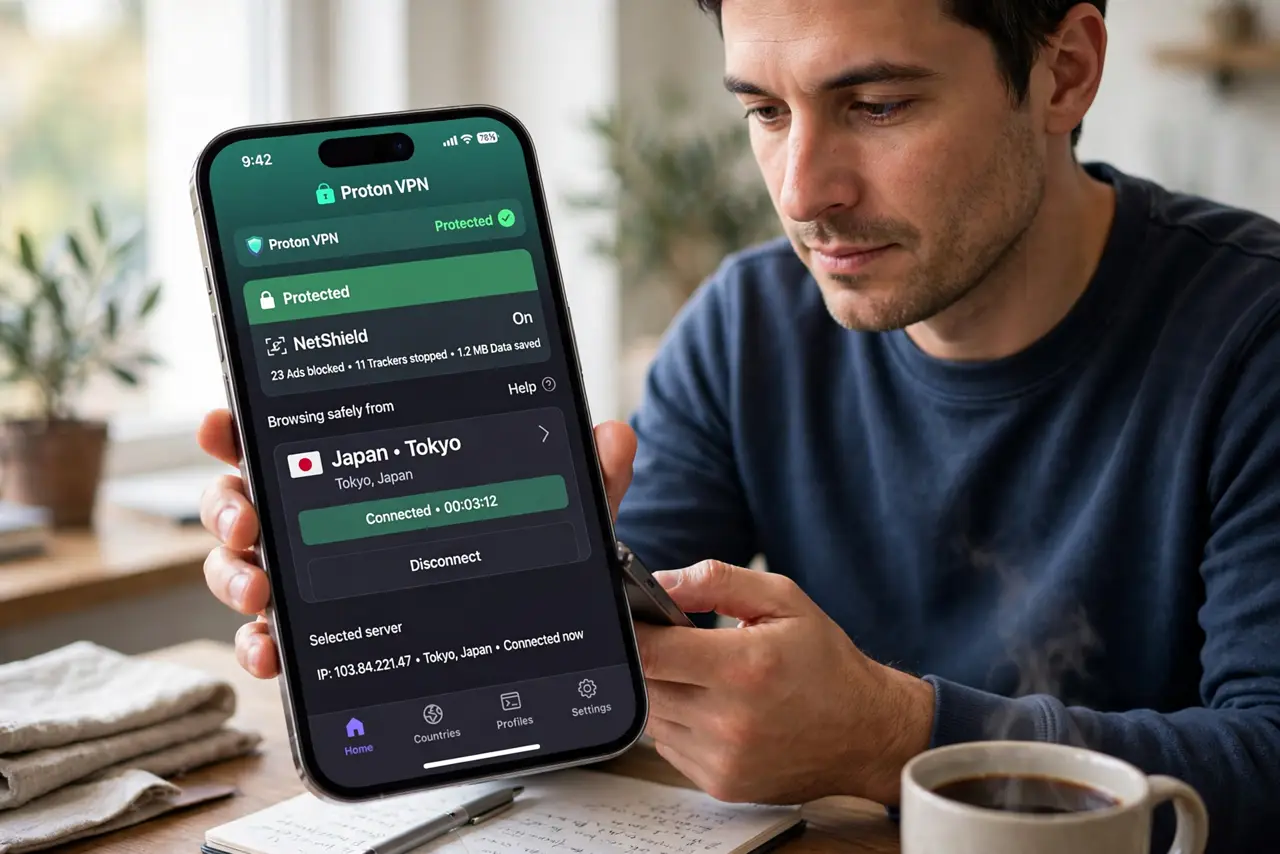
- Do not keep reconnecting to the same server expecting a different country. Change the server, clear the cookies, and test again.
- Do not grant location permission to a site while testing VPN country. Device location overrides the VPN address for that site.
- Do not assume the VPN is broken because one site shows wrong. Test a second site, since one site may cache location longer than others.
- Do not use a free location spoofer alongside the VPN. Extra tools can leak your real location and conflict with the VPN.
Frequently asked questions
Why does a site still show my real country?
Usually cached cookies, a location permission, or a server address registered elsewhere. Clearing cookies and denying location fixes most cases.
Can a VPN hide GPS location?
No, not on its own. A VPN changes network address, but apps with GPS permission can still read device location. Deny that permission for accurate tests.
What if every server shows wrong?
Check the VPN app for a location leak test, update the app, and contact its support with the server names you tried.