VPN Myths Debunked
VPN ads promise total invisibility, military-grade everything, and hackers trembling at your firewall. The reality is narrower and still useful: a VPN encrypts your traffic to one company instead of your ISP, hides your IP from websites, and dodges some throttling. Worth having for the right reasons — not the marketed ones.
TL;DR / Quick Fix
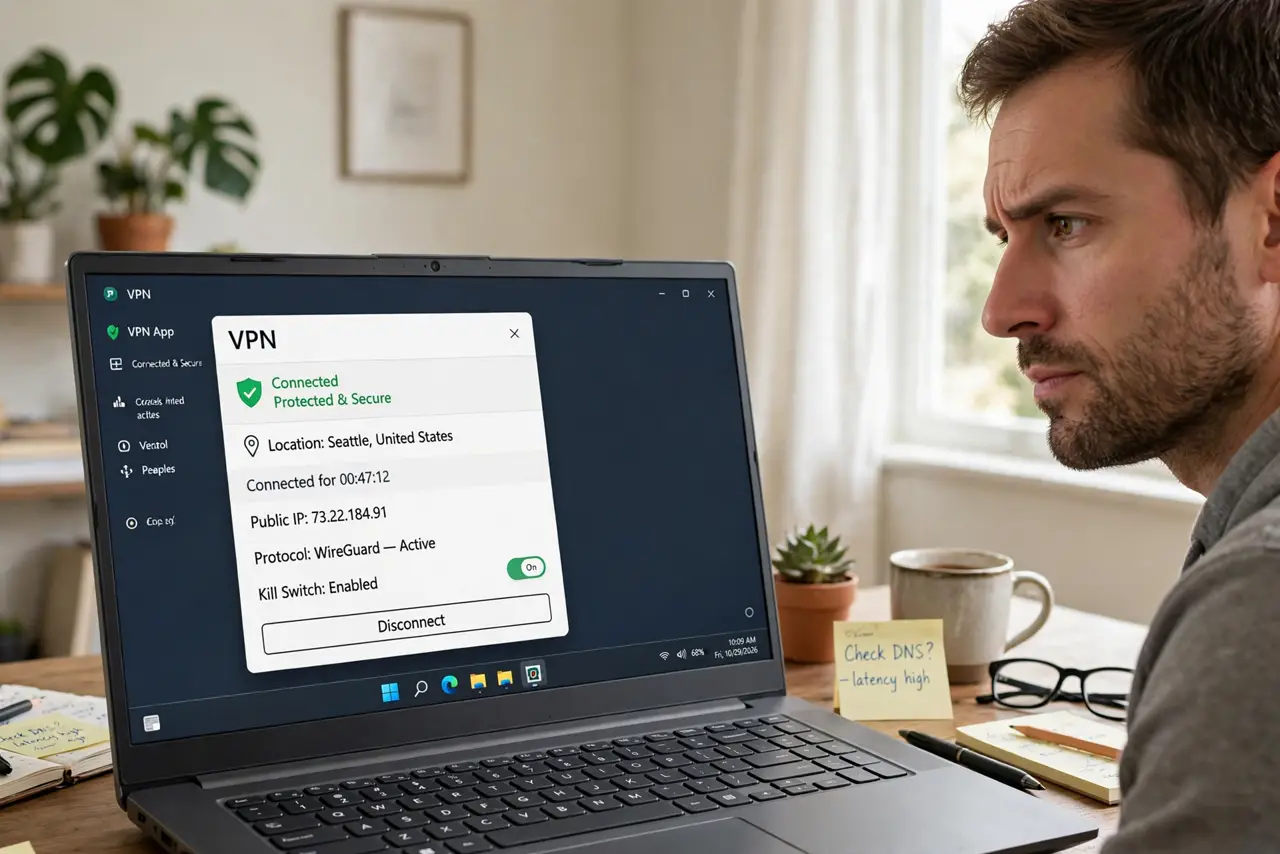
Quick fix: buy a VPN for its real jobs — encrypted traffic on public Wi-Fi, IP masking from websites, and dodging ISP throttling. Do not buy it for anonymity from governments or safety from all malware; it does neither. Pick a paid provider with no-logs claims, and keep expectations honest.
Follow these steps
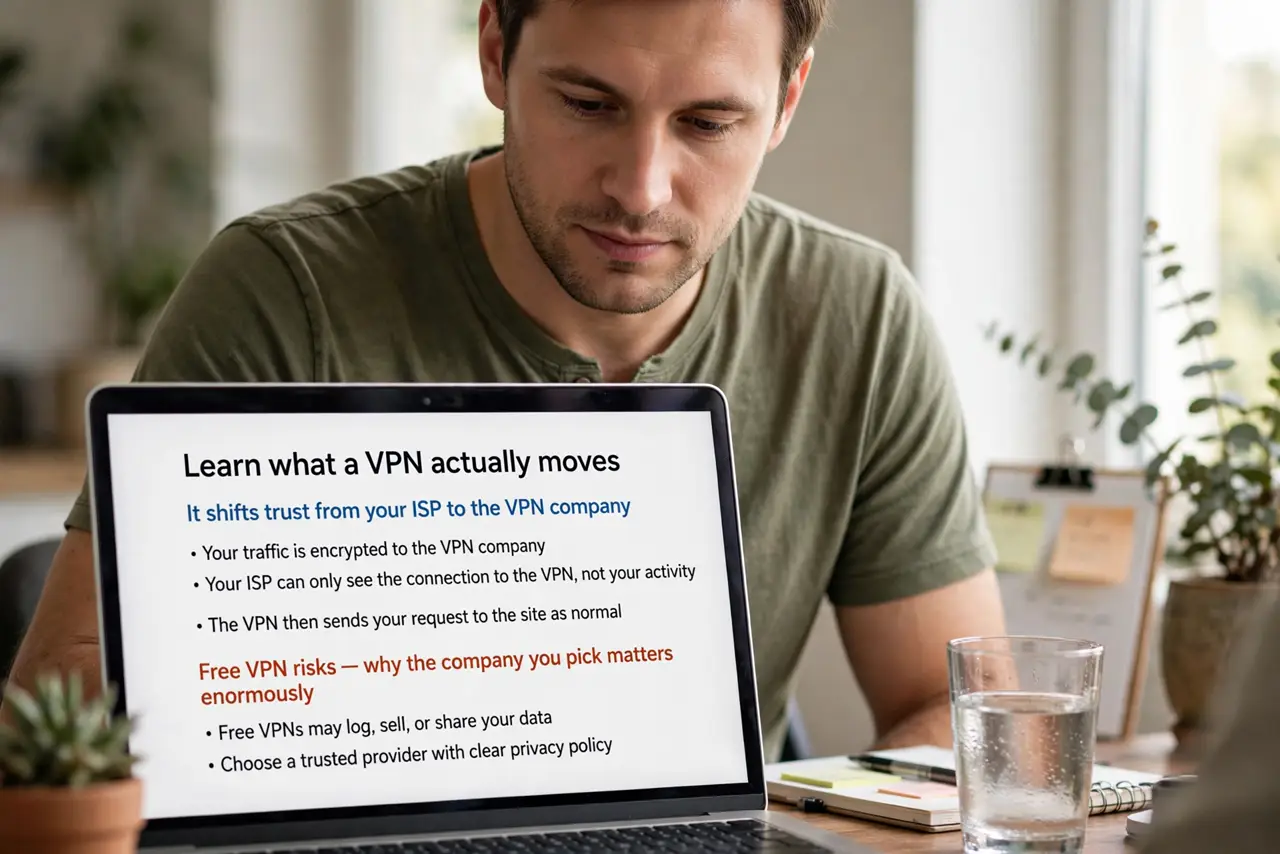
- Learn what a VPN actually moves. It shifts trust from your ISP to the VPN company — your traffic is encrypted to them, then exits normally. The free VPN risks explain why the company you pick matters enormously.
- Use it on public Wi-Fi. Cafe and hotel networks are the legitimate use case — encryption to the VPN blocks local snoopers cold. The public Wi-Fi pairing is the textbook safe pattern.
- Do not expect speed miracles. VPNs add overhead and distance. The slowdown reality is honest: expect some speed cost, occasionally offset by dodged throttling.
- Know what it does not hide. Logged-in accounts still know you. Fingerprinting still works. A VPN is not an invisibility cloak — the HTTPS comparison draws the real boundary.
- Pick paid over free. Free VPNs monetize somehow — usually your data. The free VPN warnings are blunt: if you are not paying, you are the product.
- Keep it updated and on. An expired or disconnected VPN protects nothing. Auto-connect on untrusted networks, and verify the connection before sensitive browsing.
What NOT to do
- Do not believe military-grade marketing. It is AES encryption, standard and fine — the adjective is theater.
- Do not use a VPN for illegal activity expecting invisibility. No-logs claims have limits; lawful requests exist.
- Do not assume a VPN replaces antivirus. Different threats, different tools — malware laughs at your tunnel.
- Do not pick by YouTube sponsor count. Sponsorships measure marketing budgets, not trustworthiness — read independent audits.
Frequently asked questions
Does a VPN make me anonymous?
No — it hides your IP from websites and traffic from your ISP, but logged-in accounts, fingerprinting, and the VPN company itself still see plenty.
Are free VPNs safe?
Generally no — running servers costs money, and free providers recoup it from your data. Paid with audited no-logs is the sane tier.
Will a VPN speed up my internet?
Rarely — it usually costs some speed. The exception is dodging ISP throttling of specific traffic.