Put VPN on Your Router
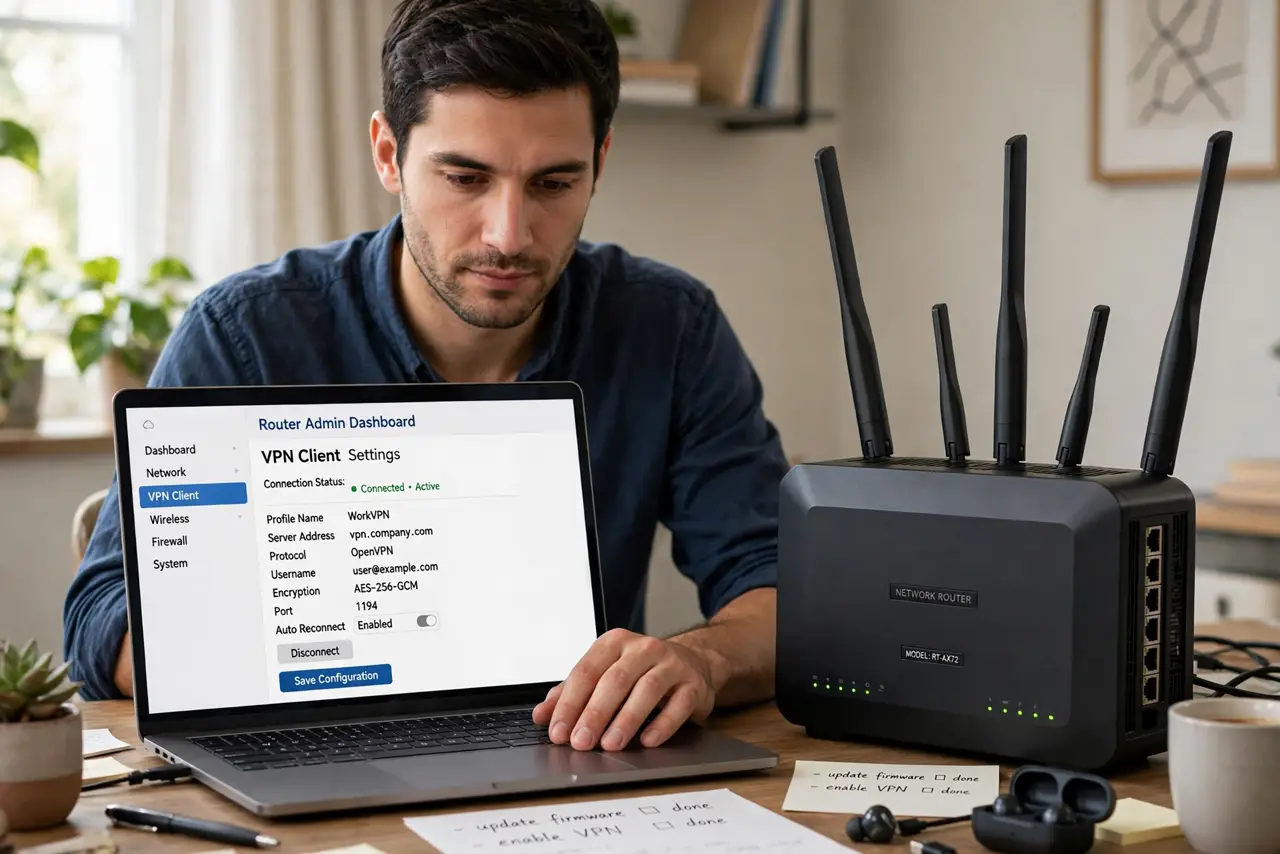
Phone, laptop, tablet, TV stick, game console — installing and babysitting a VPN app on every device is tedious, and some devices cannot run one at all. Putting the VPN on your router covers the whole house at once: every device, including the ones with no VPN app, tunnels automatically. The setup is more involved, but you do it once.
TL;DR / Quick Fix
Quick fix: installing your VPN on the router protects every device on your network at once — including TVs and consoles that cannot run VPN apps. Check your router supports VPN clients and your provider offers router configs. Keep one non-VPN network for anything that breaks.
Follow these steps
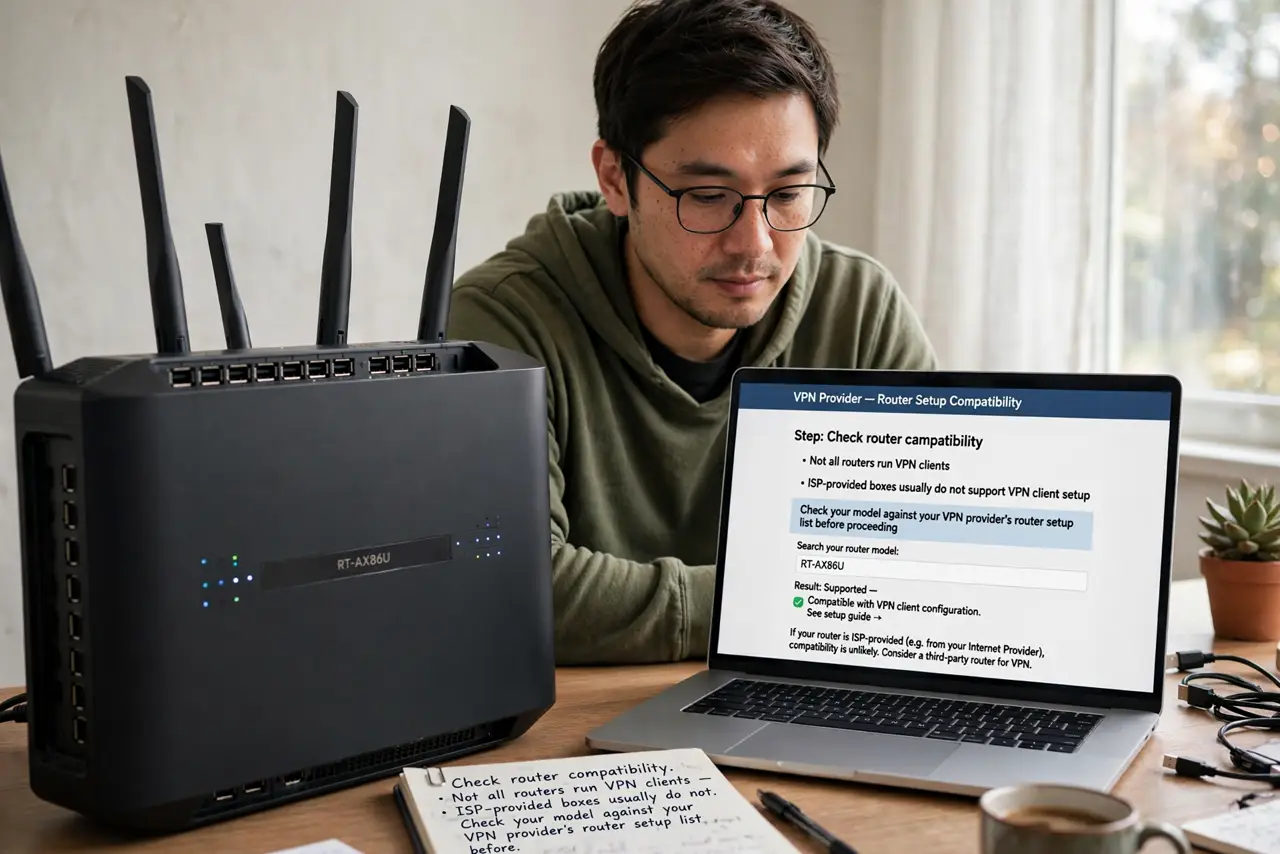
- Check router compatibility. Not all routers run VPN clients — ISP-provided boxes usually do not. Check your model against your VPN provider's router setup list before anything else.
- Get the right config files. Download the OpenVPN or WireGuard config from your VPN provider's site — made for routers, not apps. Using app credentials in router fields is the classic setup failure.
- Back up the router first. Export the current settings. If the VPN config goes sideways, one restore click beats an evening of re-entering Wi-Fi passwords.
- Follow the provider's guide exactly. Router firmware varies wildly; the provider's guide for your exact router model is the only instructions that matter. Generic guides miss firmware-specific steps.
- Test every device type. Phone, laptop, TV, console — verify each gets the VPN IP and still works. Some services block VPN IPs; know which of yours do before committing the whole house.
- Keep a non-VPN escape hatch. Leave the guest network or a second SSID outside the VPN. Banking apps and streaming services that hate VPNs need somewhere to go.
What NOT to do
- Do not flash third-party firmware casually. It enables VPN on old routers but can brick them — weigh the risk against buying a compatible router.
- Do not put the whole house on VPN without an escape hatch. One blocked banking app with no alternative network is a self-inflicted outage.
- Do not expect full speed. Consumer routers encrypt slower than your devices — a speed drop is normal, not a malfunction.
- Do not skip the backup. A bad config can lock you out of the router admin — the exported backup is your rescue.
Frequently asked questions
Will a router VPN slow everything down?
Somewhat — the router's processor does the encrypting for all traffic. Modern mid-range routers handle typical home speeds fine; old ones choke.
Can I choose which devices use the VPN?
On better firmware, yes — policy routing sends chosen devices through the tunnel and the rest direct. Check your router's features.
Is router VPN better than app VPN?
Different, not better: it covers everything with one setup but offers less control per device. Many people run both — router for the house, app for travel.