Choose a VPN Protocol
Your VPN app offers WireGuard, OpenVPN, IKEv2 — and maybe 'Automatic' — with zero explanation of what changes if you pick one. The protocol is the language your device and the VPN server speak, and the choice trades speed against compatibility. For most people the answer is simple; the exceptions are worth knowing.
TL;DR / Quick Fix
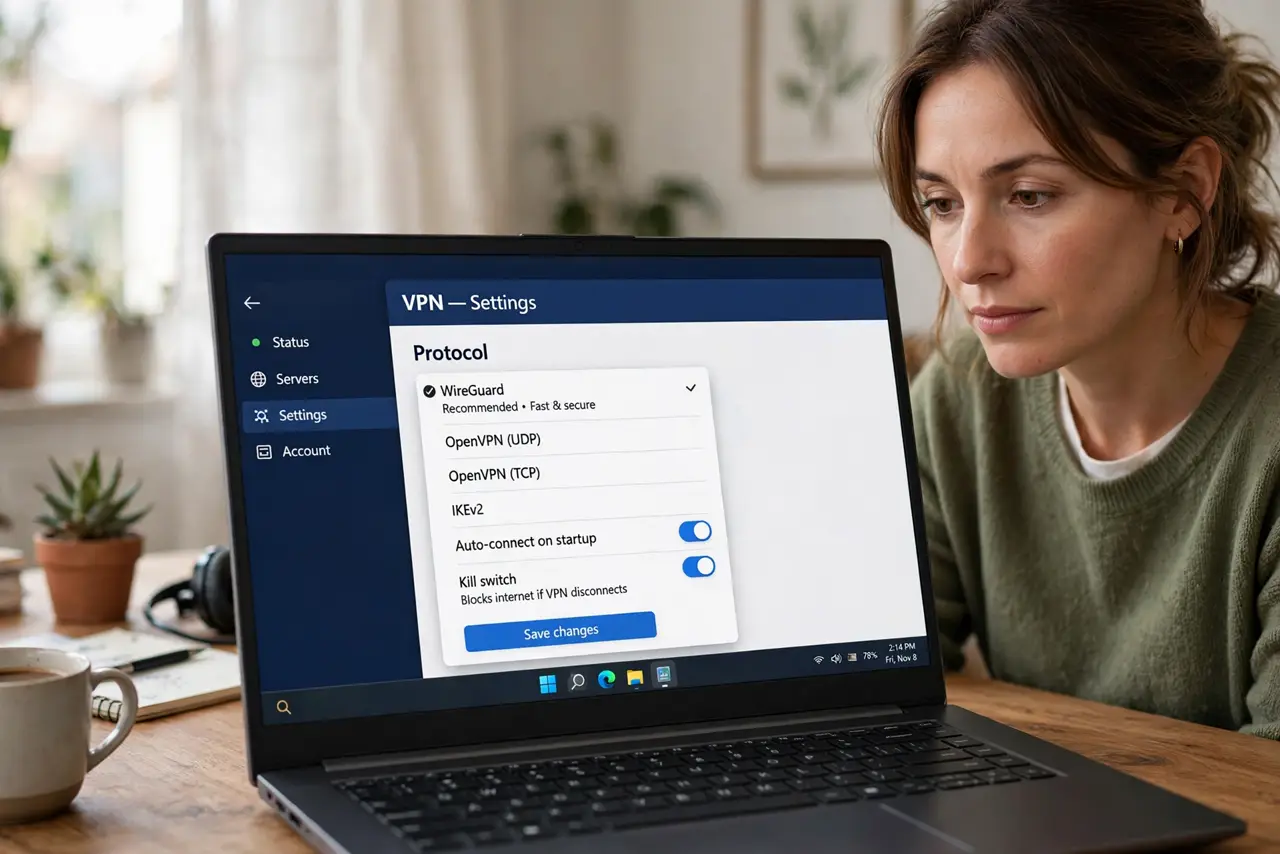
Quick fix: leave your VPN on Automatic or pick WireGuard — fast, modern, and secure, the right default for almost everyone. Switch to OpenVPN only if WireGuard is blocked on a restrictive network. Avoid old protocols like PPTP entirely. The protocol matters less than choosing a trustworthy provider.
Follow these steps
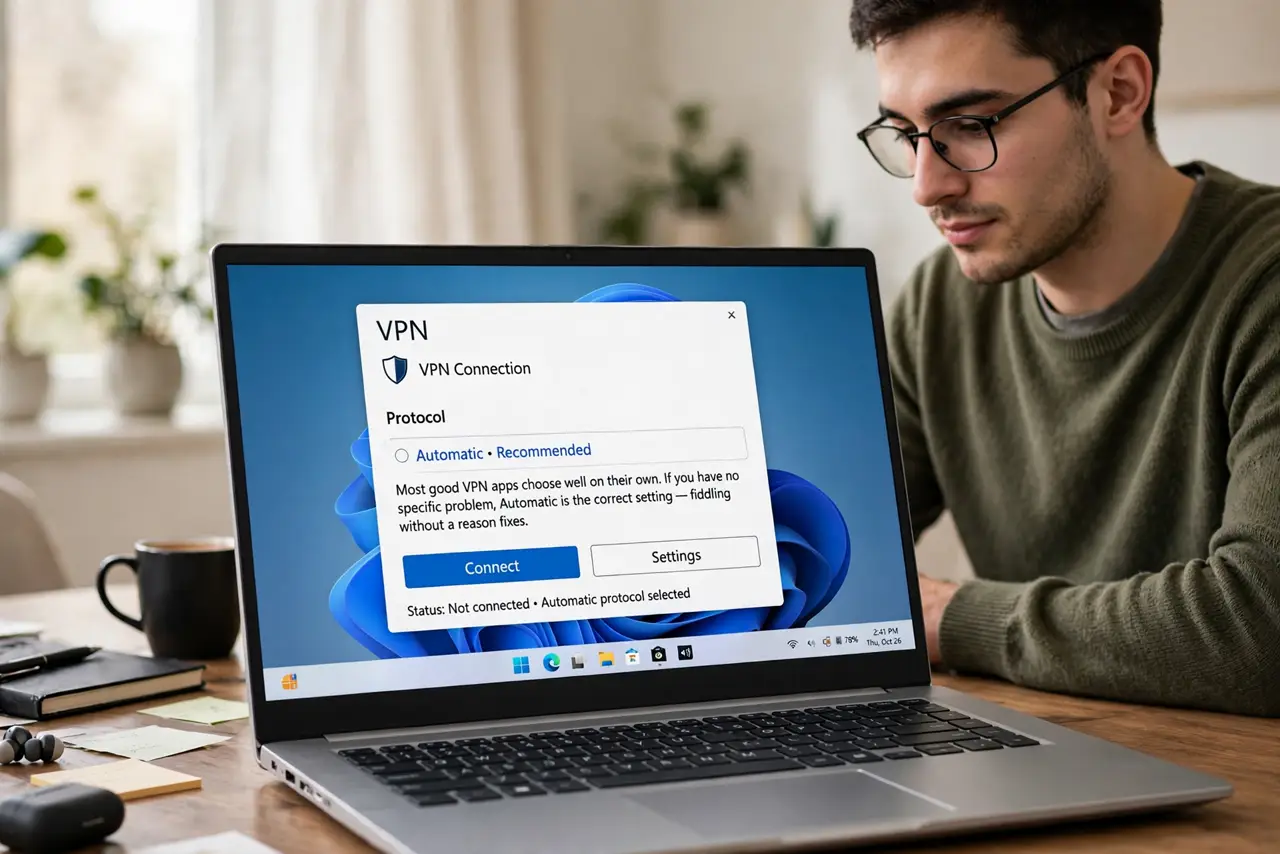
- Start with Automatic. Most good VPN apps choose well on their own. If you have no specific problem, Automatic is the correct setting — fiddling without a reason fixes nothing.
- Understand the main options. WireGuard: fast, modern, lean code. OpenVPN: slower but battle-tested and rarely blocked. IKEv2: good on phones switching networks. That is the whole landscape for normal users.
- Pick WireGuard as the manual default. When choosing yourself, WireGuard wins on speed and simplicity for nearly everyone. It is the modern standard — see the speed angle if performance is your concern.
- Fall back to OpenVPN on stubborn networks. Some workplaces, schools, and countries block WireGuard's traffic pattern. OpenVPN over TCP port 443 looks like normal web traffic and slips through where WireGuard cannot.
- Never choose PPTP or L2TP. These are obsolete and cryptographically broken — worse than useless because they feel secure. If your app still offers them, that is a red flag about the app itself.
- Remember the provider matters more. A trustworthy provider on any modern protocol beats a shady one on WireGuard. Protocol choice is fine-tuning; provider trust is the actual decision.
What NOT to do
- Do not pick PPTP for anything. It is broken and has been for years — it provides theater, not security.
- Do not chase exotic protocols for marginal gains. The speed difference between modern protocols is small; reliability differences are bigger.
- Do not assume the protocol fixes a slow VPN. Server load and distance dominate speed — switching protocols is fine-tuning, not a rescue.
- Do not use a VPN you do not trust just because it offers WireGuard. The protocol does not vet the provider.
Frequently asked questions
Which VPN protocol is fastest?
Usually WireGuard — its lean design connects faster and moves data with less overhead than OpenVPN on most networks.
Why would I ever use OpenVPN then?
Compatibility. It passes through restrictive firewalls and networks that block newer protocols, trading some speed for reach.
Does the protocol affect streaming?
Slightly — a faster protocol helps, but server choice and distance matter far more for buffer-free video.