Fix Webcam Focus
Your video is a soft blur while everyone else is crisp — and it is rarely the camera's fault. Webcam focus hunting almost always comes from too little light or sitting too close; the autofocus simply has nothing to lock onto. Light and distance fix most blurry calls before you spend a cent. Compare blurry call causes and the 4K versus 1080p question.

TL;DR / Quick Fix
Quick fix: if your webcam will not focus, clean the lens, give the room more light, and sit farther back — most focus hunting comes from darkness or being too close. If it still hunts, lock the focus in the camera's app. Light and distance fix most blurry calls.
Follow these steps
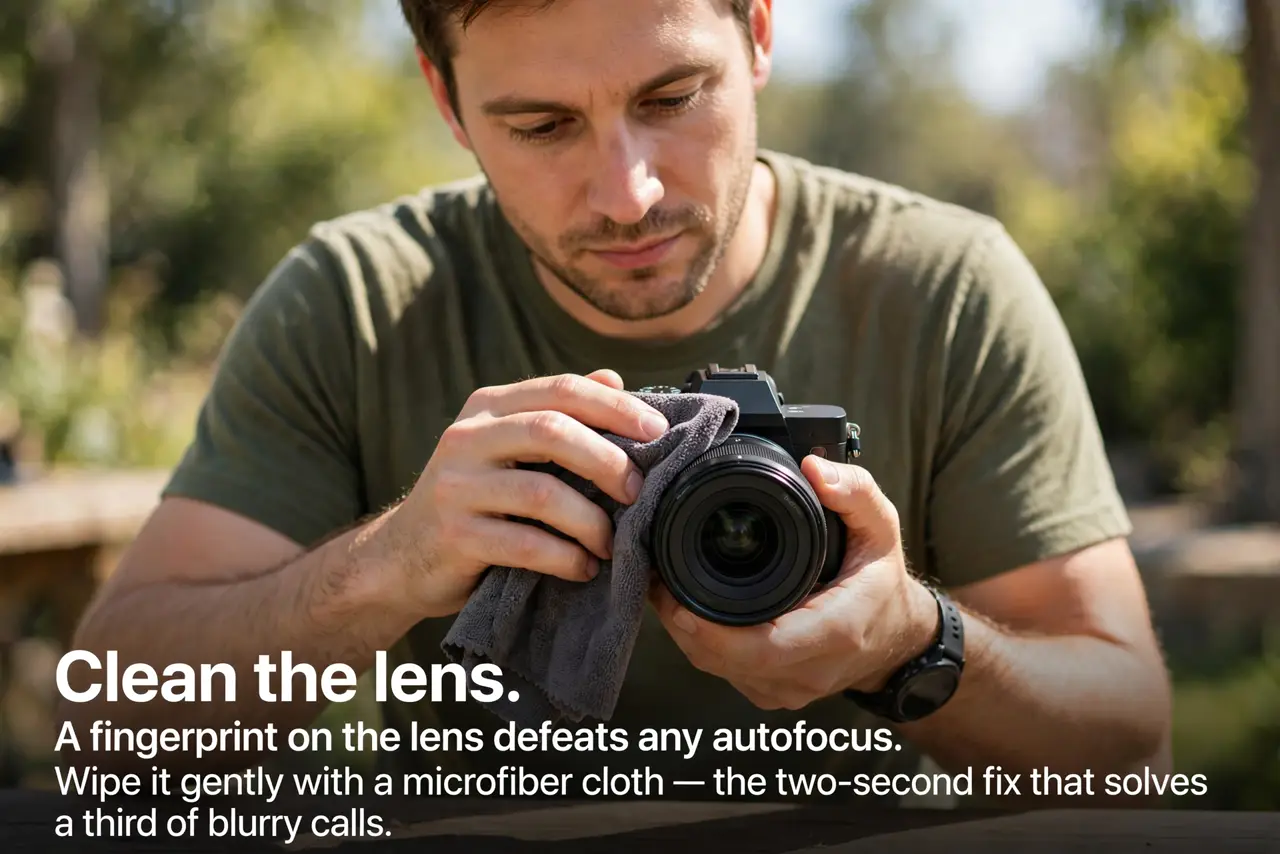
- Clean the lens. A fingerprint on the lens defeats any autofocus. Wipe it gently with a microfiber cloth — the two-second fix that solves a third of blurry calls.
- Add light. Autofocus needs light to find edges. Face a window or turn on a lamp in front of you — not behind you.
- Sit a bit farther back. Too close overwhelms the focus range. An arm's length or more gives the autofocus room to work.
- Hold still while it locks. Waving around while it hunts guarantees it never settles. Sit still for a few seconds and let it find you.
- Lock focus manually. In the camera's app, disable autofocus and set focus once. Manual focus never hunts — it just stays put.
- Update the camera software. Old drivers cause focus bugs that updates fix. Check the maker's app for firmware before blaming hardware.
What NOT to do
- Do not buy a new webcam first. Lighting and distance solve most focus problems for free.
- Do not sit with a bright window behind you. Backlight makes you a silhouette and the focus hunts the bright background.
- Do not wave papers at the camera. Constant motion restarts the focus hunt every time — stillness settles it.
- Do not ignore the manual focus option. Autofocus is a convenience; manual is a solution.
Frequently asked questions
Why does my camera pulse in and out of focus?
That is focus hunting — usually low light or constant motion. Add light, sit still, and it settles.
Should I just use manual focus?
If autofocus keeps hunting, yes. Set it once for your seating distance and forget it.
Does 4K help focus?
No — resolution and focus are unrelated. A blurry 4K image is just a bigger blur. See the resolution guide.