Frame Yourself on Camera
You can have perfect lighting and a great microphone, yet still look unprofessional because the camera points up your nose or crops half your forehead. Framing is the cheapest video-call upgrade there is — it costs nothing and takes seconds. Here is the simple recipe for looking like you meant it.
TL;DR / Quick Fix
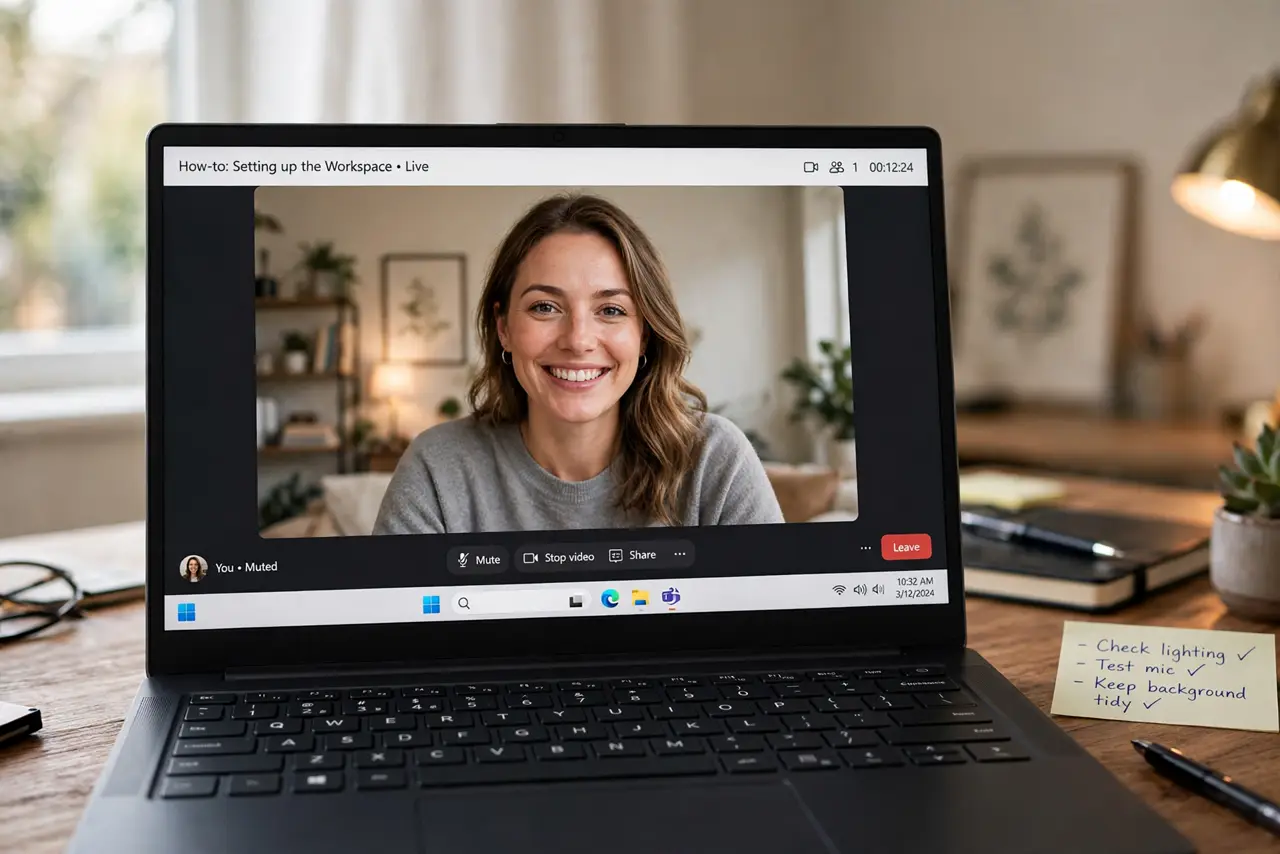
Quick fix: put your camera at eye level about an arm's length away, center your eyes in the upper third of the frame, and leave a little headroom. Face a window or lamp for light. Check your own preview before joining — most framing problems take ten seconds to fix.
Follow these steps
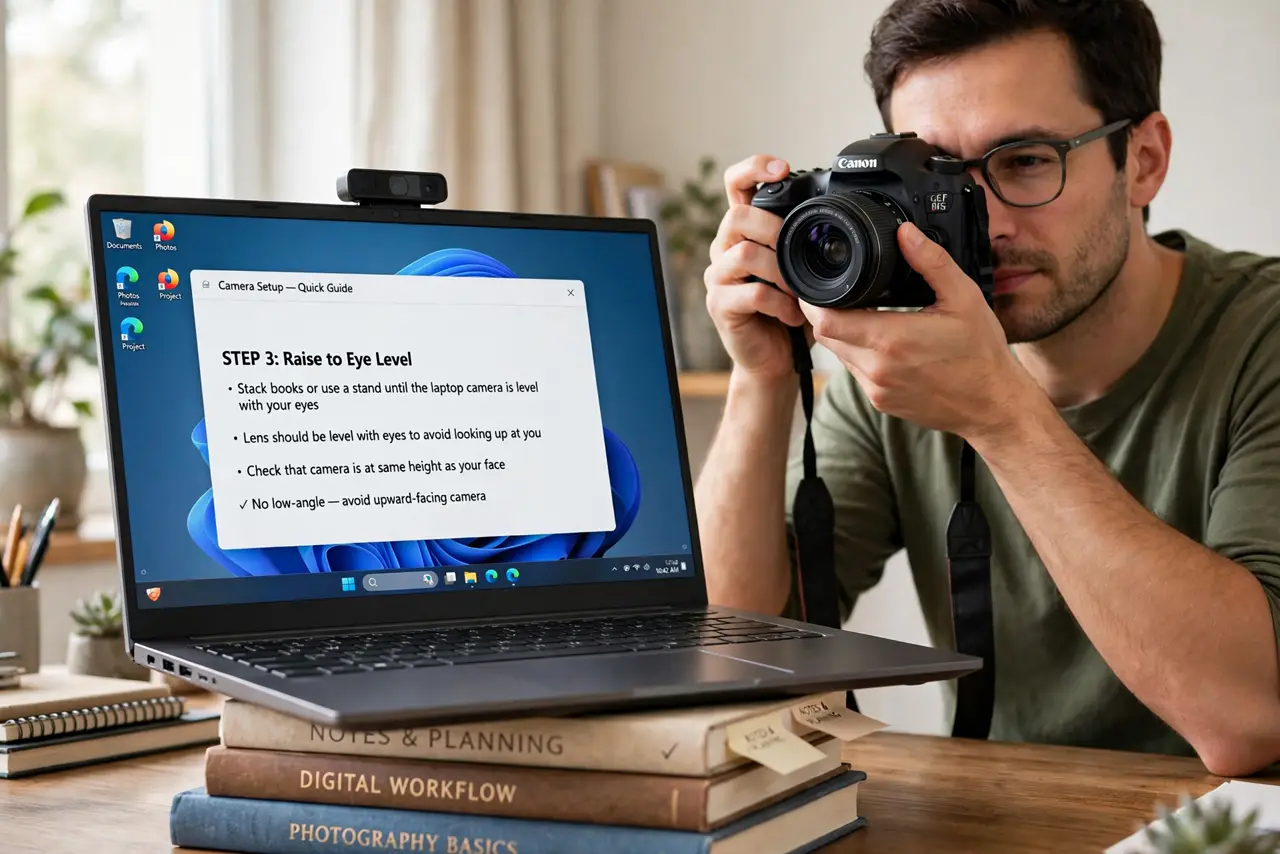
- Raise the camera to eye level. Stack books under the laptop or use a stand until the lens sits level with your eyes. A camera looking up at you is the single most common framing mistake.
- Sit an arm's length away. About 60-80 cm gives a natural head-and-shoulders shot. Too close feels confrontational; too far makes you a small figure in a room.
- Put your eyes in the upper third. Aim for your eyes around one-third down from the top of the frame, with a little headroom above. Centered-face framing looks like a passport photo.
- Face your light source. Sit facing a window or lamp so light falls on your face. Light behind you turns you into a silhouette — the framing cannot save that.
- Check the background edges. Glance at the frame edges for clutter, open doors, or anything you would not want colleagues to read. A plain wall or tidy shelf beats a messy room.
- Preview before every important call. Open your camera preview for five seconds before joining. Framing drifts as you move the laptop — the preview is the whole quality-control step.
What NOT to do
- Do not leave the laptop flat on the desk. The upward angle is unflattering and shows the ceiling — raise it every time.
- Do not sit with a bright window behind you. Backlighting ruins even perfect framing; turn to face the window instead.
- Do not overdo the close-up. Nose-distance framing feels intense and shows every fidget — pull back to head and shoulders.
- Do not forget the preview on external webcams. A better external webcam still needs the same eye-level, upper-third treatment.
Frequently asked questions
Should I look at the camera or the screen?
At the camera when speaking — that reads as eye contact. Glance at the screen to read reactions, but deliver your points to the lens.
What if my room is too messy to show?
Use a subtle background blur if your app offers it, or sit facing a plain wall. Blur is a backup, not a substitute for decent framing.
Does a better webcam fix bad framing?
No — a sharper camera just shows bad framing in higher resolution. Fix the angle and distance first; upgrade the camera second.