Webcam Too Dark on Calls? Fix It
On video calls you are a shadowy figure while colleagues glow normally — a lighting and exposure problem, not a broken camera. Webcams have tiny sensors that need plenty of light, and they expose for the brightest thing in frame. This guide fixes your lighting and settings, building on the sharpness basics.
TL;DR / Quick Fix
Quick fix: put a light source in front of you — face a window or place a lamp behind the camera aimed at your face. Turn off bright lights behind you that darken everything. In the calling app's video settings, look for exposure adjustments and nudge them up.
Follow these steps
- Light your face, not your background. Move a lamp or face a window so light falls on your face. The camera exposes for the brightest area — make that you, not the window behind you.
- Kill the backlight. Close blinds or turn off lamps behind you. A bright background forces the webcam to darken your face into a silhouette.
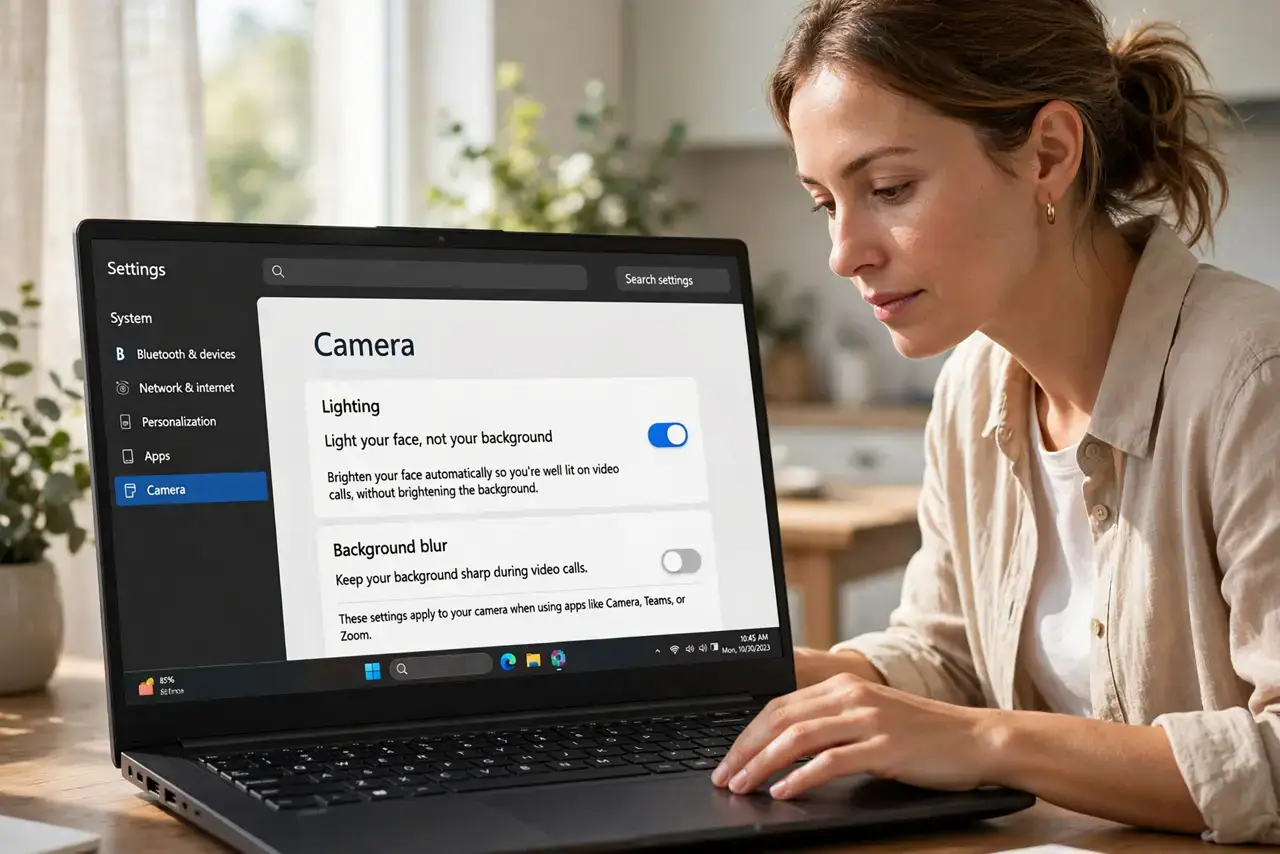
- Raise exposure in the app. Zoom, Meet, and Teams offer brightness or 'adjust for low light' settings. Turn them on and nudge exposure up until you look natural.
- Check the camera app's own settings. Windows Camera and macOS photo apps sometimes expose brightness and contrast sliders the calling app hides. Set a good baseline there.
- Remove the lens cover fully. A half-open privacy shutter or slider darkens the image unevenly. Make sure any cover is completely open during calls.
- Consider a cheap ring light. A small USB ring light behind the camera gives flattering, even illumination for very little money — the classic remote-work upgrade.
What NOT to do
- Do not sit with your back to a sunny window. No webcam setting overcomes that much backlight — repositioning beats every slider.
- Do not max out digital brightness and call it done. Extreme digital gain adds noise and grain; real light always looks better.
- Do not forget overhead lights cast shadows. A ceiling light alone lights the top of your head and shadows your eyes — add frontal light.
- Do not assume the camera is broken. A dark image in a dim room is the sensor working correctly with too little light — feed it light first.
Frequently asked questions
Why does my camera look fine in photos but dark on calls?
Photo apps use longer exposures and processing; live video cannot. Calls need real light in the moment.
Will a new webcam fix the darkness?
Only partly — a better sensor helps, but even premium webcams need decent frontal light. Fix lighting first, upgrade second.
What is the cheapest lighting fix?
Face a window during the day, or move a desk lamp behind your camera at night. Both are free and beat any setting.