What Is a DAC?
Audio forums insist you need a DAC, reviewers rave about theirs, and you are wondering what the thing even does. DAC stands for digital-to-analog converter: the chip that turns your music files into the electrical signal your headphones can play. You already own several. The real question is whether you need a separate one — usually paired with the headphone amp question.
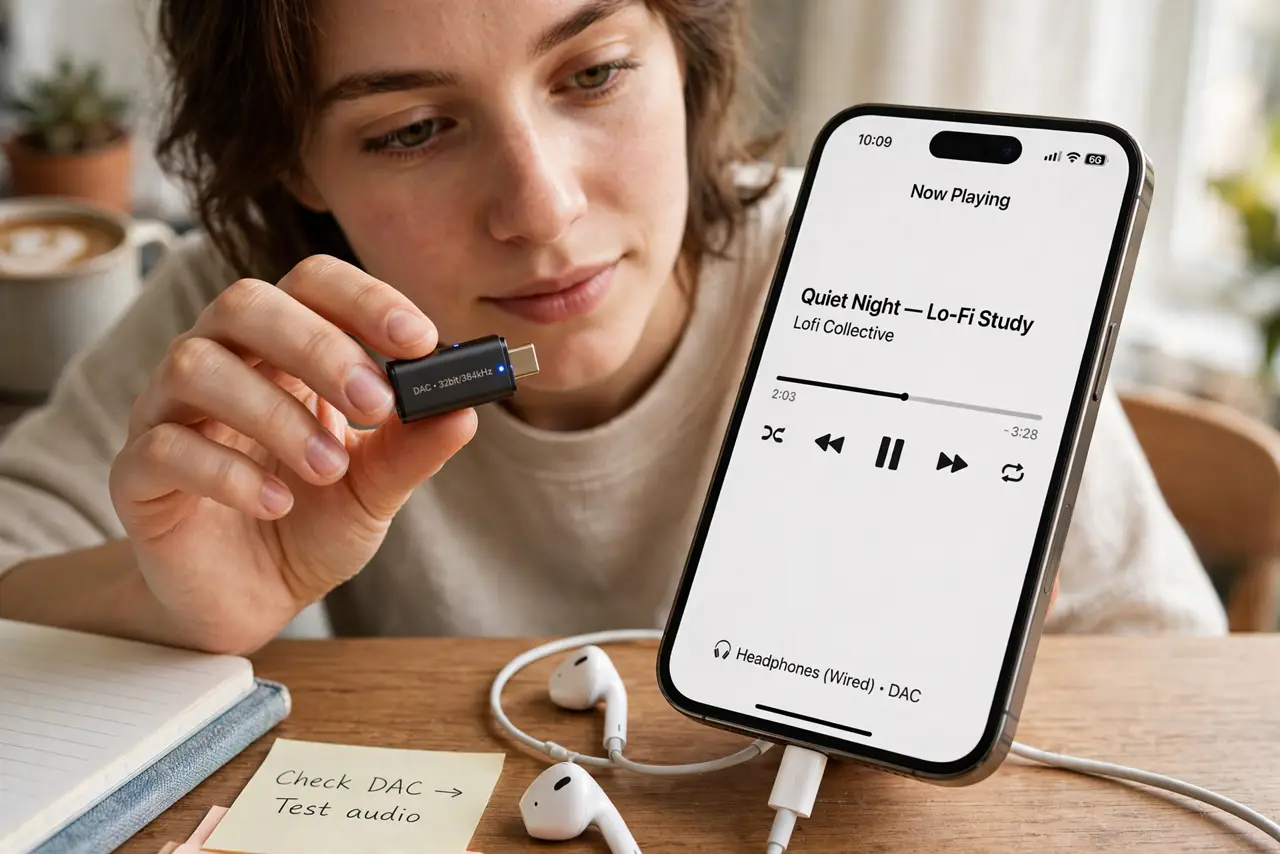
TL;DR / Quick Fix
Quick fix: a DAC turns digital audio into the analog signal your headphones play — every phone and laptop already has one. An external DAC helps only if yours hisses, distorts, or can't drive your headphones. For most people, better headphones beat a better DAC every time.
Follow these steps
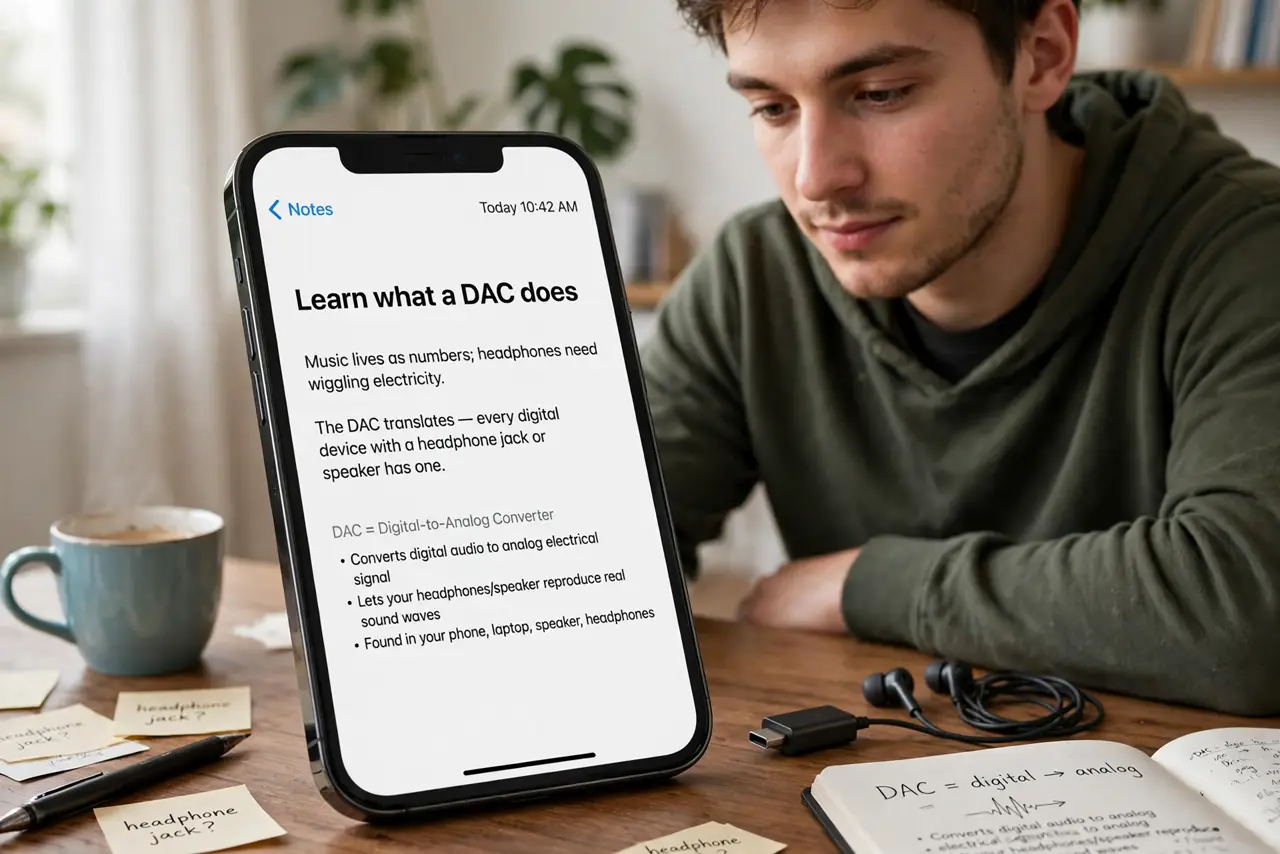
- Learn what a DAC does. Music lives as numbers; headphones need wiggling electricity. The DAC translates — every digital device with a headphone jack or speaker has one inside.
- Know you already own several. Your phone, laptop, TV, and earbuds each contain a DAC. “Getting a DAC” really means adding an external, presumably better one.
- Learn when external helps. Audible hiss, distortion at volume, or a weak noisy output on a particular device — a clean external DAC fixes genuine flaws, not imaginary ones.
- Learn when it does not. Bluetooth bypasses external DACs entirely (the earbuds' own DAC does the work). And a good built-in DAC is already audibly transparent — upgrades beyond that are inaudible.
- Start simple if you try one. A basic USB dongle DAC costs little and fixes most real problems. The law of diminishing returns hits DACs fast and hard.
- Upgrade headphones first. Headphones change the sound enormously; DACs change it subtly at best. Budget order: headphones, then amp if needed, then DAC — maybe.
What NOT to do
- Do not buy a DAC to fix Bluetooth audio. The signal stays digital until your earbuds — an external DAC cannot touch it.
- Do not expect a revelation. Going from a decent built-in DAC to an expensive one is inaudible to nearly everyone.
- Do not stack upgrades blindly. DAC plus amp plus cable “combos” are sold as magic; fix the actual weak link instead.
- Do not trust flowery reviews alone. “Wider soundstage” from a DAC usually means louder output or imagination.
Frequently asked questions
DAC vs amp — what is the difference?
The DAC translates digital to analog; the amp makes that signal powerful enough to drive headphones. See do you need an amp for the second half.
Do I need a DAC for Spotify?
No — your phone's built-in DAC plays Spotify perfectly. External DACs are about fixing flaws, not unlocking streaming.
What about “hi-res audio”?
Hi-res files need a DAC that supports their sample rates, but the audible benefit over standard quality is debated at best. Headphones matter more.