What Is a Brute-Force Attack?
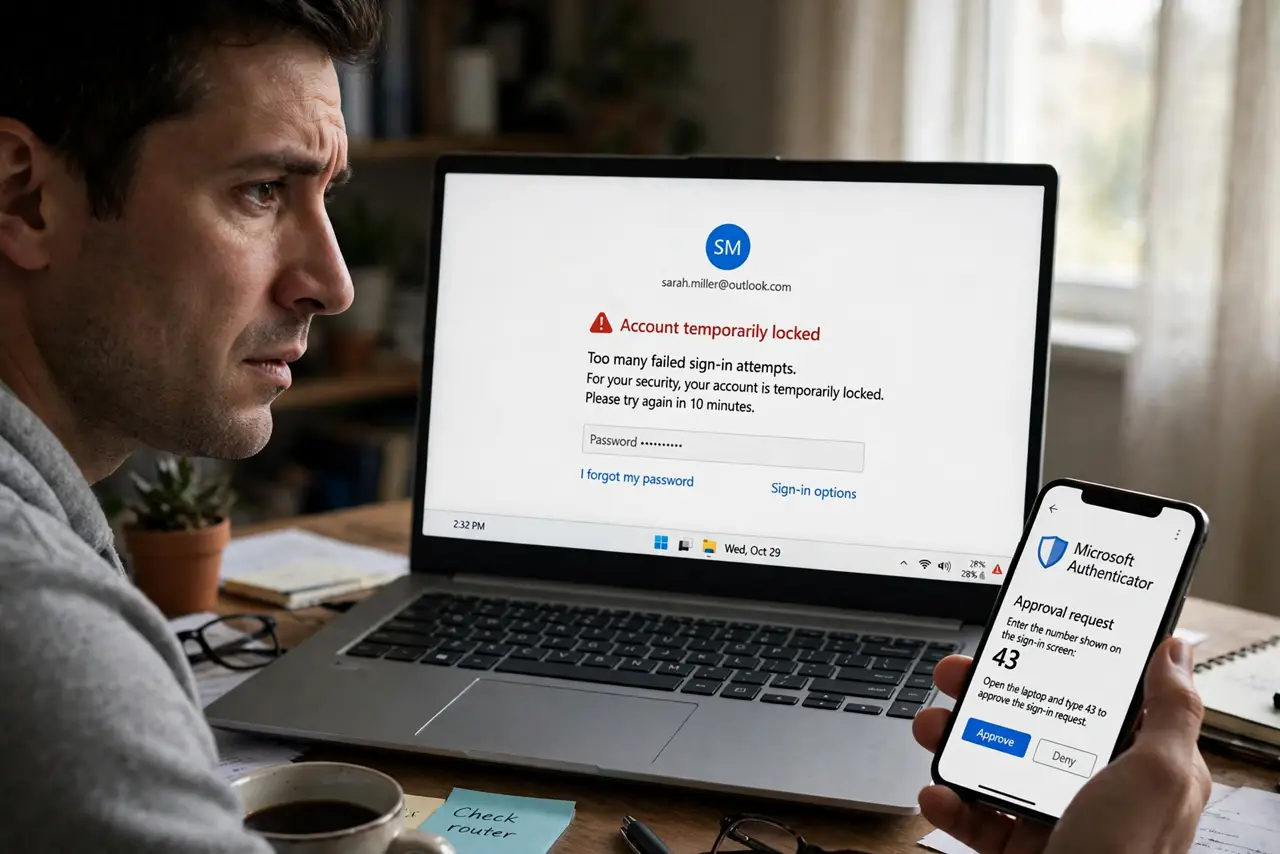
Your inbox fills with 'someone tried to sign in' alerts at 3 a.m., or your site's login page gets hammered by thousands of attempts an hour. Nobody is personally targeting you — a brute-force attack is a bot mechanically trying password after password until one works. Understanding the mechanics shows exactly which defenses actually stop it.
TL;DR / Quick Fix
Quick fix: a brute-force attack is automated software trying thousands of passwords against your account — it wins against short, common passwords. A long unique password from a manager plus two-factor authentication makes you immune. Never reuse passwords, turn on login alerts, and let the service's lockout do its job.
Follow these steps
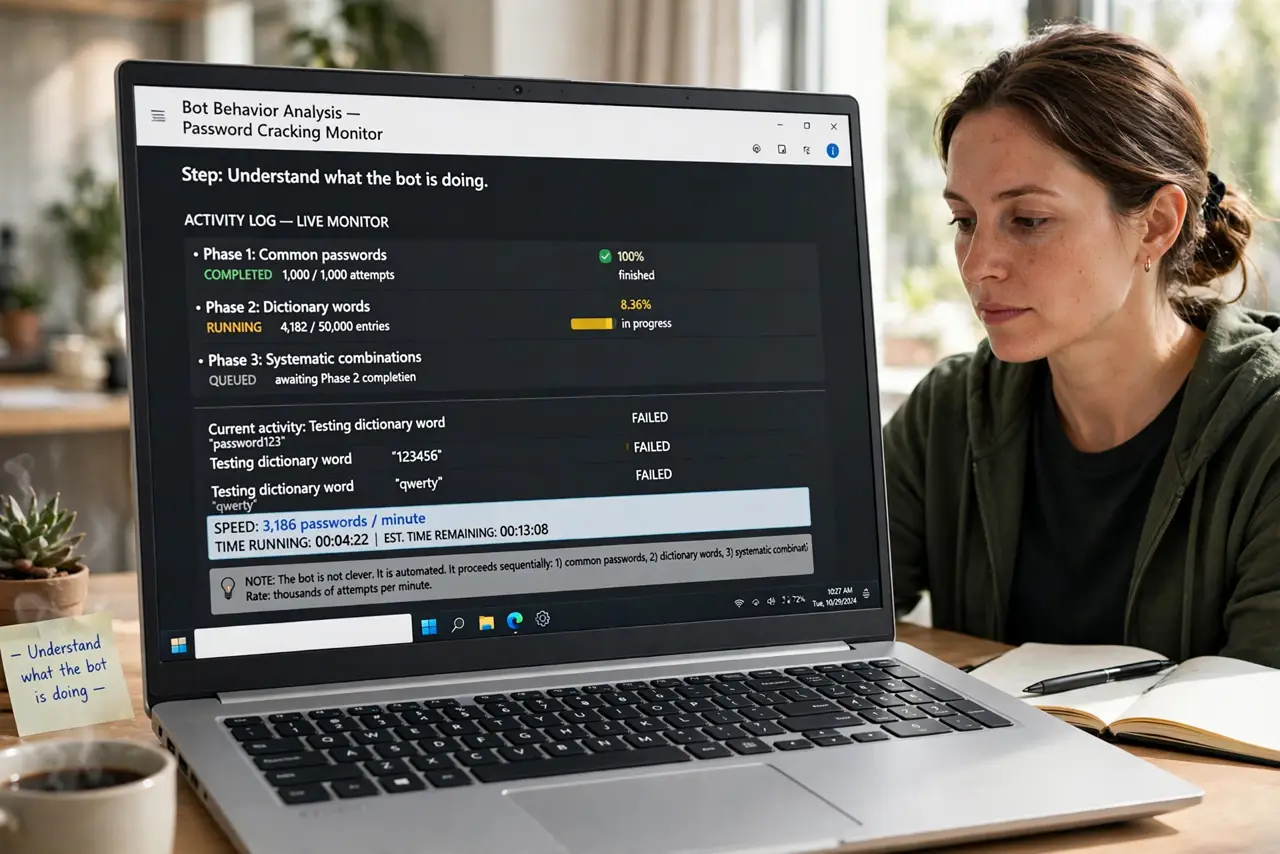
- Understand what the bot is doing. It tries common passwords, then dictionary words, then systematic combinations — thousands per minute. It is not clever; it is relentless. Short passwords fall in minutes, long random ones in longer than the universe.
- Make the password mathematically hopeless. Length beats complexity. A 16+ character random password from a password manager cannot be brute-forced in any practical timeframe — the math simply does not work for the attacker.
- Add the second factor. Two-factor authentication ends brute-force attacks cold: even a guessed password is useless without the code. This is the single highest-value defense — see the setup steps.
- Let lockouts and alerts work. Services that lock accounts after failed attempts or alert you are doing their job. Do not disable these 'annoying' protections — they are the tripwire.
- Watch for the fatigue variant. Some attackers follow failed guessing with a flood of push approvals, hoping you tap yes to make it stop. That is MFA fatigue — never approve a login you did not start.
- Check whether your password already leaked. If the password is in a breach dump, attackers skip brute force and just log in. Unique passwords per site contain the damage to one account.
What NOT to do
- Do not use short or common passwords. They fall to brute force in seconds to minutes — 'Summer2024!' is not the shield people think.
- Do not approve login prompts you did not trigger. Attackers count on tap-fatigue; every unexpected prompt is a no.
- Do not turn off failed-login alerts. Annoying, yes — and the earliest warning you will ever get.
- Do not assume a small account is not worth attacking. Bots attack everything indiscriminately; obscurity is not protection.
Frequently asked questions
Can a brute-force attack crack any password?
In theory, given infinite time. In practice, a long random password needs longer than the age of the universe — attackers move on to easier targets.
Is brute force the same as credential stuffing?
No. Brute force guesses passwords blindly; stuffing replays passwords stolen from other breaches. Different attacks, same fix: unique passwords plus two-factor.
Why do I get alerts at odd hours?
Bots run around the clock from all time zones. The 3 a.m. alert just means the botnet's schedule, not a person watching you sleep.
What to read next
- What Is Credential Stuffing?
- Stop MFA Fatigue Attacks