What Is Hot-Swappable?
You want to try different keyboard switches, but every guide mentions soldering — an iron, fumes, and the fear of destroying a hundred-dollar board. Hot-swappable keyboards erase that fear entirely: the switches pull straight out and push straight in, no tools, no heat, no skill required. If you are switch-curious but solder-phobic, this is the feature to shop for. It pairs naturally with picking a mechanical keyboard and learning switch types.
TL;DR / Quick Fix
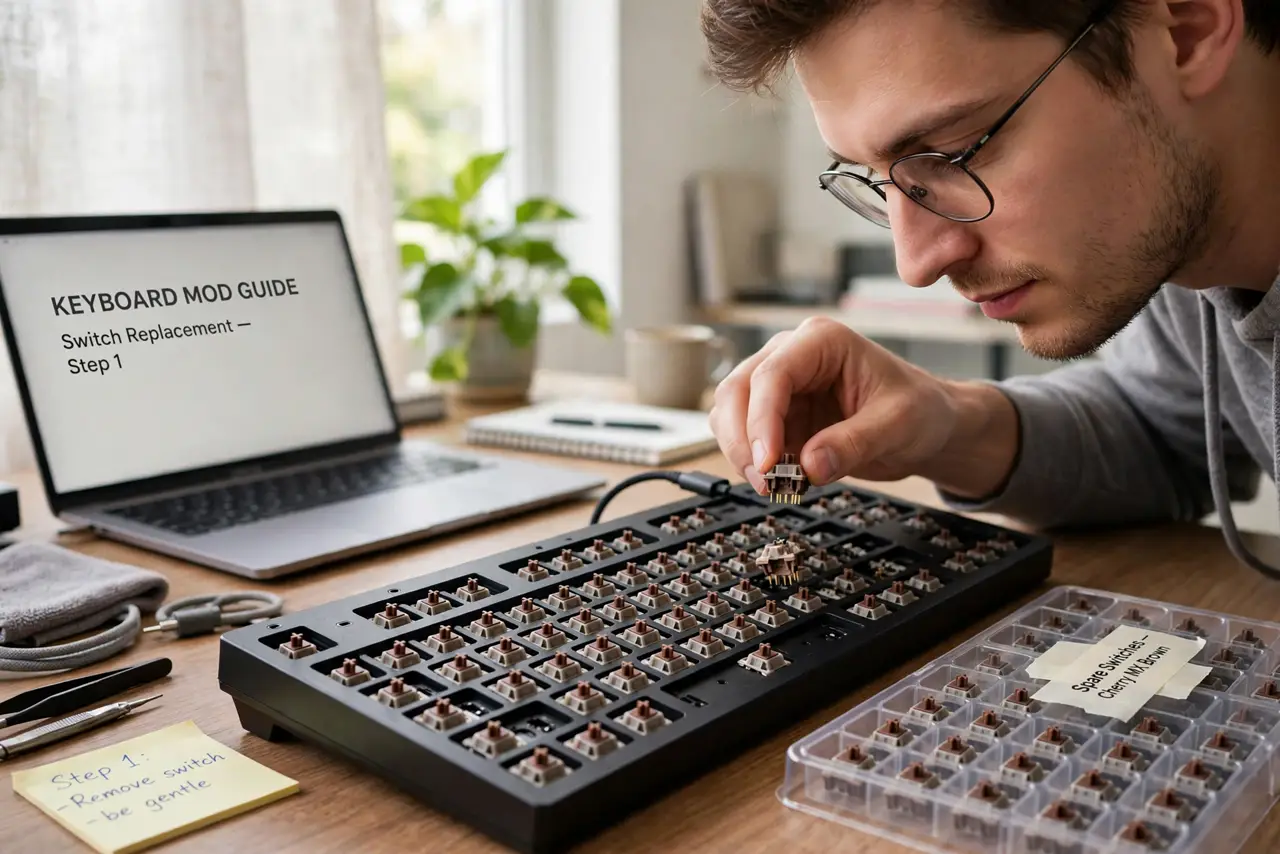
Quick fix: hot-swappable means you can pull keyboard switches out and push new ones in with no soldering — try new feels in minutes instead of fearing the iron. Check the board is actually hot-swap before buying switches. It is the beginner-friendly way into mechanical keyboards.
Follow these steps
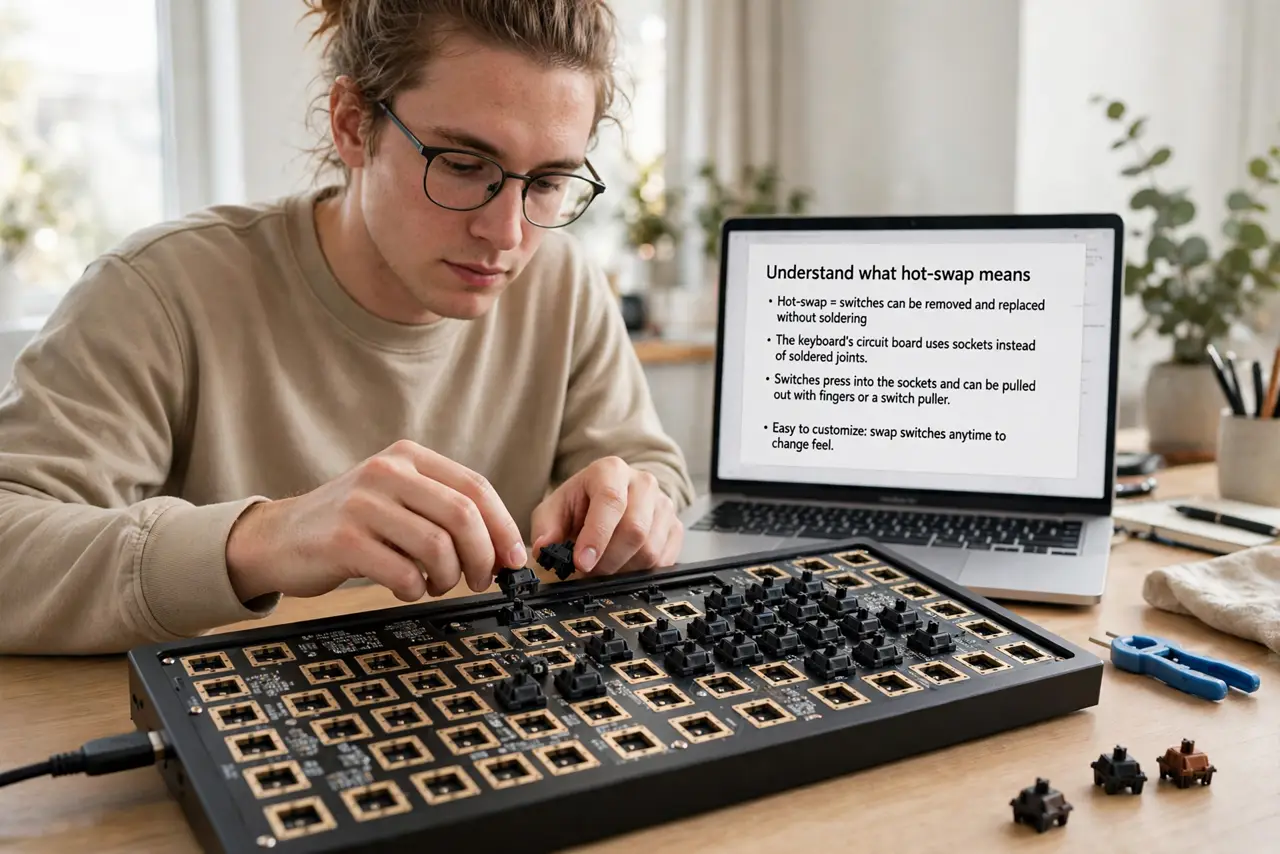
- Understand what hot-swap means. The keyboard's circuit board has sockets instead of soldered joints. Switches press into the sockets and pull out with fingers or a two-dollar puller — swapping a full board takes under an hour, one switch takes seconds.
- Confirm the board is actually hot-swap. Check the product page for 'hot-swappable' or 'hot-swap' — not all mechanical boards have it. If the listing does not say it, assume soldered and shop accordingly.
- Buy compatible switches. Most hot-swap boards take standard 3-pin or 5-pin MX-style switches — the common aftermarket standard. Match pin count to the board's sockets; 3-pin switches fit 5-pin sockets, not vice versa.
- Pull straight up, push straight down. Grip the switch top and bottom, pull vertically — no wiggling, which bends pins. To install, align the pins and press firmly until seated. Bent pins are the only real risk, and they straighten easily.
- Test before fully assembling. After swapping, test every key before screwing the case shut. A dead key usually means a bent pin — pull, straighten gently, reseat.
- Experiment cheaply. Switch sample packs cost little and let you audition feels across the board. Hot-swap turns switch shopping from commitment into play — see the verified hot-swap board basics for compatible picks.
What NOT to do
- Do not assume every mechanical board is hot-swap. Most budget boards are soldered — the feature must be stated explicitly.
- Do not wiggle switches out sideways. Sideways force bends pins — straight up, straight down, every time.
- Do not force a switch with bent pins. Forcing mangles the socket — pull it, straighten the pin with tweezers, then seat it.
- Do not buy exotic switches first. Standard MX-style switches fit standard sockets — verify compatibility before ordering anything unusual.
Frequently asked questions
Is hot-swap less durable than soldered?
No — quality sockets survive hundreds of swaps, far more than you will ever do. Soldered joints are theoretically tougher, but sockets do not wear out in normal hobby use.
Can I hot-swap keycaps too?
Keycaps always pull off by hand on any mechanical board — that was never the soldering question. Hot-swap refers to the switches underneath.
Do I need any tools?
A switch puller (often included) and optionally tweezers for bent pins. No iron, no solder, no fumes — that is the entire point.