Wi-Fi 7? Plain Basics
Router boxes now scream Wi-Fi 7, promising double the speed of Wi-Fi 6 — but your phone probably doesn't support it yet, and your internet plan can't feed it anyway. Wi-Fi 7 is real and genuinely faster, but for most homes in 2026 it's a future-proofing purchase, not an upgrade that changes today. Here's the honest breakdown.
TL;DR / Quick Fix
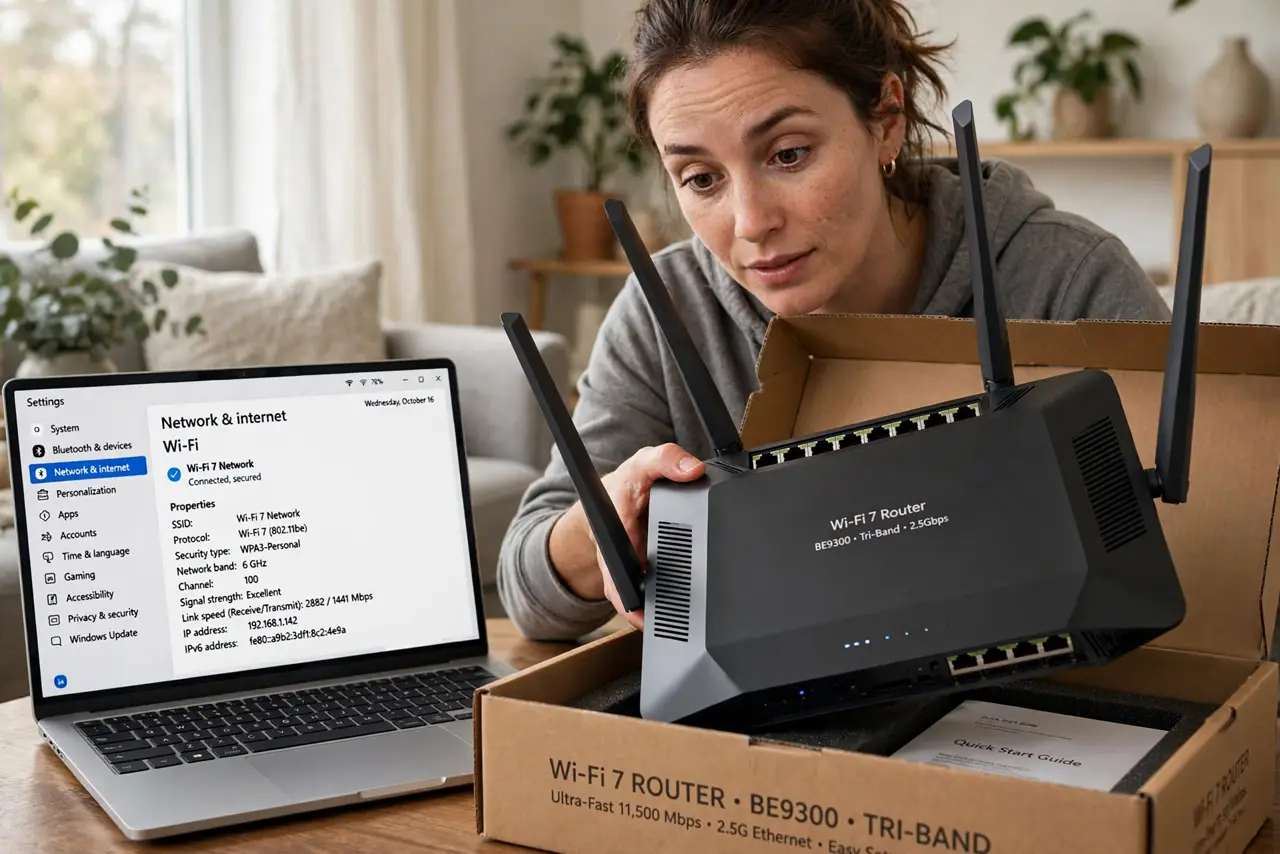
Quick fix: Wi-Fi 7 is the newest standard — faster top speeds, lower latency, better with many devices. But you need Wi-Fi 7 devices to benefit, and most homes won't notice over Wi-Fi 6. Don't replace a working router for the number; buy Wi-Fi 7 when you upgrade naturally.
Follow these steps
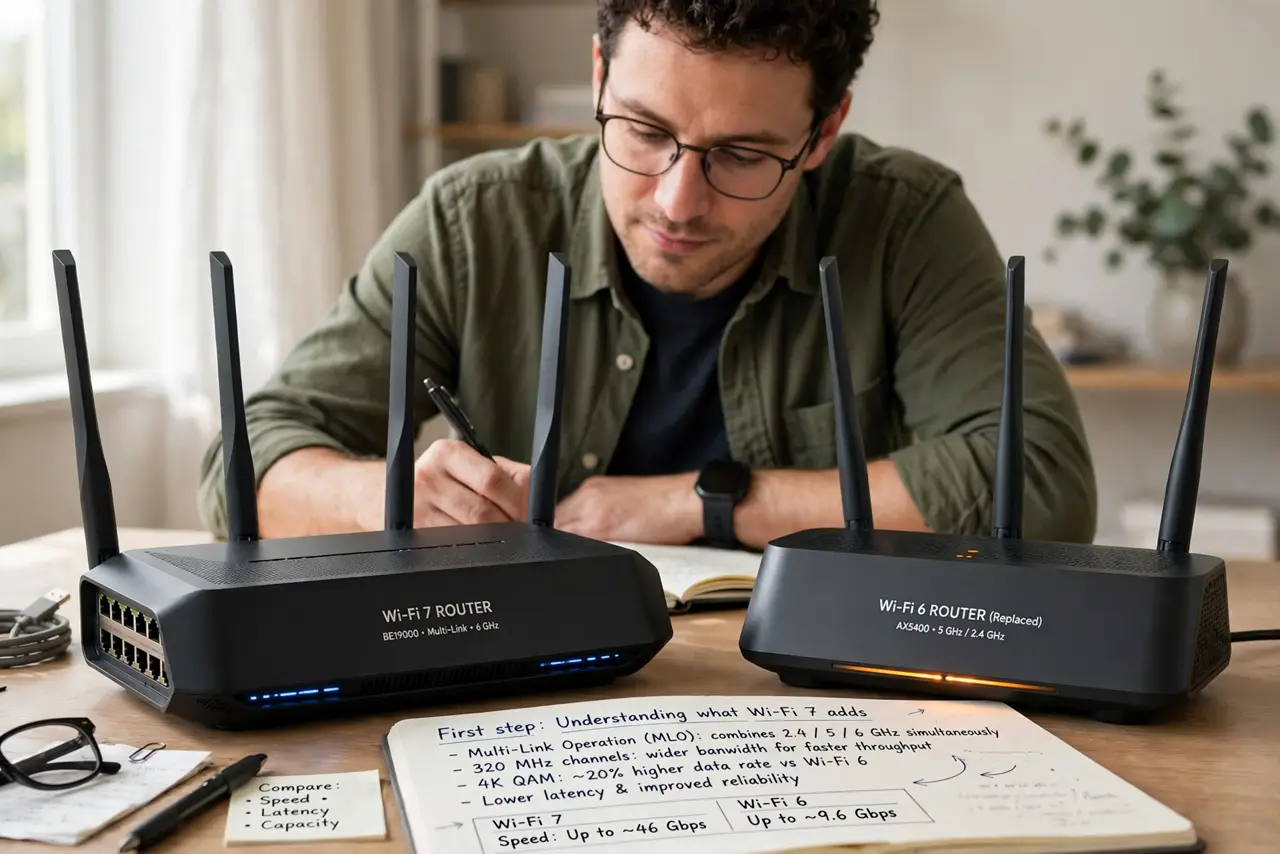
- Understand what Wi-Fi 7 adds. The headline features: wider 320 MHz channels, Multi-Link Operation (using multiple bands at once), and better efficiency with many devices. Real-world gains over Wi-Fi 6 are real but modest for typical use — see the generation comparison for the numbers.
- Check your devices first. A Wi-Fi 7 router talking to Wi-Fi 5 phones gives you Wi-Fi 5 speeds. Check what your laptop, phone, and TV actually support — the slowest link sets the pace, not the router's badge.
- Know your internet plan is the ceiling. Wi-Fi 7 can theoretically push multiple gigabits, but a 300 Mbps internet plan caps everything at 300 Mbps. Faster Wi-Fi only helps transfers inside your home, like moving files to a NAS.
- Consider it when buying new. If you're replacing a dead or ancient router anyway, Wi-Fi 7 costs little extra now and future-proofs the purchase. That's the sensible buying moment — not a working-router replacement.
- Don't expect better range. Newer standards don't magically reach farther — physics still applies. For dead zones, mesh placement matters far more than the Wi-Fi generation number.
- Update firmware regardless. Whether Wi-Fi 6 or 7, an updated router performs better and safer. Check for firmware updates before judging any router's performance.
What NOT to do
- Do not replace a working Wi-Fi 6 router for Wi-Fi 7. The real-world difference for browsing, streaming, and calls is negligible — spend the money where it matters.
- Do not buy Wi-Fi 7 for better coverage. Range is about placement, bands, and mesh — not the generation number on the box.
- Do not assume all 'Wi-Fi 7' routers are equal. Budget models may implement the standard weakly — check reviews for real throughput, not just the badge.
- Do not forget the modem and plan. A Wi-Fi 7 router behind a 100 Mbps plan is decoration — match the router to the internet you actually buy.
Frequently asked questions
Is Wi-Fi 7 worth it in 2026?
For new purchases, yes — the premium is small. As an upgrade from working Wi-Fi 6, no — wait until your devices and needs catch up.
Will Wi-Fi 7 fix my buffering?
Almost certainly not — buffering is usually placement, congestion, or the device's weak radio. See TV buffering fixes for the actual cures.
What's Multi-Link Operation?
MLO lets a device use the 5 GHz and 6 GHz bands simultaneously for lower latency and more resilience. It's the most meaningful Wi-Fi 7 feature, but both router and device must support it.