What Is Wi-Fi 7?
Wi-Fi 7 is the newest generation, and the marketing promises eye-watering speeds — but almost nothing you own can use it yet. Under the hood it brings wider channels, smarter use of multiple bands at once, and lower latency. The real question is not what Wi-Fi 7 does, but whether buying it now makes any sense for you.
TL;DR / Quick Fix
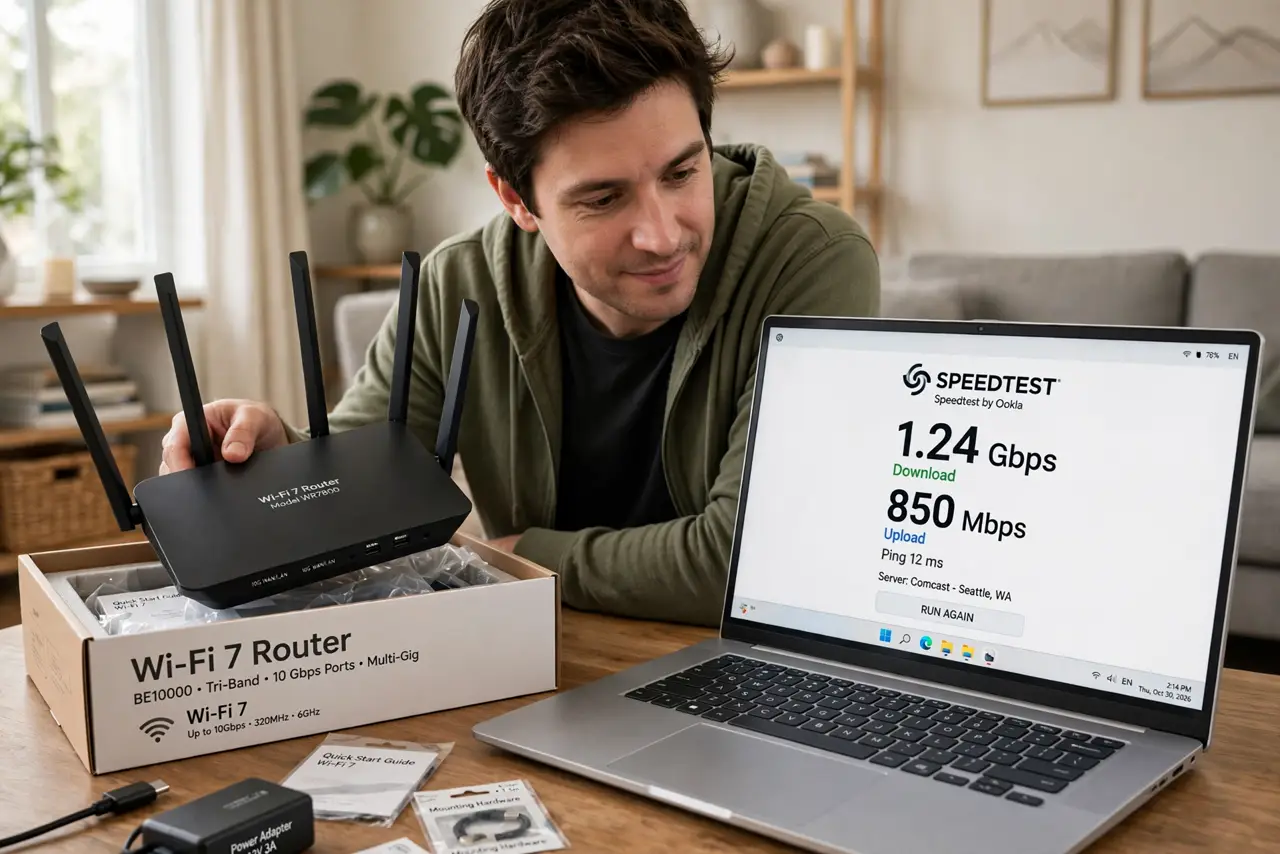
Quick fix: Wi-Fi 7 is the latest standard — faster top speeds, wider channels, and multi-link operation that uses several bands at once for lower latency. Almost no current devices support it, so buying now is future-proofing, not an instant upgrade. Most homes should wait.
Follow these steps
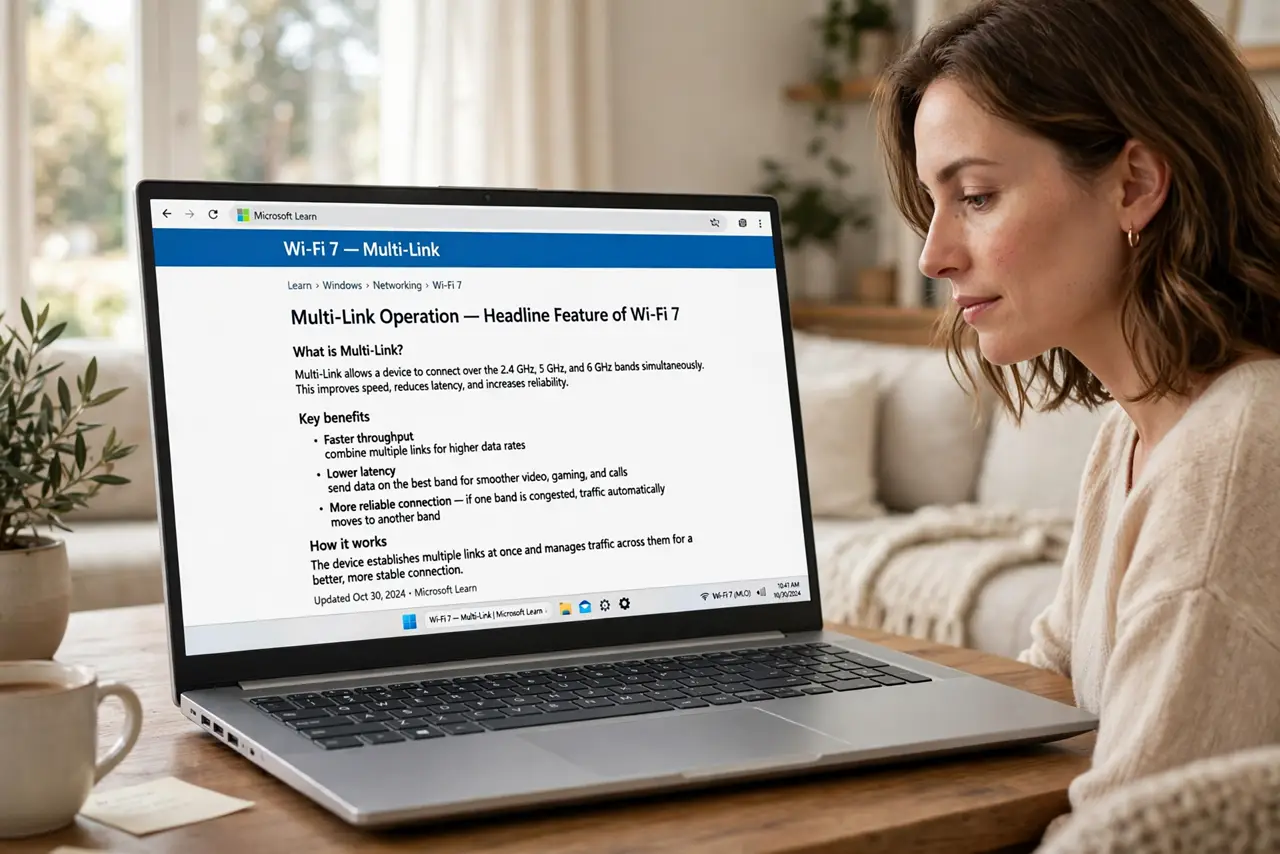
- Learn the headline feature: multi-link. Wi-Fi 7 can use the 2.4, 5, and 6 GHz bands simultaneously for one connection — multi-link operation. That means lower latency and fewer dropouts, not just bigger speed numbers.
- Understand the wider channels. Wi-Fi 7 supports 320 MHz channels — double Wi-Fi 6's width. Wider channels carry more data at once, which is where the huge theoretical speeds come from.
- Check the device reality. Very few phones and laptops support Wi-Fi 7 right now. A Wi-Fi 7 router talking to Wi-Fi 6 devices runs at Wi-Fi 6 speeds — the generation comparison shows the gap clearly.
- Know who benefits first. Early adopters with brand-new flagship devices, congested smart homes with dozens of gadgets, and anyone wiring a new house who wants the setup to outlast the router.
- Do the price math. Wi-Fi 7 routers cost a premium today. Compare against a good Wi-Fi 6E router — for most homes the 6E option delivers the real-world benefit at a saner price.
- Do not upgrade for the number alone. Your internet plan caps everything: a gigabit plan cannot fill a Wi-Fi 7 pipe. Upgrade the plan first if speed is the goal, then consider the router.
What NOT to do
- Do not buy Wi-Fi 7 expecting your current devices to go faster. They will negotiate down to what they support.
- Do not confuse Wi-Fi 7 with faster internet. It is a local network upgrade; your provider's speed is a separate ceiling.
- Do not pay the early-adopter tax without 6 GHz devices. Much of Wi-Fi 7's magic needs the 6 GHz band your gadgets may lack.
- Do not forget firmware maturity. First-generation Wi-Fi 7 routers have had more quirks than their settled Wi-Fi 6 siblings.
Frequently asked questions
Should I buy a Wi-Fi 7 router now?
Only if you own Wi-Fi 7 devices or are future-proofing a new setup. Otherwise a quality Wi-Fi 6 or 6E router is the smarter buy today.
Is Wi-Fi 7 backward compatible?
Yes — it works fine with older Wi-Fi 6, 5, and 4 devices. They just connect at their own older speeds.
Will Wi-Fi 7 fix my slow internet?
Only if your Wi-Fi was the bottleneck. If the slowness comes from your plan or the provider, a new router changes nothing — check for evening congestion first.