Change Wi-Fi Password
The ex still connects. The old roommate, the former Airbnb guest — your Wi-Fi password has outlived its welcome. Changing it boots everyone off at once: one new password, and every device reconnects fresh. It is the simplest network hygiene there is, and most people do it never.
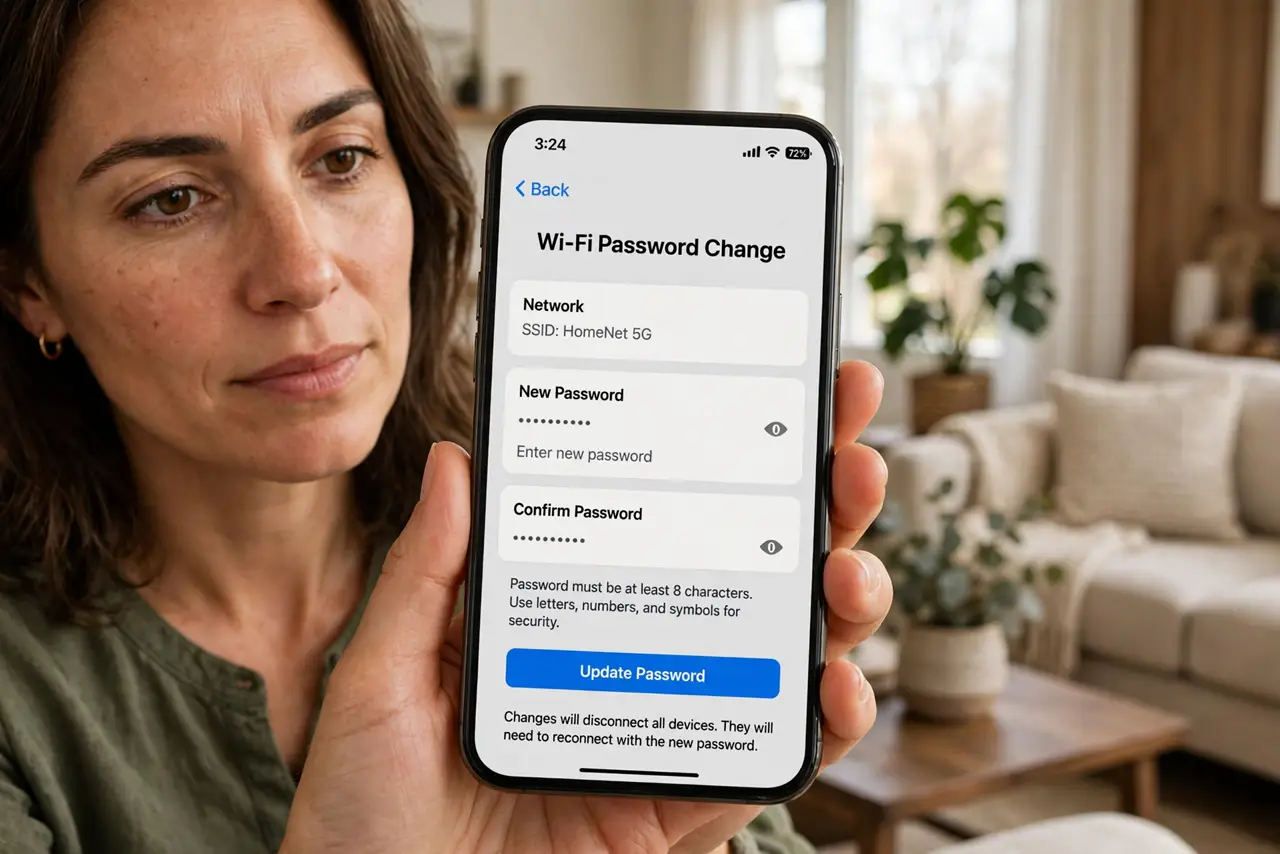
TL;DR / Quick Fix
Quick fix: log into your router app or admin page, change the Wi-Fi password to something long and unique, and save. Every device disconnects — reconnect them one by one with the new password. The full walkthrough covers the admin-page path; the reconnect-all guide tames the aftermath.
Follow these steps
- Log into the router. Router app or the admin page in a browser — usually a local address on the box sticker. The full walkthrough details the login when the app route confuses.
- Pick a strong new password. Long, unique, written down. A passphrase of random words beats clever substitutions — length is the security.
- Change both bands. 2.4 and 5 GHz often share one password — change both if separate. Miss a band and the ex keeps that one.
- Save and watch the exodus. Every device drops at once. Satisfying — and the point. Strangers do not get the new password; that is the whole mechanism.
- Reconnect deliberately. Phone, laptop, TV, smart home — one by one. The reconnect-all aftermath keeps the parade orderly; printers especially love attention here.
- Update the hangers-on. Smart bulbs, cameras, thermostats — the offline-after-change pattern is classic. Budget an hour for the smart home stragglers.
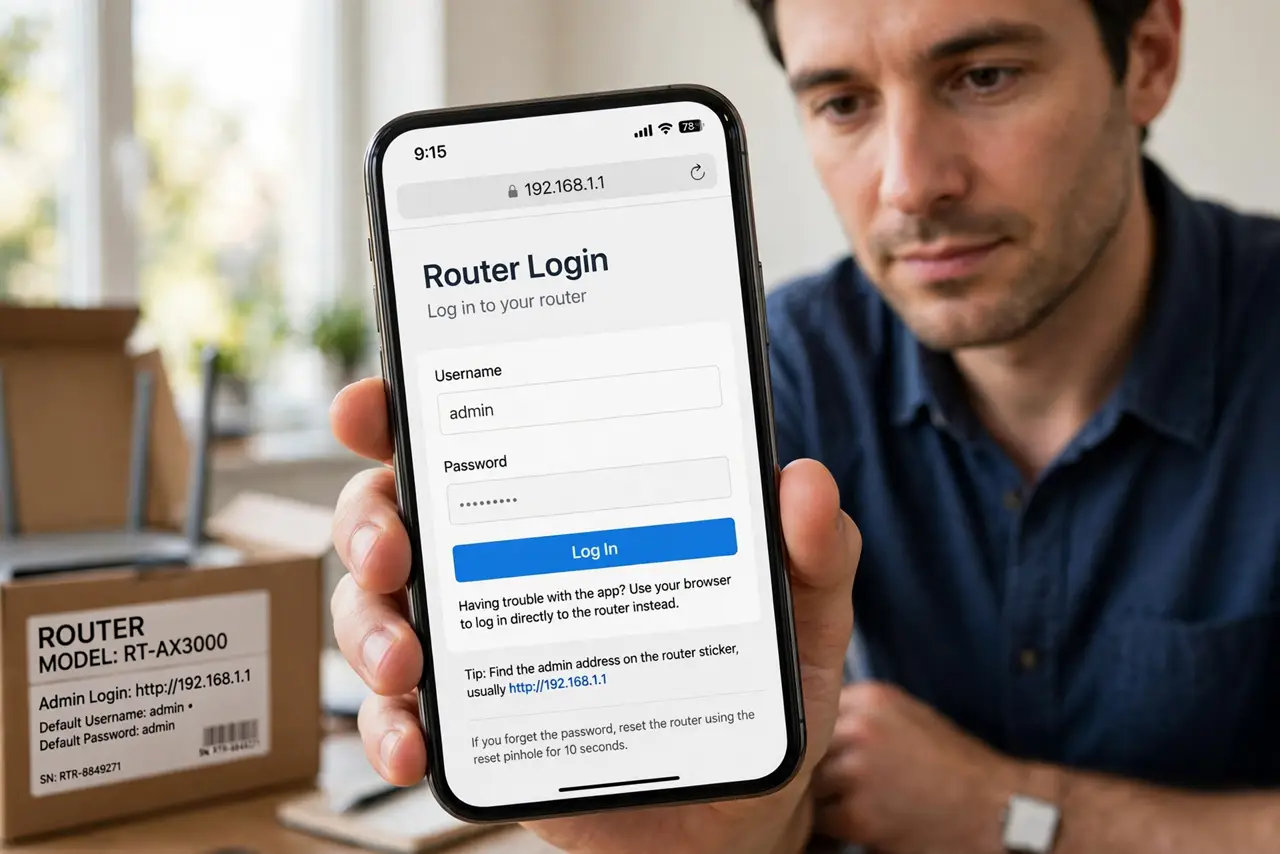
What NOT to do
- Do not reuse the old password with a 2 on the end. A real change means unguessable — ExPassword2 fools nobody.
- Do not change it without warning the household. Surprise lockouts breed revolt — announce first, change second.
- Do not forget the smart home devices. They fail silently and mysteriously — plan the reconnect parade.
- Do not use WEP-era short passwords. WPA2 or WPA3 with a long passphrase is the modern minimum.
Frequently asked questions
How often should I change it?
On life changes — moves, breakups, departing guests — not on a calendar. Event-driven beats scheduled.
Will this kick off the neighbor?
Yes — anyone without the new password stays off. That is precisely the feature.
What about the guest network?
Change it too, or leave guests on a separate password you rotate freely — guests should never hold the main key.