Name Your Network Wisely
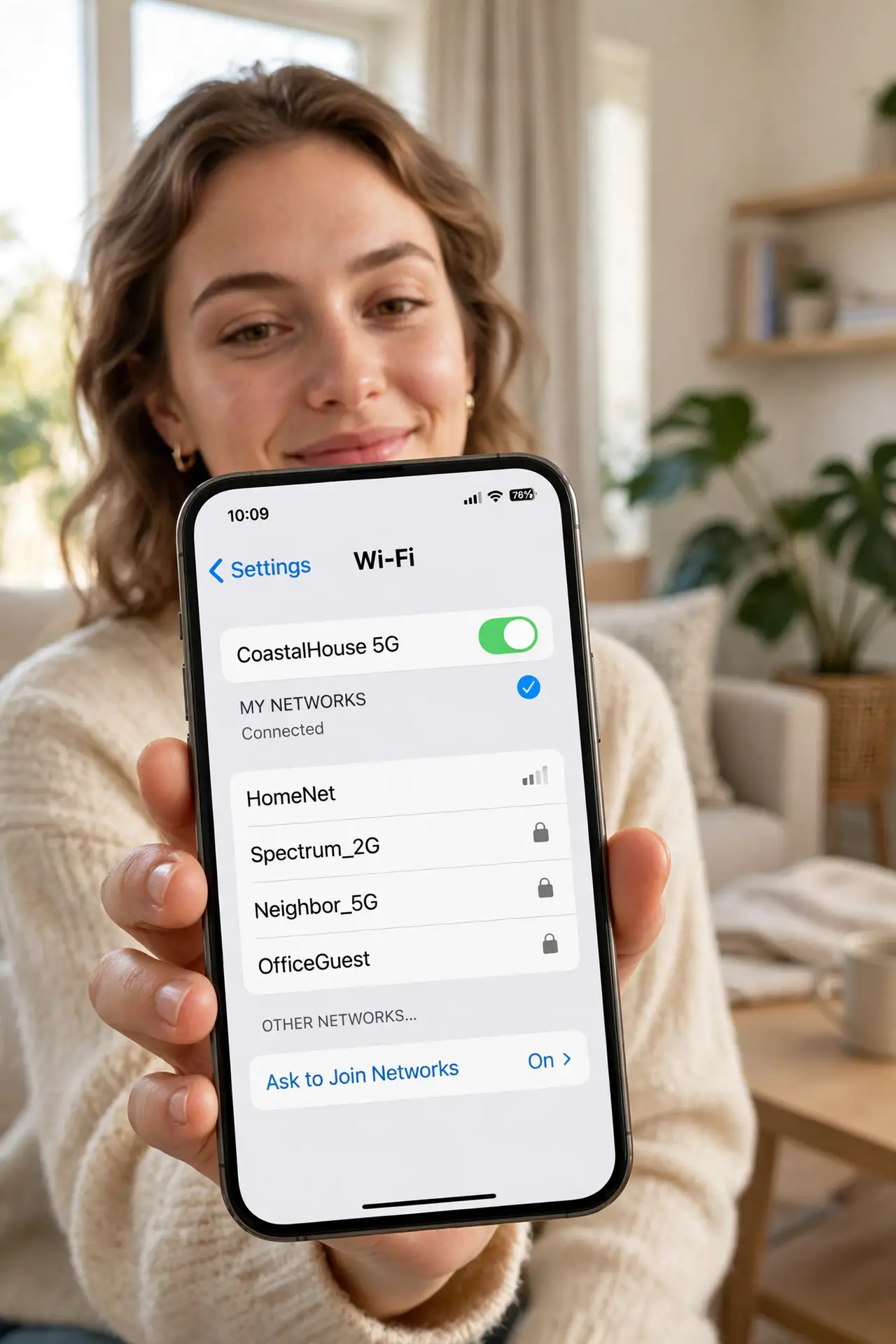
Your network still broadcasts NETGEAR-5G-4829 — announcing the router brand and model to everyone in range. A default SSID screams unconfigured, which is an invitation to the curious. Renaming is free, takes two minutes, and is the simplest signal that someone competent runs this network.
TL;DR / Quick Fix
Quick fix: log into your router, rename the SSID to something neutral and non-identifying — no names, addresses, or router brands. Keep the password strong regardless; the name is hygiene, not security. Avoid joke names that annoy the neighbors you share walls with.
Follow these steps
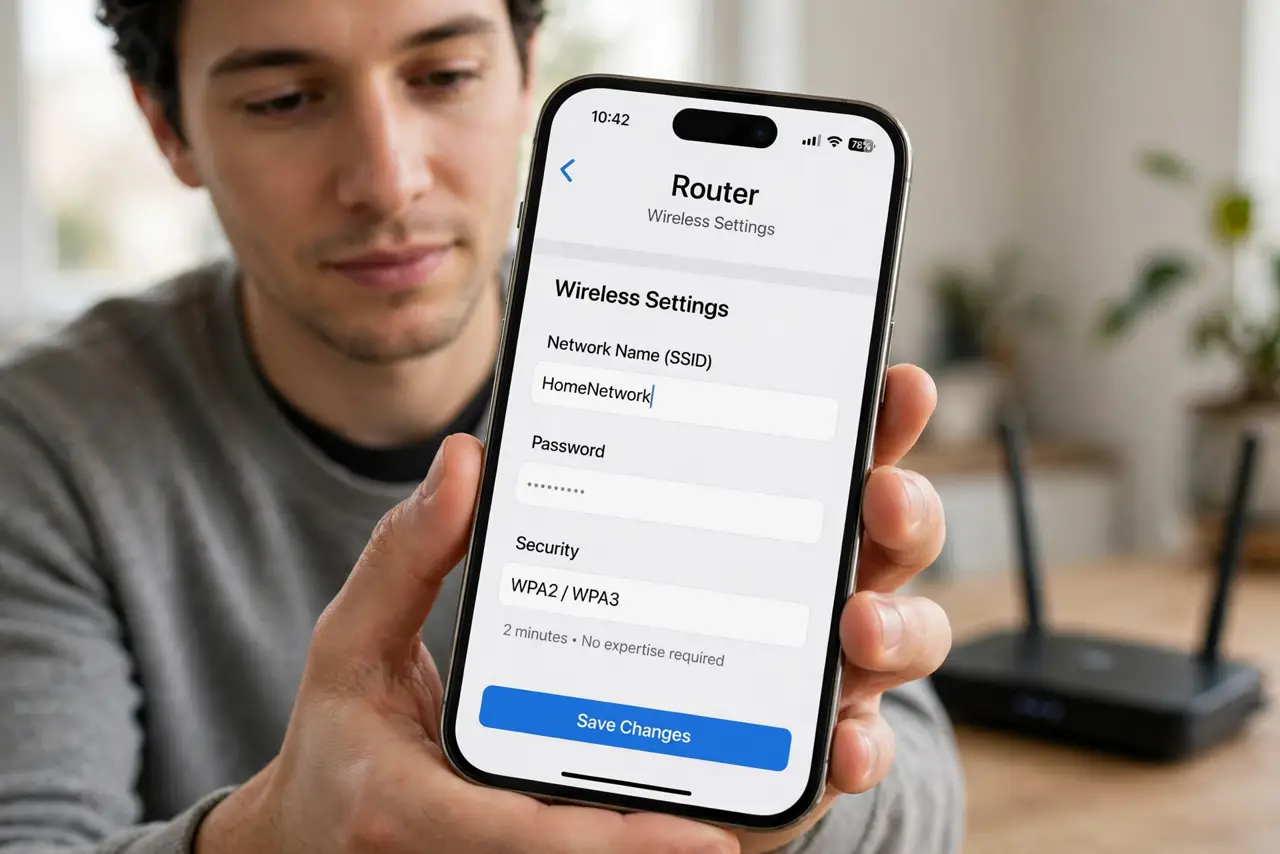
- Log into the router. Admin page or router app — the wireless settings hold the SSID field. Two minutes, no expertise required.
- Pick a neutral name. Something boring and unidentifiable. The hidden SSID myth is worth a skim while you are here — hiding the name adds no real security.
- Avoid personal details. No family names, no addresses, no apartment numbers. Your SSID broadcasts to the whole building — the worth-hiding debate covers the paranoia spectrum.
- Rename both bands sensibly. One name for both bands (with band steering) or clear suffixes like _5G. Consistency beats cleverness — devices roam better with sane naming.
- Keep the password strong. The name is hygiene; the password is security. Long passphrase, WPA2 or WPA3 — the rename changes nothing about encryption.
- Check the one-device quirk. After renaming, one device may not see the new name immediately. The SSID not showing fix is a forget-and-rejoin — normal, not broken.
What NOT to do
- Do not use your name or address. The SSID is public broadcast — treat it like a bumper sticker.
- Do not hide the SSID for security. It adds hassle, zero protection — the myth is persistent and wrong.
- Do not pick an offensive joke name. You share walls with these people; the laugh ages poorly.
- Do not forget to update saved devices. Every device reconnects to the new name — budget ten minutes for the parade.
Frequently asked questions
Does the network name affect security?
No — the password and encryption do. The name is just a label; pick a boring one.
Should I hide my SSID?
No. It breaks some devices, annoys guests, and adds no security — determined scanners see hidden networks anyway.
Can I use emojis in the SSID?
Technically sometimes, practically no — odd characters break older devices. Boring ASCII wins.