Fiber vs Cable Latency?
Both plans advertise the same download speed, but gamers and video-callers swear fiber 'feels' faster. They're feeling latency — the round-trip delay — not bandwidth. Fiber and cable differ in latency for real physical reasons, and the difference shows up exactly where responsiveness matters.
TL;DR / Quick Fix
Quick fix: fiber wins on latency — light through glass beats signals fighting upstream on shared cable lines. Both can game and call fine when healthy; the difference shows at busy hours. If your cable latency spikes every evening, that's congestion, and no settings tweak fixes a crowded neighborhood node.
Follow these steps
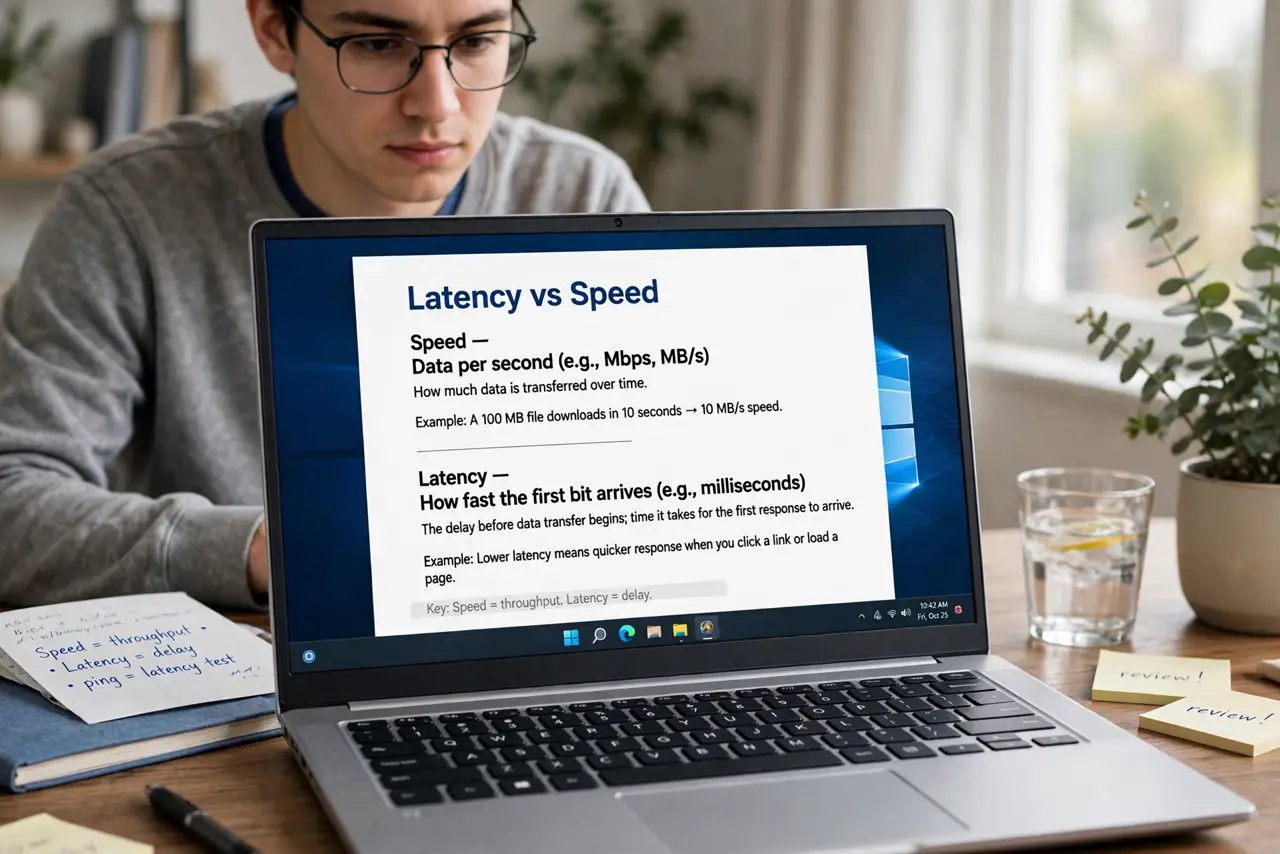
- Understand latency vs speed. Speed is how much data per second; latency is how fast the first bit arrives. A 100 Mbps connection with 10 ms latency feels snappier than a 500 Mbps one with 80 ms — responsiveness is latency's domain.
- Know why fiber is lower. Fiber carries light with minimal processing and no shared upstream fights. Cable's DOCSIS upstream shares capacity with neighbors and needs more error correction — both add milliseconds, especially upstream.
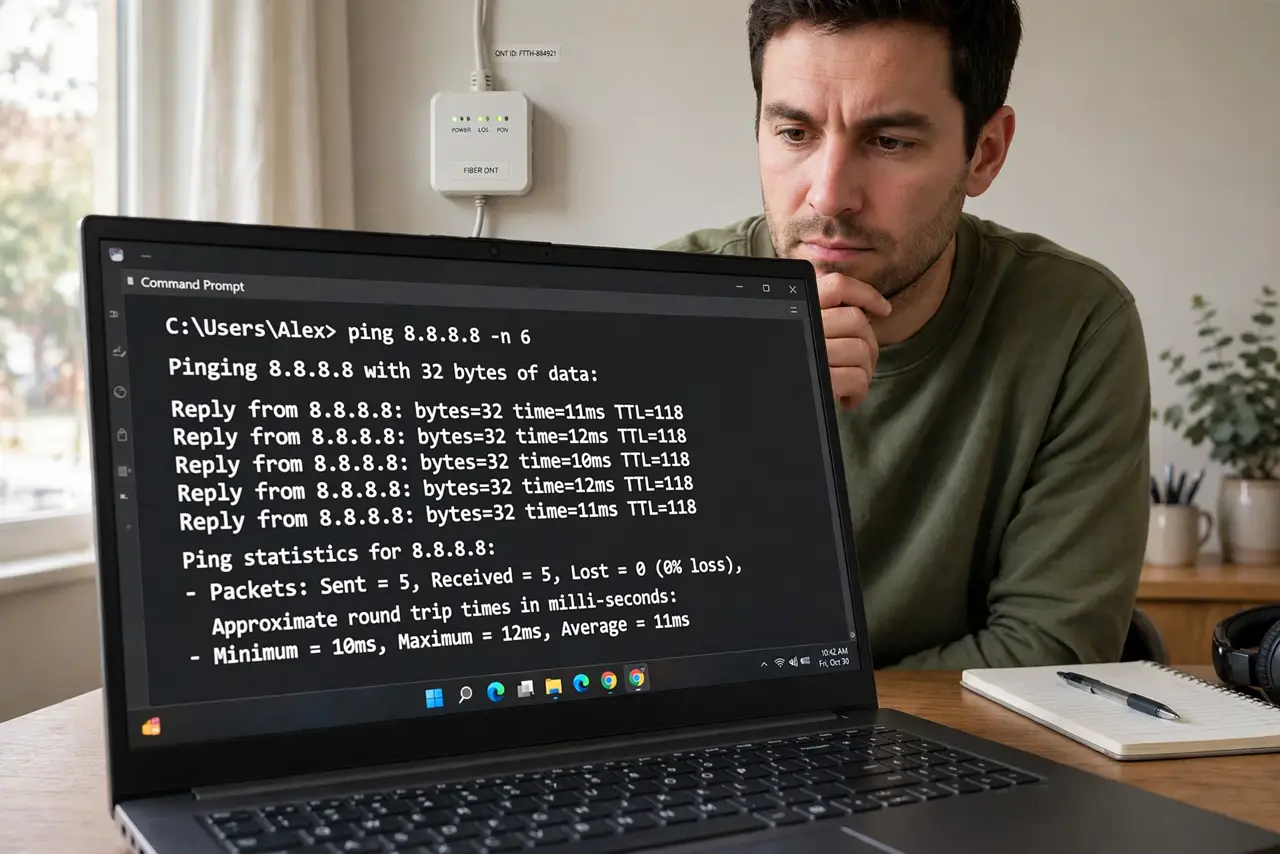
- Test your real latency. Run a ping test to a nearby server — under 20 ms is excellent, 20–50 ms is fine for everything, over 100 ms gets noticeable. Test in the evening too; cable latency often doubles at peak hours while fiber stays flat.
- Spot the congestion signature. Cable latency that's fine at noon but spikes at 8 p.m. is neighborhood congestion — too many modems sharing the node. No router setting fixes this; it's the provider's capacity to upgrade.
- Don't confuse Wi-Fi lag with line latency. Test over Ethernet first. Wi-Fi adds its own variable delay — if wired ping is clean but wireless isn't, the line is innocent and your Wi-Fi setup is the project.
- Choose with your use case. Competitive gaming and all-day video calls: fiber's stable low latency is worth switching for. Pure streaming and browsing: you'll never feel the difference — save your money.
What NOT to do
- Do not buy 'gaming routers' to fix line latency. No router reduces the provider's network delay — it can only avoid adding its own.
- Do not compare speed-test ping to game ping. Speed tests ping nearby servers; your game server may be far away — distance dominates both equally.
- Do not assume cable is always worse. A healthy uncongested cable line games beautifully; a congested fiber line (rare, but real) doesn't — test, don't stereotype.
- Do not chase single-digit ping over Wi-Fi. Wireless adds jitter no plan can remove — wire the gaming PC if milliseconds truly matter.
Frequently asked questions
What latency do I actually need?
Under 50 ms for great gaming and calls; under 100 ms is fine for most play. Above 150 ms, humans notice the lag in conversation and fast games.
Why is my upload latency worse on cable?
Cable's upstream is the shared, narrow lane — fewer channels, more contention. Fiber is usually symmetric, so its upstream latency matches downstream.
Will a faster plan lower my latency?
Rarely. Higher tiers add bandwidth, not responsiveness — a 100 Mbps fiber line has the same latency as the gigabit one. Only switching technology (cable to fiber) moves the needle.