Manage Kids' Devices
The bedtime battle is fought over Wi-Fi: one more video, one more game, the tablet glowing under the blanket at midnight. The router can end the war without nightly arguments — device schedules, bedtime pauses, and per-device limits enforced automatically. Set the rules once; the router plays the bad guy forever.
TL;DR / Quick Fix
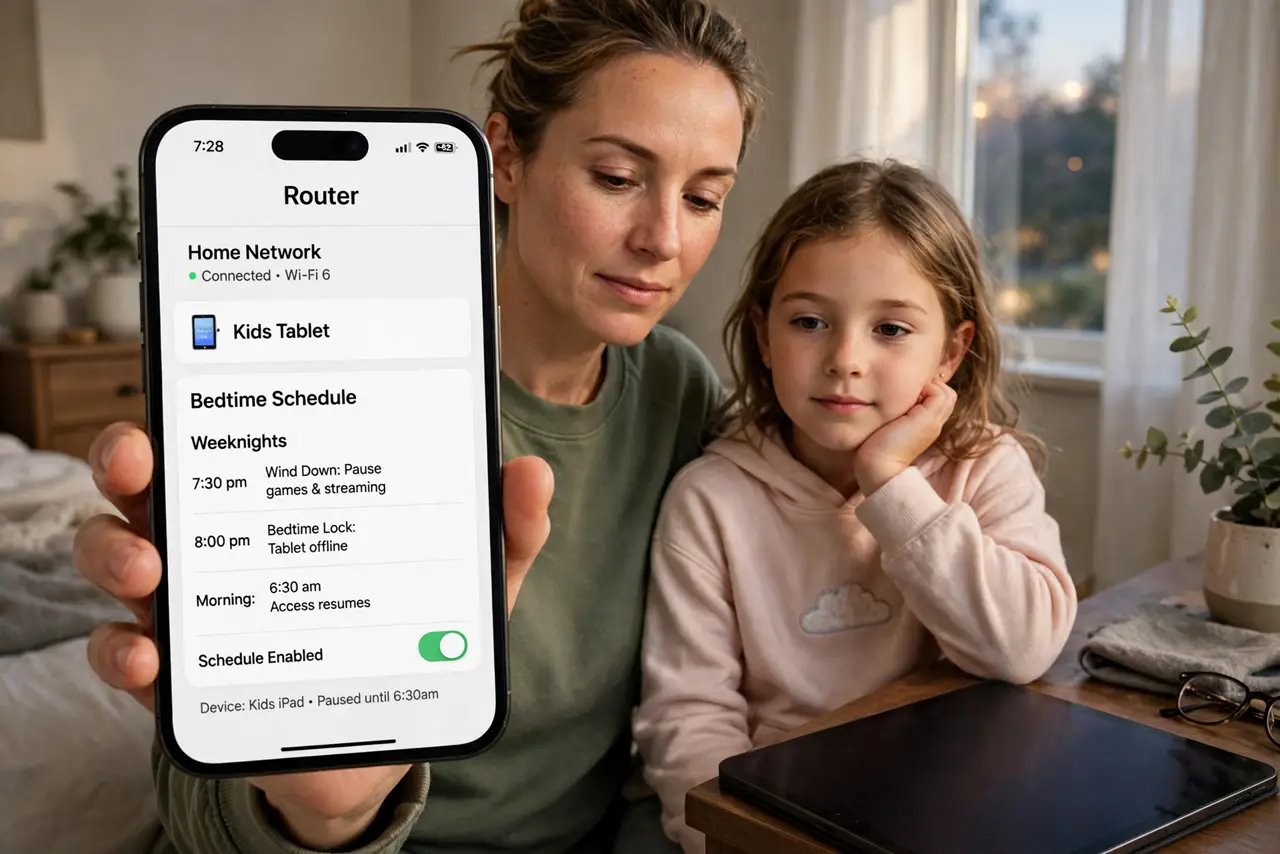
Quick fix: open your router app, find parental controls or device scheduling, and set the kids devices to pause at bedtime and resume in the morning. Name each device clearly first. Announce the schedule in advance — the router enforces, but the conversation prevents the meltdown.
Follow these steps
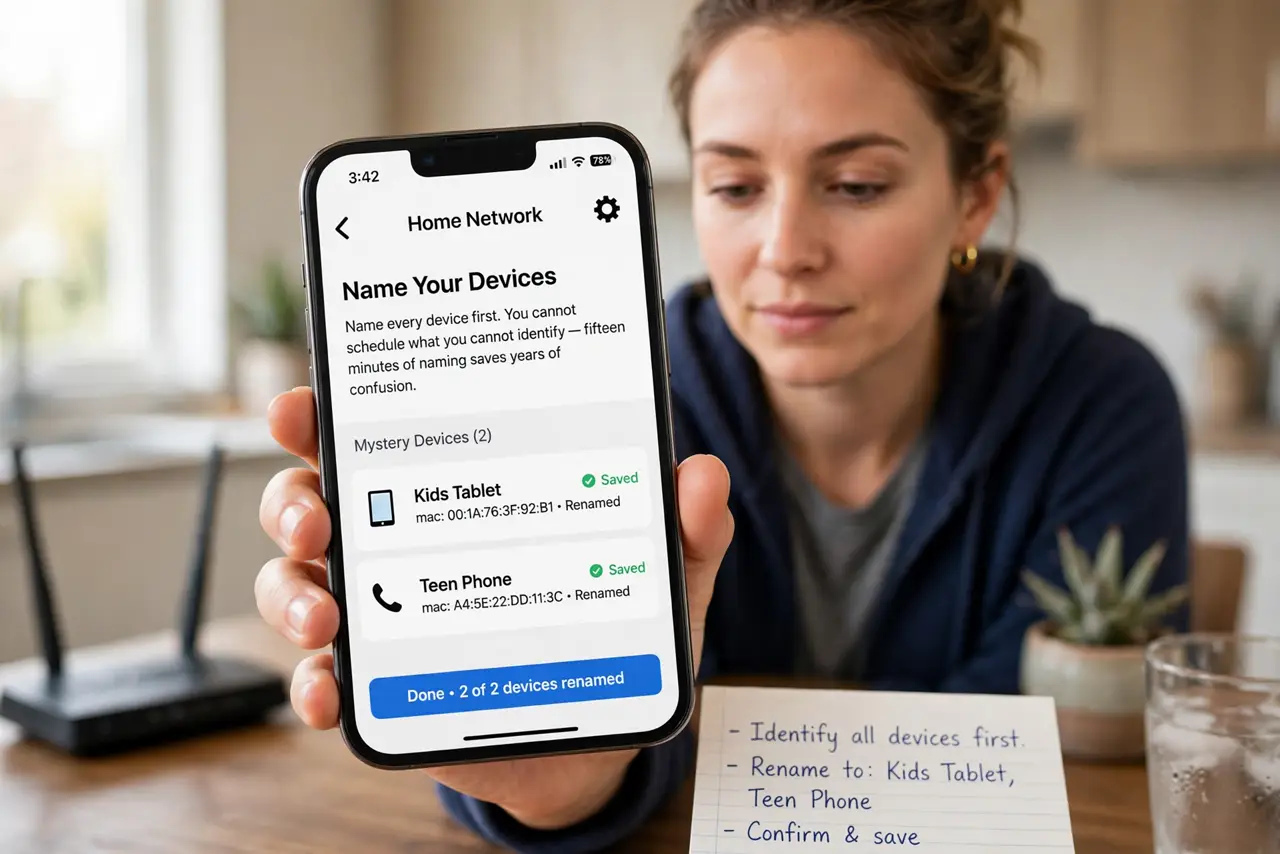
- Name every device first. In the router app, rename the mystery devices: Kids Tablet, Teen Phone. You cannot schedule what you cannot identify — fifteen minutes of naming saves years of confusion.
- Set a bedtime pause. Schedule the kids devices to lose internet at bedtime and regain it in the morning. The bedtime router block is the canonical setup — automatic, arguable-with-nobody.
- Add homework-hour rules. Pause games and video during homework hours while keeping school sites open. Most router apps allow per-category or per-device granularity — use it.
- Layer with device controls. Router schedules plus the router parental panel cover the network; device-level limits cover offline apps. Neither alone is complete.
- Announce before enforcing. Springing a 9 p.m. cutoff unannounced breeds war. Announce the schedule, explain the why, then let the router be the unmoved enforcer.
- Review and adjust monthly. Kids grow, schedules shift. A monthly five-minute review keeps the rules fair — fairness is what makes them stick.
What NOT to do
- Do not pause devices as punishment without warning. Scheduled rules are fair; surprise shutoffs are just power trips.
- Do not forget the guest network. A clever teen hops networks — apply the rules there too or lock it down.
- Do not rely on router controls alone. Offline games and downloaded videos dodge the network entirely — layer device limits.
- Do not set bedtime for yourself by accident. Double-check you paused the kids tablet, not your work laptop.
Frequently asked questions
Can kids bypass router bedtime?
With mobile data, a neighbors Wi-Fi, or a VPN — determined teens find ways. Layering with device controls closes most holes.
What if homework needs the internet late?
Whitelist school sites during homework hours, or grant one-tap extensions. Rigid plus flexible beats rigid alone.
Does this work for gaming consoles?
Yes — consoles are just devices to the router. Schedule them like everything else.