Reboot or Reset?
Your internet is acting up, someone says 'just reset the router,' and your finger hovers over a tiny pinhole button. Stop — reboot and reset are wildly different operations. A reboot is a harmless restart that fixes most glitches; a reset wipes every setting back to factory defaults and can leave you offline for an hour. Knowing which one you need saves the exact disaster you are trying to fix. The outage check helps you decide if the router is even the problem.
TL;DR / Quick Fix
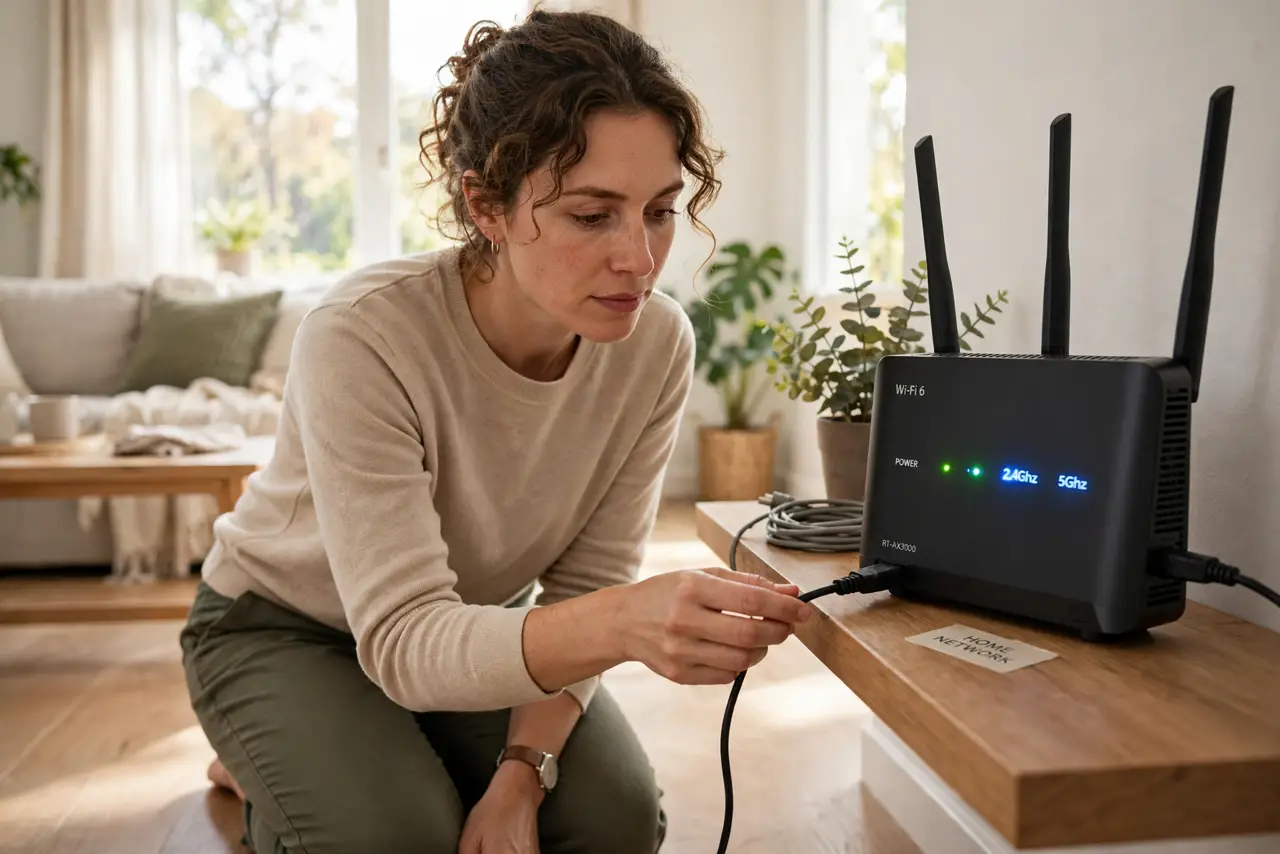
Quick fix: reboot your router first — unplug it for thirty seconds — because that fixes most hiccups without erasing anything. Reset only when logins fail or the ISP says so, and write down your Wi-Fi name and password before you press that button.
Follow these steps
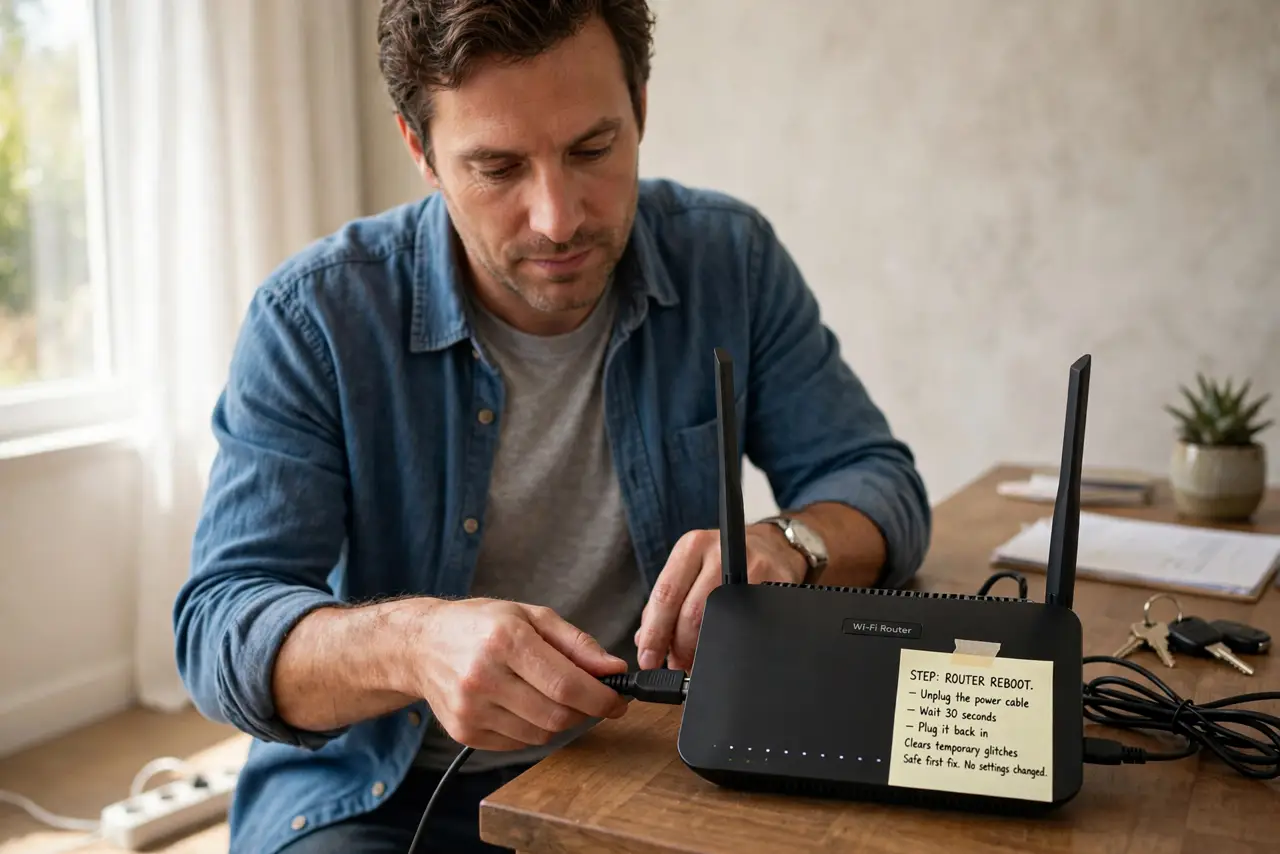
- Reboot: unplug the power for 30 seconds. Pull the router's power cable, count to thirty, and plug it back in. This clears temporary glitches without touching any setting — the safe first move, always.
- Wait for all lights to settle. Give the router two to three minutes to reconnect. Watch the status lights return to their normal pattern before testing anything.
- Test before doing anything drastic. Load a couple of websites on two different devices. If the reboot fixed it, you are done — no settings were harmed.
- Reset only for specific reasons. A factory reset is for forgotten admin passwords, settings corrupted beyond repair, or your ISP explicitly telling you to. It is not a stronger reboot.
- Save your settings before resetting. Write down your Wi-Fi name, Wi-Fi password, and any ISP login details. After a reset you will re-enter all of them from scratch.
- Reset properly: hold the button 10 seconds. Use a paperclip on the recessed reset button while the router is powered on, holding until the lights blink. Then set everything up again — see the reset walkthrough for the full process.
What NOT to do
- Do not press the reset button 'just to be sure.' It erases your Wi-Fi name and password along with everything else.
- Do not reboot by yanking the cable repeatedly. One clean 30-second power cycle beats five rapid ones.
- Do not reset without your ISP details handy. Some connections need a username and password you cannot guess.
- Do not confuse the power button with the reset pinhole. One restarts, the other wipes — check the labels.
Frequently asked questions
What is the difference between reboot and reset?
Reboot restarts the router keeping all settings. Reset erases everything back to factory defaults, including your Wi-Fi name and password.
How often should I reboot my router?
Only when something is wrong. The scheduled reboot question is mostly a myth for modern routers — reboot on symptoms, not on a timetable.
Will a reset fix slow speeds?
Rarely. Slow speeds are usually the plan, the wiring, or congestion — resetting just gives you the same slowness with extra setup work.