Reset Your Router Right
Nothing else worked, the settings are a tangled mess, and the factory reset button is calling your name. A reset done right — with your credentials saved and a plan for setup — takes twenty minutes and gives you a clean slate. A reset done blind leaves you offline, hunting for an ISP password nobody wrote down. This guide is the careful version. First, confirm the router is actually the problem with the outage check.
TL;DR / Quick Fix
Quick fix: reset your router only after a reboot fails — hold the reset button for ten seconds, then set up the Wi-Fi name and password again from scratch. Write down your ISP login details first, because a reset erases them along with everything else.
Follow these steps
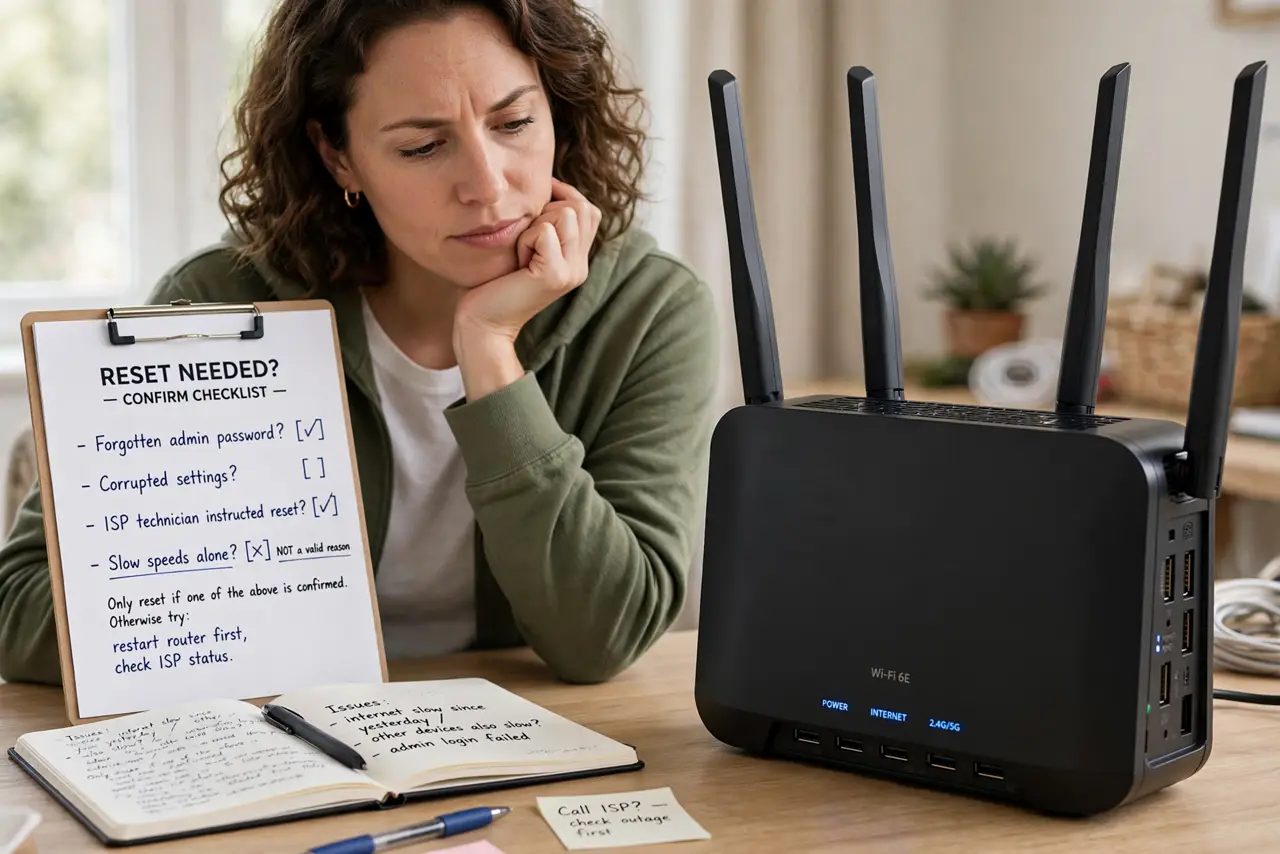
- Confirm a reset is truly needed. Forgotten admin password, corrupted settings, or an ISP technician's instruction are valid reasons. Slow speeds alone are not — check the reboot vs reset guide first.
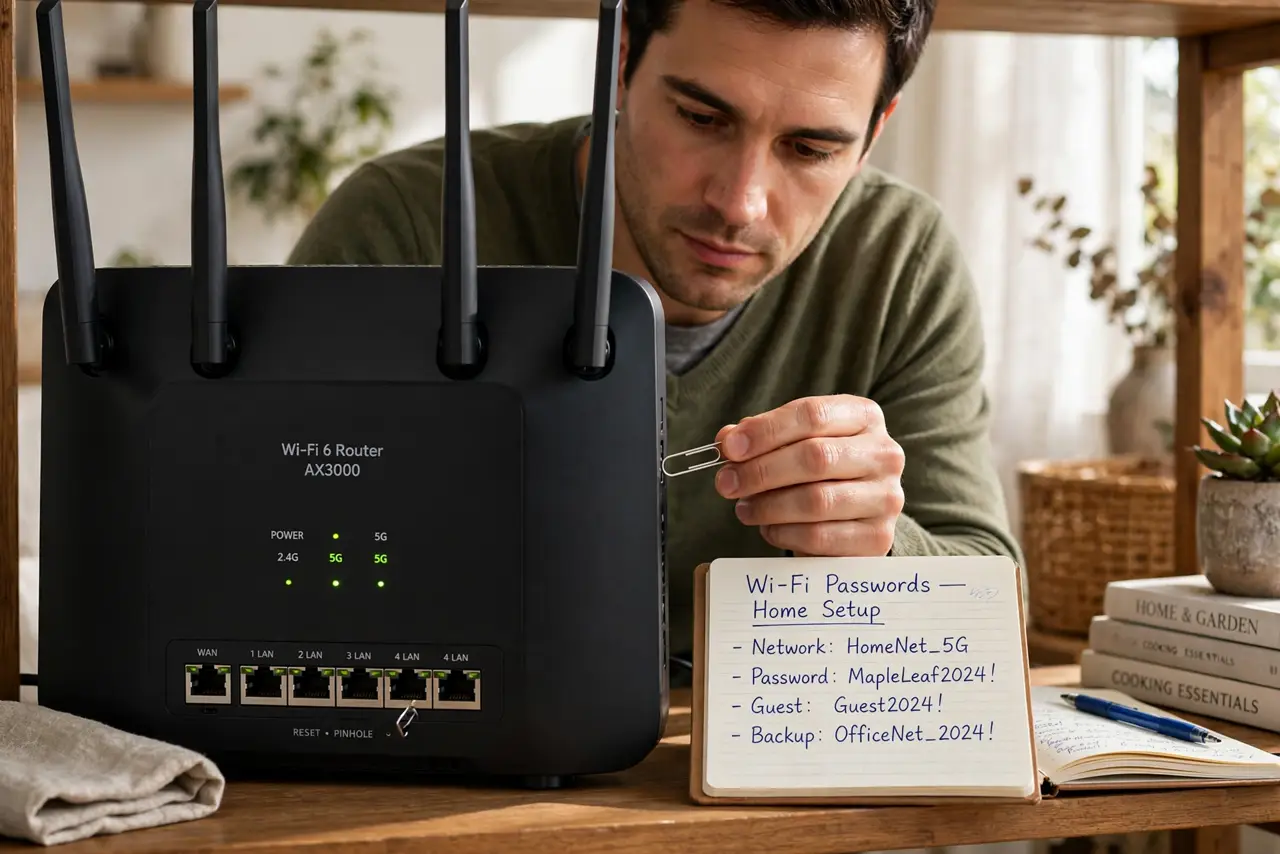
- Write down every credential. Wi-Fi name and password, router admin login, and any ISP username or password for the connection itself. Photograph the router's bottom label too — it holds defaults.
- Save any custom settings. Port forwards, static IPs, parental controls, custom DNS — screenshot or note them. A reset wipes them all without asking.
- Hold the reset button for 10 seconds. With the router powered on, press the recessed button with a paperclip until the lights flash and it restarts. Thirty seconds of holding is the safe count on stubborn models.
- Set up from scratch patiently. Connect to the default Wi-Fi name on the label, open the admin page, and rebuild: internet connection first, then Wi-Fi name and password, then extras.
- Change the admin password immediately. Factory defaults are public knowledge. The default password warning explains why this step is not optional.
What NOT to do
- Do not reset without your ISP connection details. Some lines need a username and password you cannot recover by guessing.
- Do not use the same Wi-Fi password as before if it was weak. A clean slate is the perfect moment for a stronger one.
- Do not skip the firmware update after reset. Old firmware plus default settings is how routers get compromised.
- Do not reset someone else's router without asking. In shared homes and rentals, that is a fast way to ruin an evening.
Frequently asked questions
How long does a factory reset take?
The reset itself takes a couple of minutes; rebuilding your settings takes fifteen to thirty. Budget half an hour total.
Will I lose internet completely after reset?
Until you re-enter the connection settings, yes. That is why the credentials must be written down beforehand.
Does reset fix a hacked router?
It clears malicious settings, which helps — but update the firmware and change all passwords immediately after, or it can happen again.