Pack a Travel Router
Hotel Wi-Fi wants every device to sign in separately — phone, laptop, tablet, each through the captive portal, sometimes each with a fee. A travel router signs in once and shares the connection with everything you own, adding a layer of privacy on top. Small, light, and for frequent travelers, self-paying. See the hotel Wi-Fi tricks and the travel router basics.
TL;DR / Quick Fix
Quick fix: a travel router connects to hotel Wi-Fi once and shares it with all your devices — no per-device captive portals, no per-device fees. It also adds a layer of privacy on networks. For frequent travelers it pays for itself; for one trip a year, your phone hotspot works.
Follow these steps
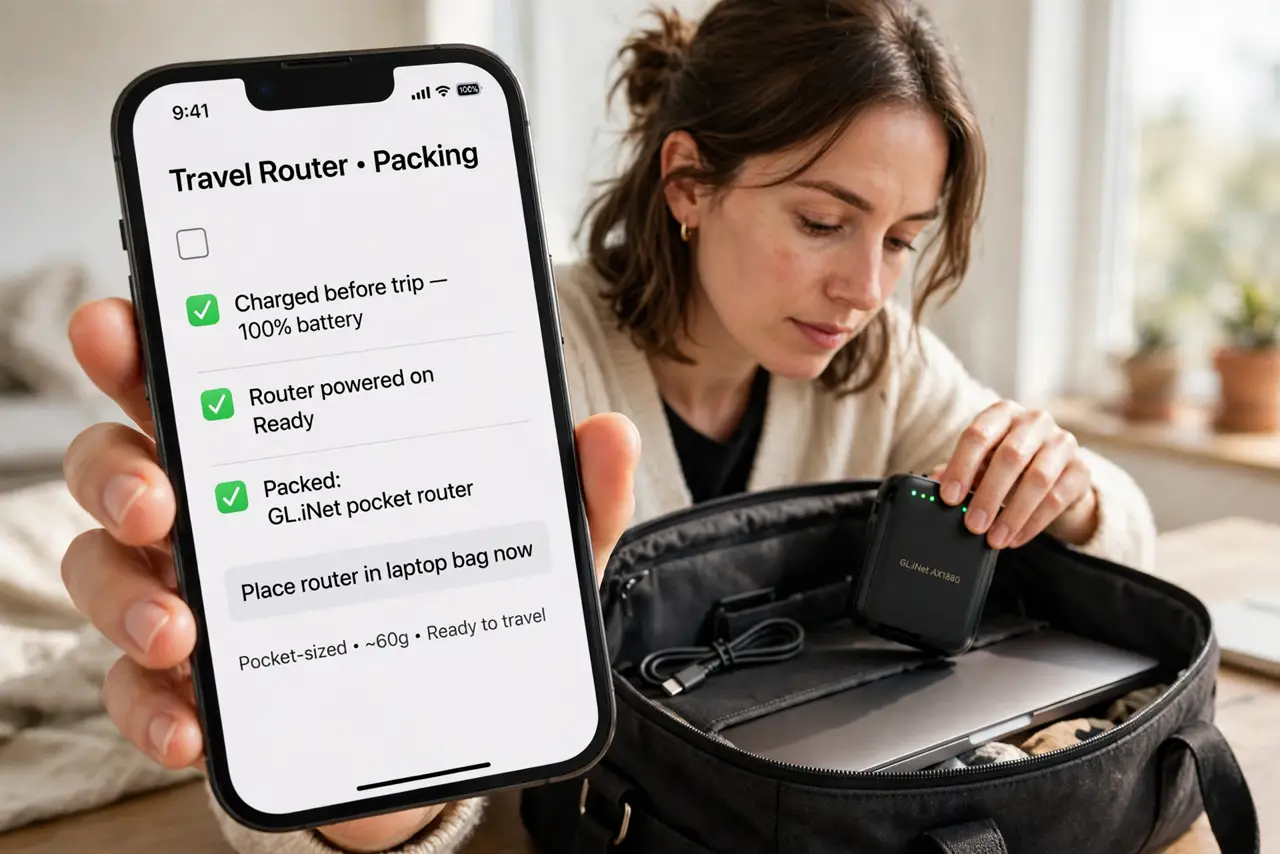
- Pack a pocket-sized router. Travel routers are tiny — pocket or palm sized. Charge it before the trip and toss it in the laptop bag; it weighs almost nothing.
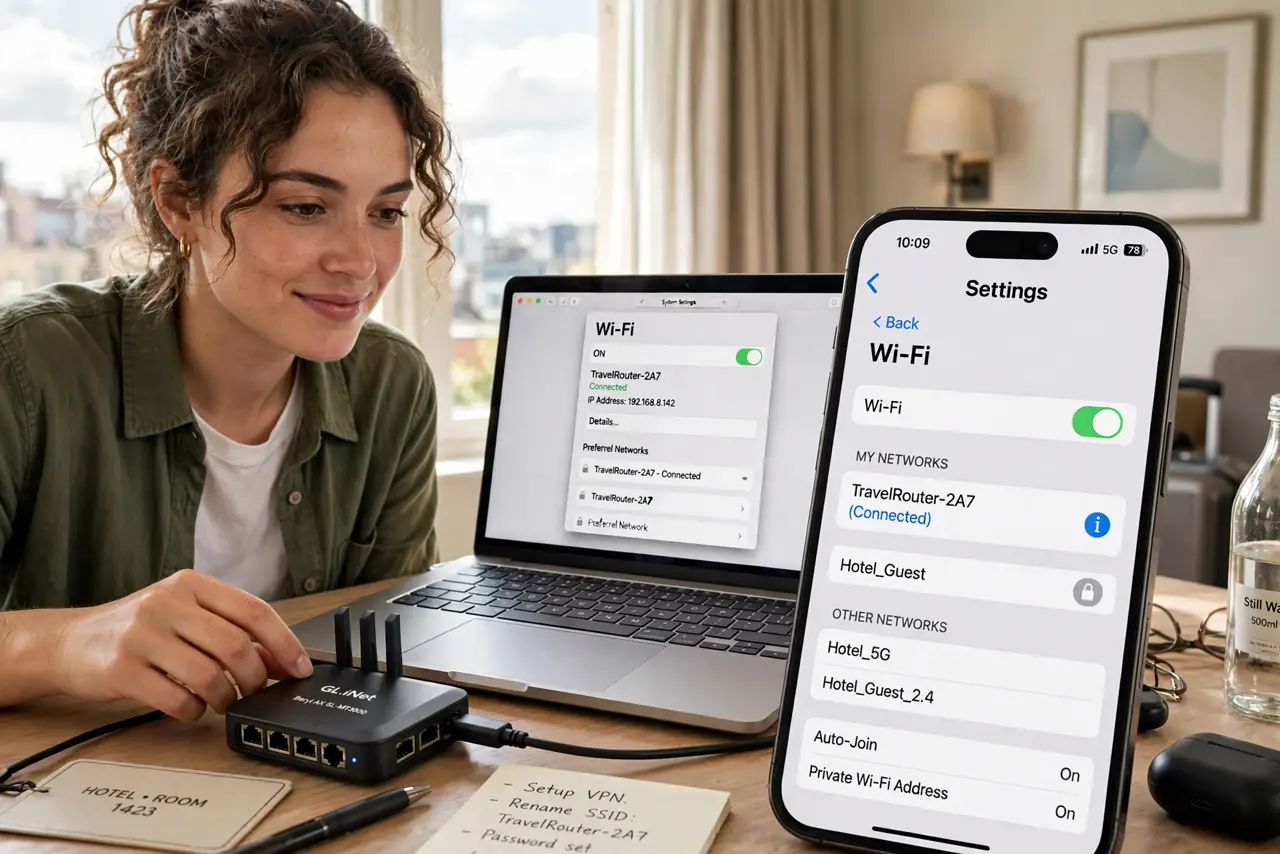
- Connect it to the hotel Wi-Fi. In the router's setup page, join the hotel network as its internet source. You complete the captive portal once, on the router.
- Connect all your devices to the router. Your phone, laptop, and tablet join your own private network. No more per-device logins, no per-device fees.
- Enjoy the privacy layer. The hotel sees one device — your router — not your browsing. It is not a VPN, but it hides your device count and some metadata.
- Use it as a hotspot backup. Many travel routers can also share a phone or USB modem connection. One gadget covers hotel, hotspot, and sketchy-cafe scenarios.
- Decide if you travel enough. Frequent travelers: it pays for itself in fees and hassle. Once-a-year trips: compare with the hotspot alternative before buying.
What NOT to do
- Do not expect hotel speeds to improve. The router shares the hotel's connection — it cannot make slow hotel Wi-Fi fast.
- Do not skip the router's own password. Your private network needs WPA2 or better, or fellow guests can join it.
- Do not forget some hotels block routers. Rare, but it happens — have the phone-hotspot fallback ready.
- Do not leave it broadcasting at home. It is a travel tool; unplug it between trips to avoid a rogue network.
Frequently asked questions
Is a travel router better than my phone hotspot?
For many devices and captive portals, yes. For one phone and laptop on a simple trip, the hotspot is simpler — see the comparison.
Does it work on cruise ships?
It connects like any Wi-Fi client, but ship networks often block sharing. Check the cruise Wi-Fi tips before counting on it.
Do I need a VPN too?
For sensitive work on hotel networks, yes — the router hides your devices, a VPN hides your traffic. They complement each other.