Remap the Copilot Key
New Windows keyboards ship with a Copilot key where the menu key used to be — and if you never use Copilot, it is a dead key collecting dust. Windows lets you remap it to open search, another app, or (with tools) anything. Reclaim the key instead of ignoring it.
TL;DR / Quick Fix
Quick fix: open Settings, Personalization, then Text input, and look for the Copilot key customization — newer Windows builds let you point it at Search or another app. If your build lacks the option, the Copilot basics explain what the key does by default while you wait for the setting.
Follow these steps
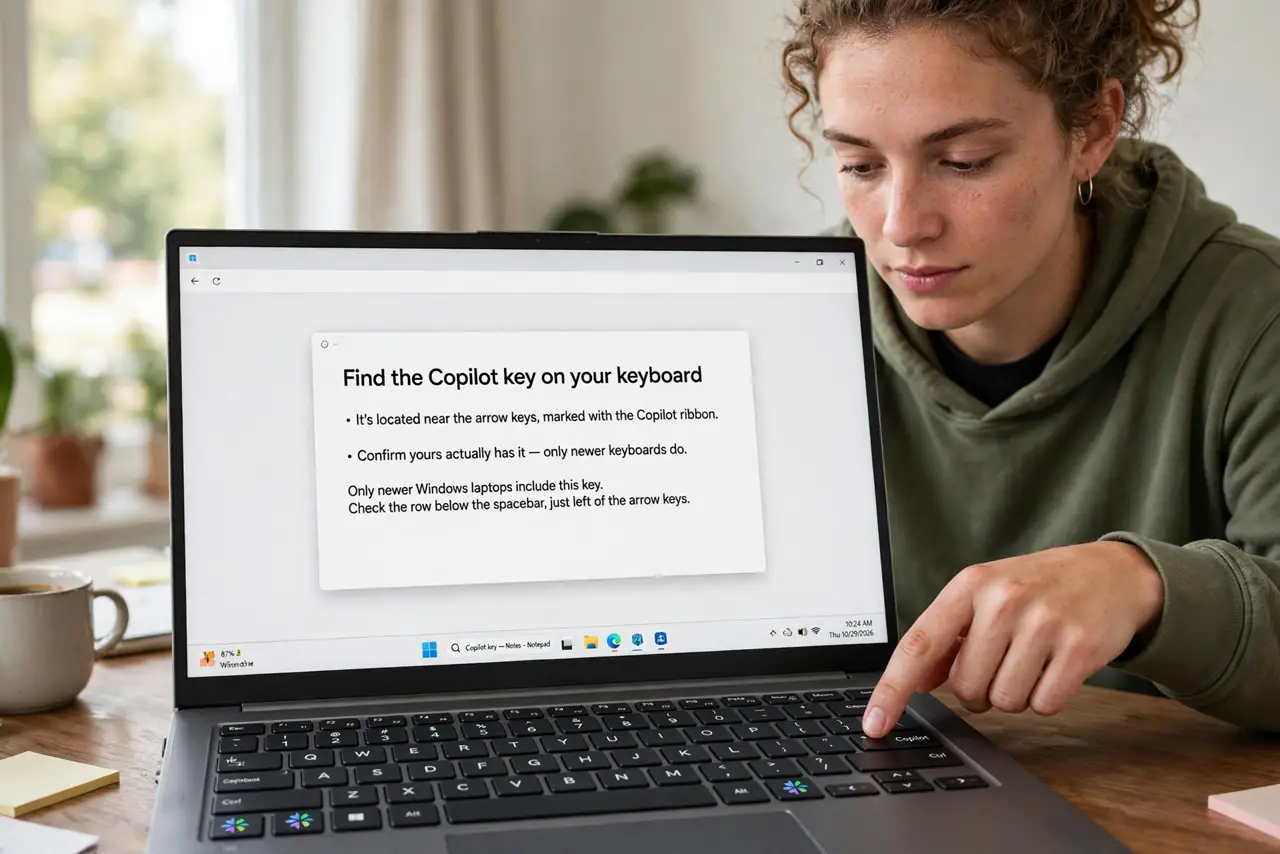
- Find the key on your keyboard. It sits near the arrows, marked with the Copilot ribbon. Confirm yours actually has it — only newer keyboards do.
- Check Settings for the remap option. Settings, Personalization, Text input — newer builds offer Customize Copilot key. The basics guide tracks where Microsoft keeps moving this.
- Point it at Search. The most useful remap: turn the dead key into instant search. One press, type, done — the key earns its place.
- Consider third-party remappers. For full freedom (any app, any shortcut), free key-remapping tools go beyond Microsofts options. Stick to well-known ones — keyboard tools run deep in the system.
- If the key misbehaves, tame it. Accidental presses launching Copilot mid-work? The hover problem and taskbar removal guides cover the annoyance side.
- Leave it if you use Copilot. No shame in the default — if Copilot is part of your workflow, the dedicated key is genuinely handy.
What NOT to do
- Do not install random key-remapping tools from obscure sites. Keyboard hooks are powerful — use only well-known tools.
- Do not remap it to something you will fat-finger. The keys position invites accidents; pick a forgiving target.
- Do not expect the remap to sync across PCs. It is per-machine — set it everywhere.
- Do not disable Copilot system-wide just for the key. The remap solves the key; leave the feature alone.
Frequently asked questions
What does the Copilot key do by default?
It launches Microsoft Copilot, the AI assistant. One press opens it; that is the whole default job.
Can I make it open another app?
On newer builds, Settings offers Search or Copilot. Full custom targets need a remapping tool.
Why do I not have the remap option?
Older Windows builds lack it — update Windows, and the option usually appears.