'No Internet, Secured'? Fix It
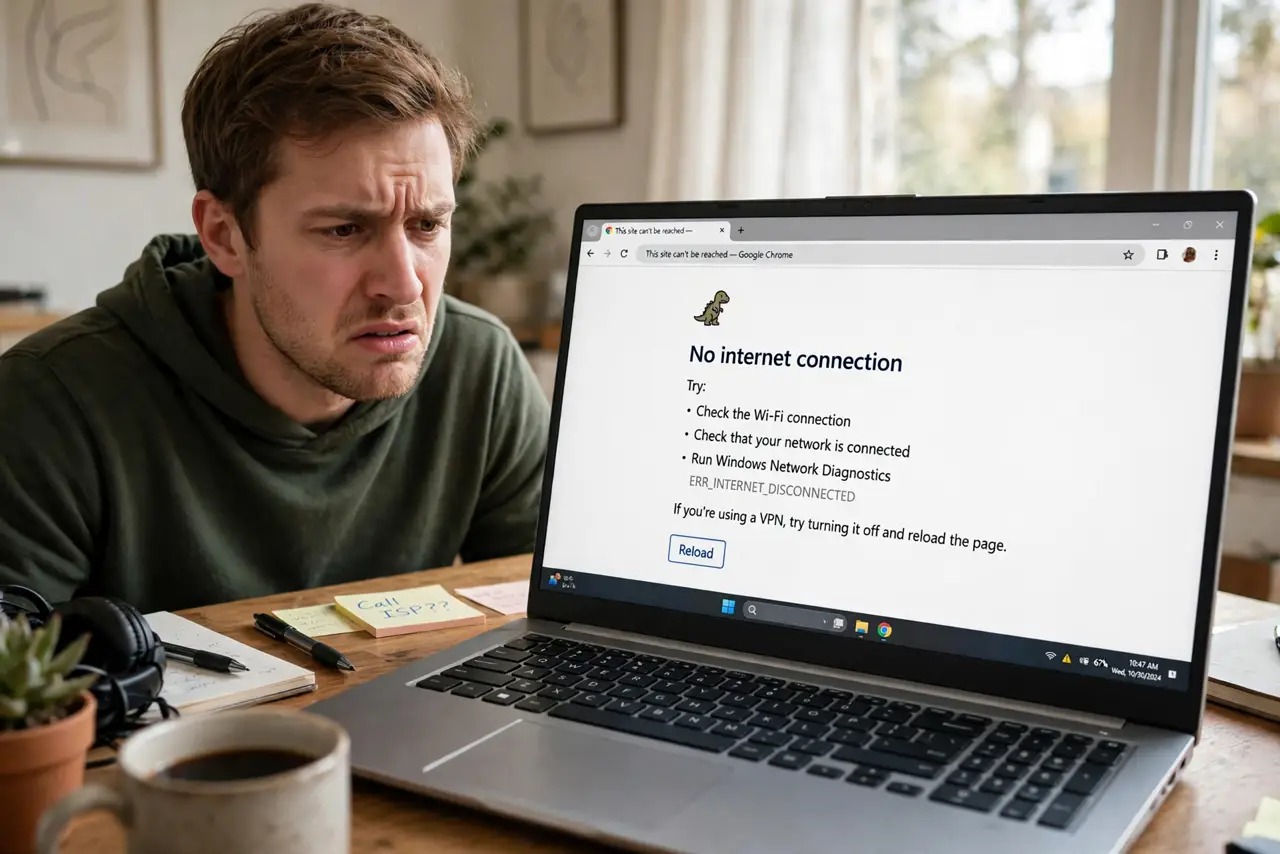
The Wi-Fi icon says connected, even 'Secured,' yet no page loads and apps complain there is no internet. That odd message means your PC reached the router but the router is not passing you to the internet — or your PC never got a usable address. The fixes are quick, and none of them touch your files.
TL;DR / Quick Fix
Quick fix: this message means your PC reached the router but not the internet. Forget the network, reconnect, then renew your IP address. If it persists, restart the router and run the network troubleshooter. Most cases clear with a fresh connection and a router restart.
Follow these steps
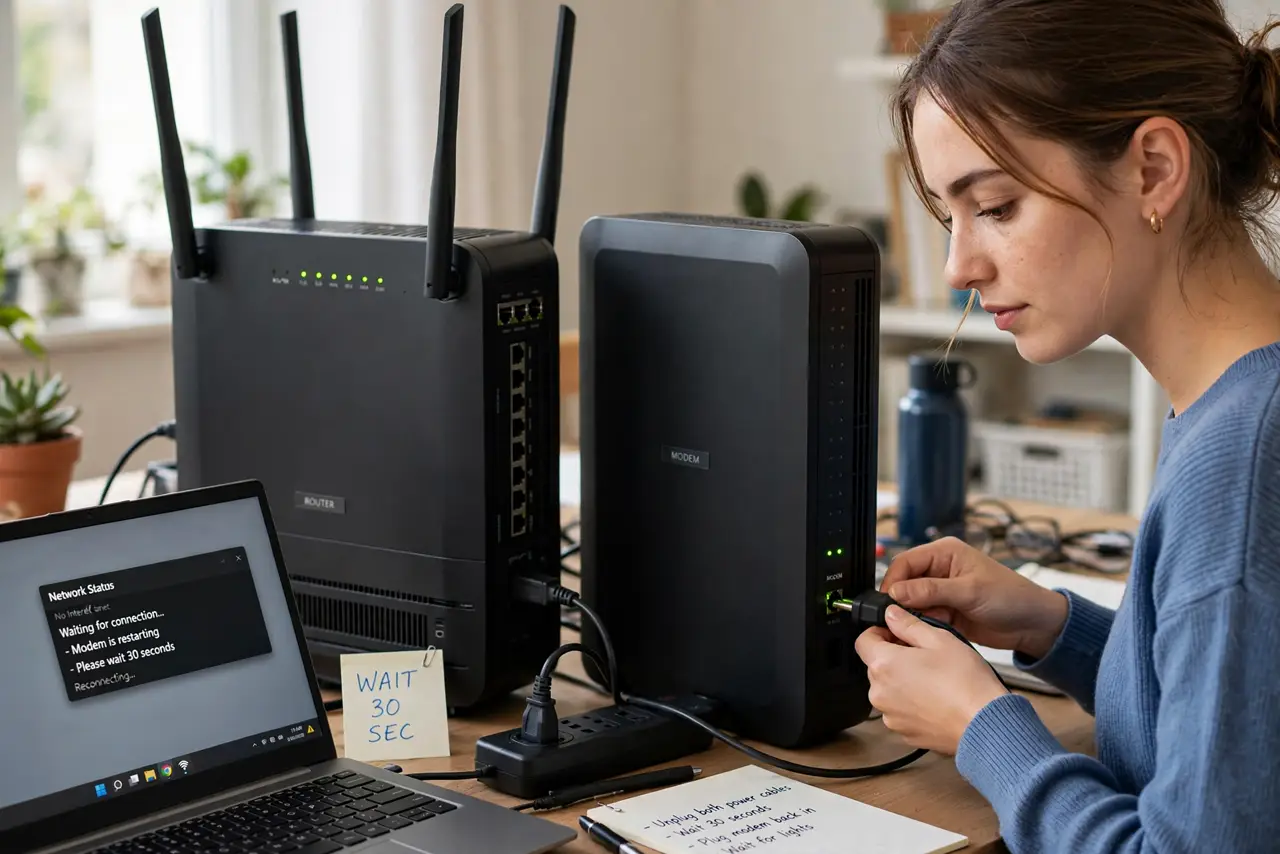
- Restart the router and modem first. Unplug both for 30 seconds, then plug the modem back in, wait for its lights, then the router. This clears the stale state that causes most 'No Internet, Secured' cases — a full power cycle beats a quick reboot. If you are not sure which box is which, see modem vs router.
- Forget the network and reconnect. Go to Settings > Network & internet > Wi-Fi, click the network, and choose Forget. Reconnect with the password fresh. This wipes a corrupted saved profile — see the forget network guide for the exact clicks.
- Renew your IP address. A stale or bad IP lease is a classic cause. Follow the renew IP steps to release and request a fresh address from the router.
- Run the Windows network troubleshooter. Settings > System > Troubleshoot > Other troubleshooters > Network and Internet > Run. It resets the adapter and winsock entries automatically, and tells you what it changed.
- Try a different device. If your phone loads pages on the same Wi-Fi, the router and internet are fine — the problem is your PC. If nothing loads anywhere, call the ISP instead of tweaking Windows.
- Update the Wi-Fi driver as a last resort. In Device Manager, update the wireless adapter driver. Only do this after the steps above — a driver issue is possible but far less common than a stale lease or a grumpy router.
What NOT to do
- Do not disable your firewall or antivirus to 'test' the connection. They almost never cause this, and you lose protection for nothing.
- Do not factory-reset the router on a hunch. A power cycle fixes the same state without wiping your Wi-Fi name and password.
- Do not reinstall Windows over this. 'No Internet, Secured' is a network-layer hiccup, not a broken OS.
- Do not pay for a new Wi-Fi adapter before testing another device. If the phone works, the adapter may be fine — check the driver first.
Frequently asked questions
What does 'No Internet, Secured' actually mean?
It means the Wi-Fi link to the router is encrypted and working ('Secured'), but the router is not giving your PC a path to the internet. The break is between the router and the internet, or in the address your PC received.
Why does it happen after a Windows update?
Updates sometimes reset the network stack or replace the Wi-Fi driver with a version that mishandles the router's settings. Forgetting the network and renewing the IP usually clears it without rolling anything back.
My phone works but the PC doesn't — why?
Then the router and internet are fine, and the fault is on the PC: a stale IP lease, a corrupted Wi-Fi profile, or a driver glitch. Work the PC-side steps above in order.