OneDrive Files On-Demand? Explained
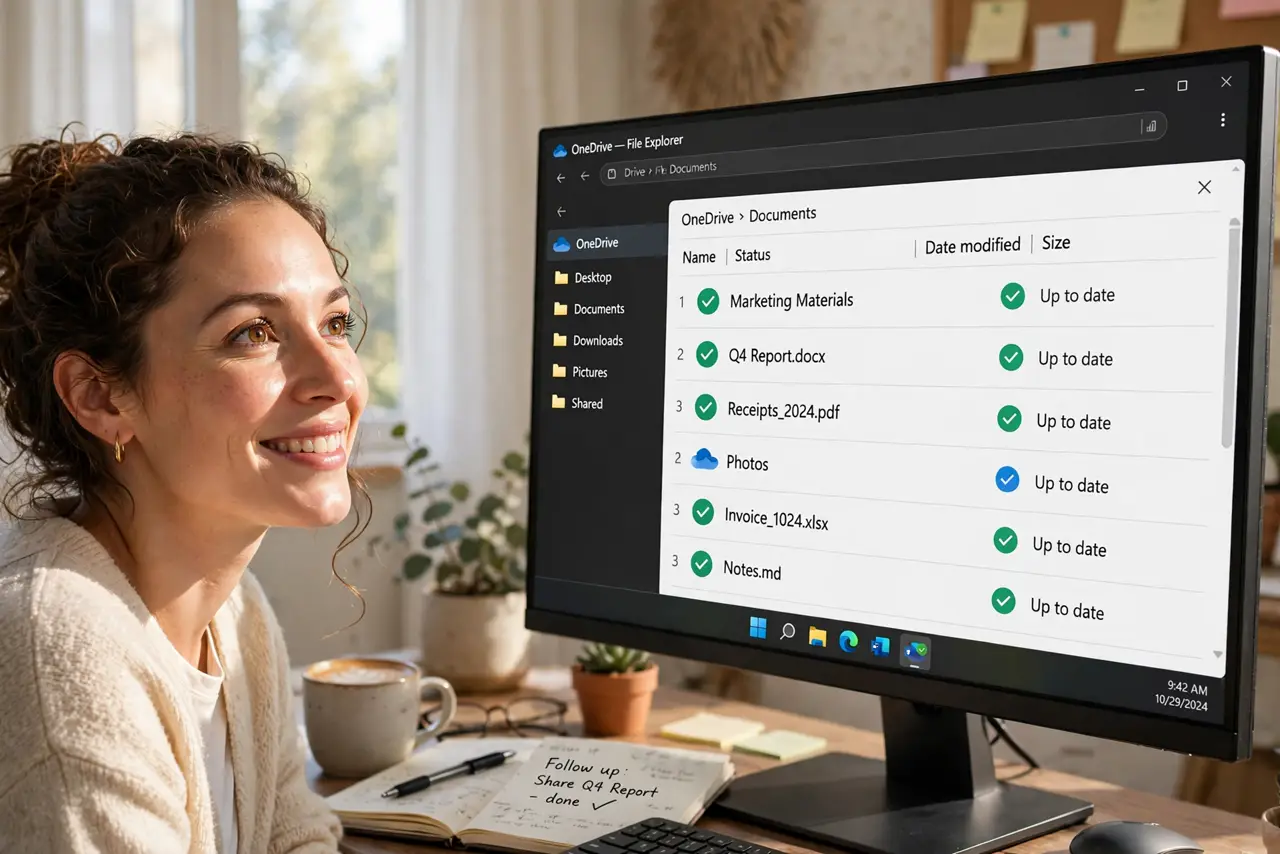
Your OneDrive holds 200 GB but your laptop has 30 GB free — yet everything seems accessible. That is Files On-Demand: cloud files appear in File Explorer as placeholders and download only when you open them. The little status icons tell the whole story, once you learn to read them.
TL;DR / Quick Fix
Quick fix: Files On-Demand shows OneDrive files in File Explorer without downloading them — cloud icons mean online-only, green checkmarks mean local. Enable it in OneDrive Settings under Sync and backup. Right-click any file to keep it always on this device, or free up space to return it to cloud-only.
Follow these steps
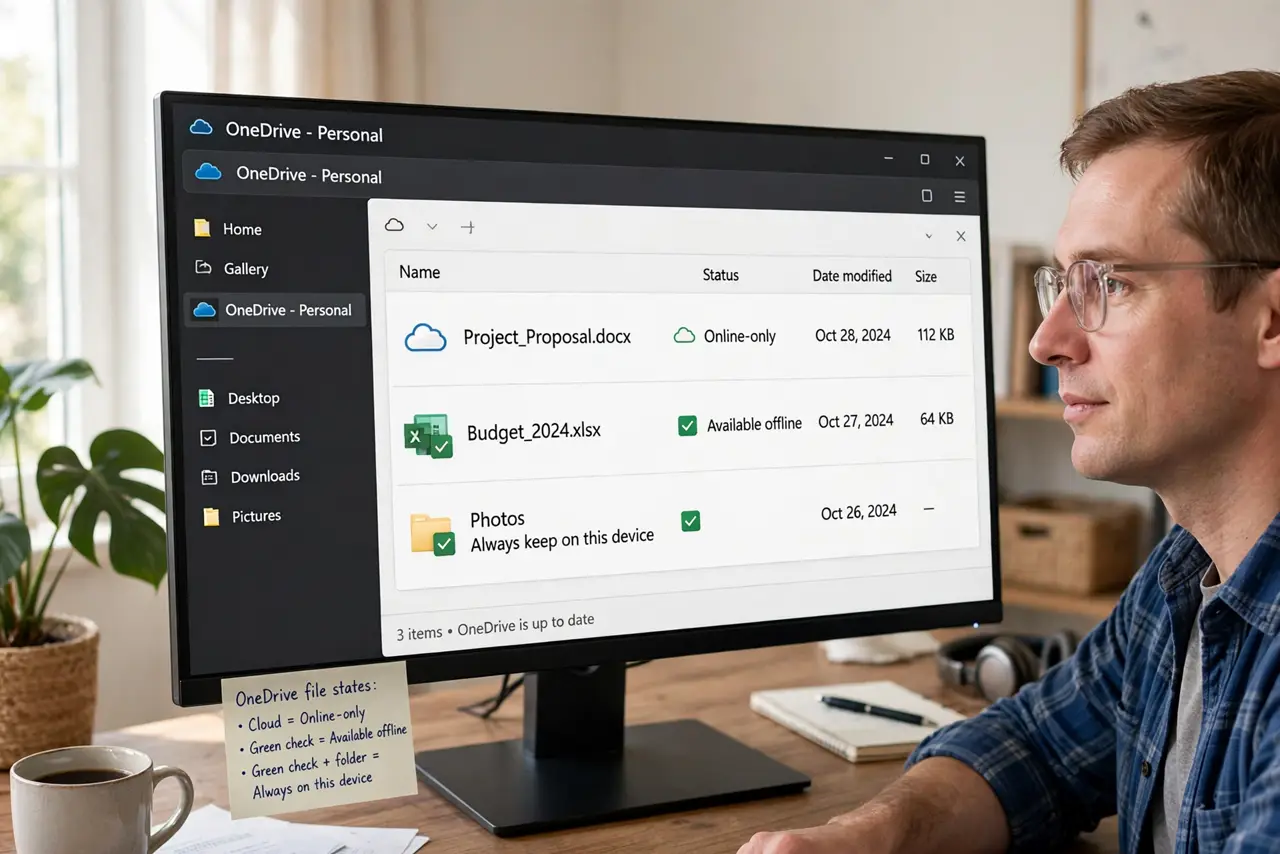
- Understand the three states. Cloud icon: online-only, downloads on open. Green checkmark: downloaded and staying local. White checkmark in green circle: always kept on this device by your choice.
- Turn it on. Open OneDrive Settings > Sync and backup > Advanced settings and enable Files On-Demand. It is on by default on most fresh setups.
- Make key files always available. Right-click important folders and choose Always keep on this device. Boarding passes and work documents should never depend on airport Wi-Fi.
- Free up space from the bloated ones. Right-click a local-heavy folder and choose Free up space to return it to cloud-only placeholders. Instant gigabytes back.
- Read icons before flights and trips. Glance at the status column before going offline. Anything with a cloud icon will not open without internet — plan accordingly.
- Know the limits. Online-only files cannot open without internet, and some older programs dislike placeholder files. Keep actively-used project files local.
What NOT to do
- Do not mark everything 'always keep on this device.' That defeats the entire purpose — your drive fills up exactly as if the feature were off.
- Do not open a cloud-only file with no internet and expect magic. The placeholder needs the download; plan ahead for offline time.
- Do not confuse 'free up space' with deleting. Freeing up space removes the local copy only — the file stays safe in OneDrive.
- Do not disable Files On-Demand to 'simplify' things. You will just re-download the entire cloud onto a small drive.
Frequently asked questions
What do the different icons mean?
Cloud: online-only. Solid green check: downloaded, may be freed automatically. White check in green circle: pinned local by you. Learn these three and you are fluent.
Does opening a cloud file use mobile data?
Yes — it downloads on open. On metered connections, right-click and check sizes, or mark Wi-Fi as metered so Windows warns you.
Can I use this with a second cloud account?
Files On-Demand is per OneDrive account. Each synced account manages its own on-demand settings independently.