Launch Apps with PowerToys Run
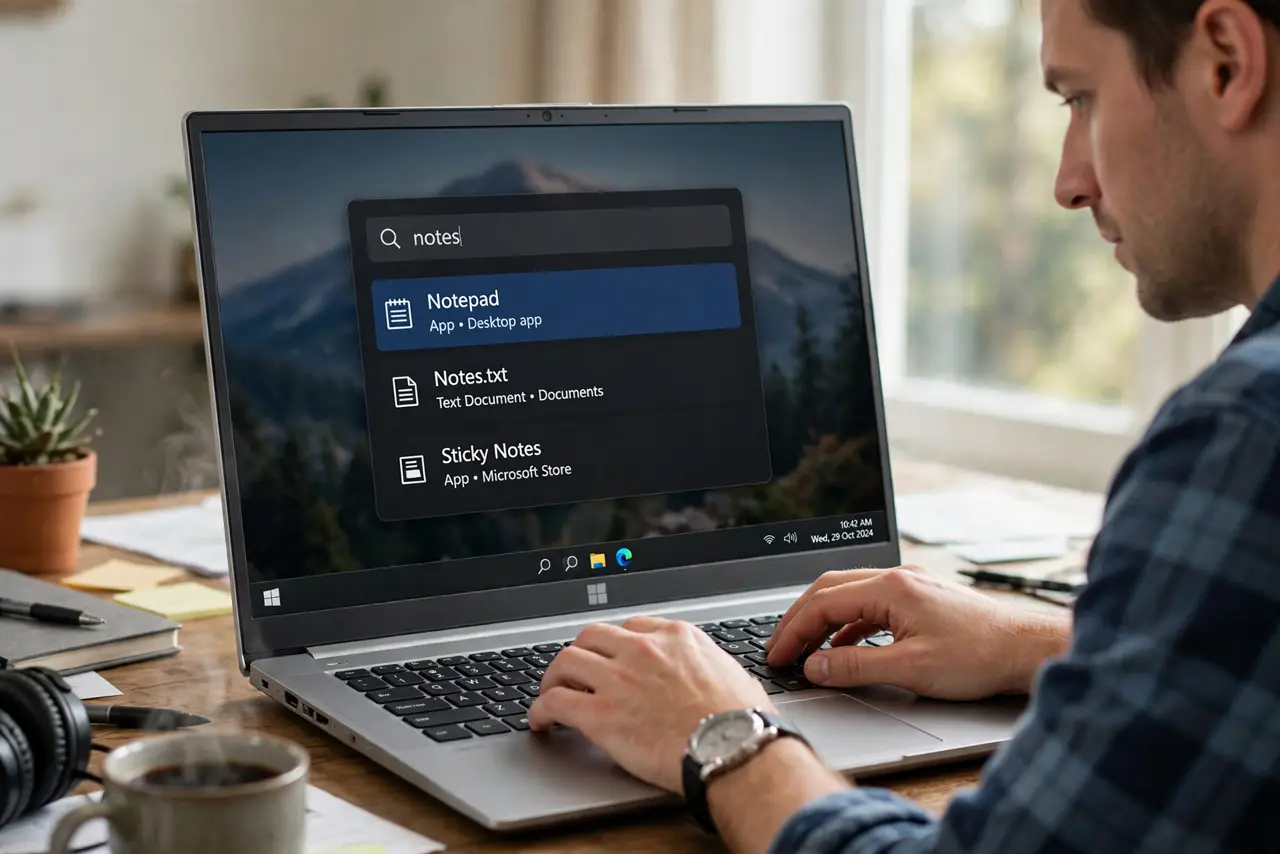
Opening the Start menu, typing, waiting, scrolling — launching apps should be instant. PowerToys Run is a keyboard launcher: tap Alt+Space, type a few letters, hit Enter. Apps, files, settings, even quick calculations, without touching the mouse. Free from Microsoft, and it stays out of your way. See the launcher details for the full feature tour.
TL;DR / Quick Fix
Quick fix: PowerToys Run is a keyboard launcher for Windows — tap Alt+Space, type a few letters, and launch apps, files, or settings without touching the mouse. It is faster than the Start menu once muscle memory kicks in. Free from Microsoft, and it stays out of your way.
Follow these steps
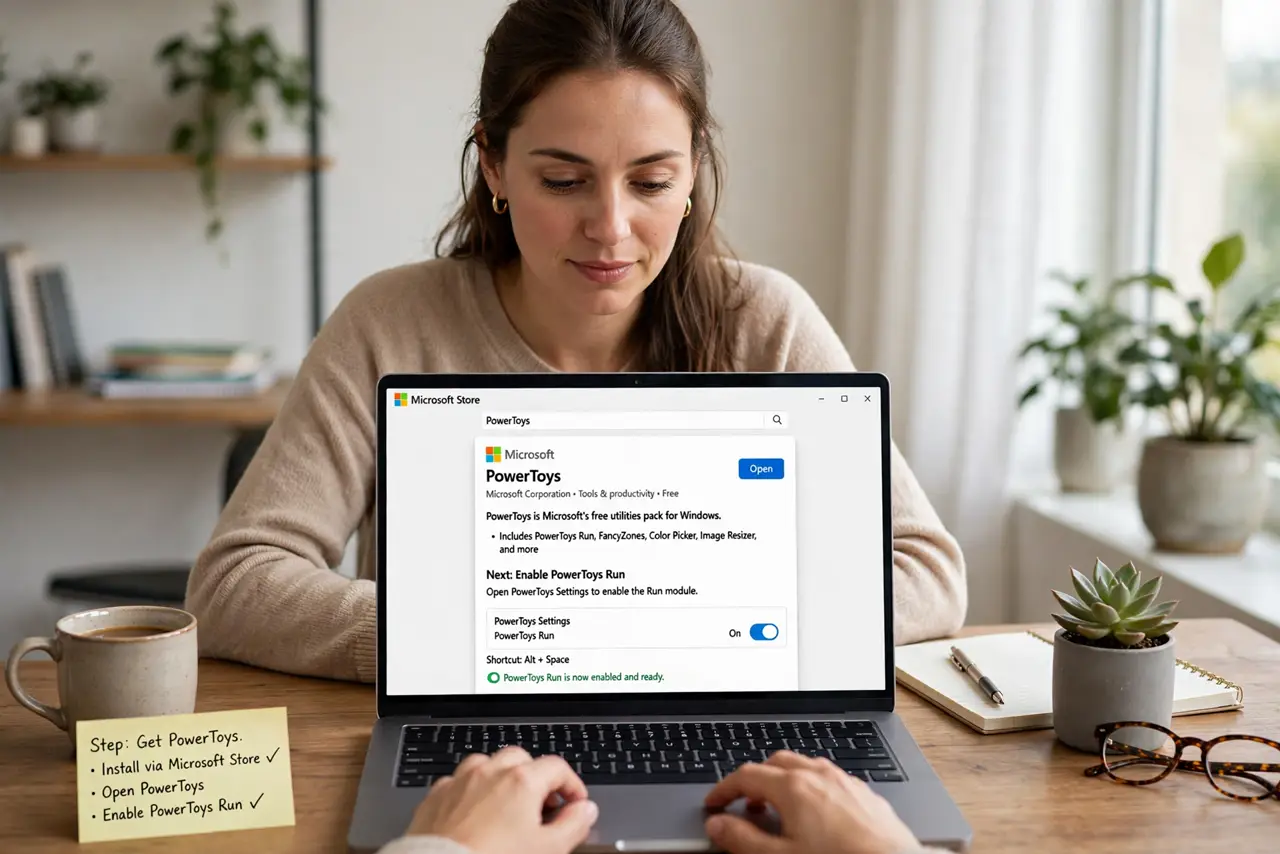
- Get PowerToys. PowerToys is Microsoft's free utilities pack; Run is one module inside it. Install it from Microsoft's official source and enable the Run module.
- Learn the hotkey. Alt+Space summons the launcher anywhere. This one chord is the whole habit — everything else follows.
- Type a few letters. Start typing the app, file, or setting name. Results filter instantly; the top hit is usually what you want.
- Launch with Enter. Hit Enter on the top result. Within days, launching anything is: Alt+Space, three letters, Enter — under a second.
- Discover the extras. Try calculations, unit conversions, and system commands right in the bar. It is a command line wearing a friendly face.
- Tune it lightly. Adjust the hotkey, theme, and result count in PowerToys settings. Small tweaks, then leave it alone.
What NOT to do
- Do not install it and never learn the hotkey. The hotkey is the product — without it, Run is just another icon.
- Do not expect it to replace search instantly. Give muscle memory two weeks before judging.
- Do not enable every PowerToys module at once. Run is the star; add others like FancyZones only when you want them.
- Do not download it from random sites. Get PowerToys from Microsoft's official source — fakes exist.
Frequently asked questions
Is PowerToys Run free?
Yes — PowerToys is a free, open-source Microsoft project. No cost, no ads, no catch.
Can I change the hotkey?
Yes, in the PowerToys settings for the Run module. Pick something your fingers reach easily.
Does it slow down Windows?
No noticeable impact. It idles invisibly and wakes in milliseconds on the hotkey.