Search Without the Web
You press the Windows key, type to find a file, and get web results and shopping suggestions instead. That is Bing baked into Windows Search, and it slows down local searches while sending your keystrokes to the web. Turning it off keeps search fast, local, and private — and it is one settings change, nothing deleted.
TL;DR / Quick Fix
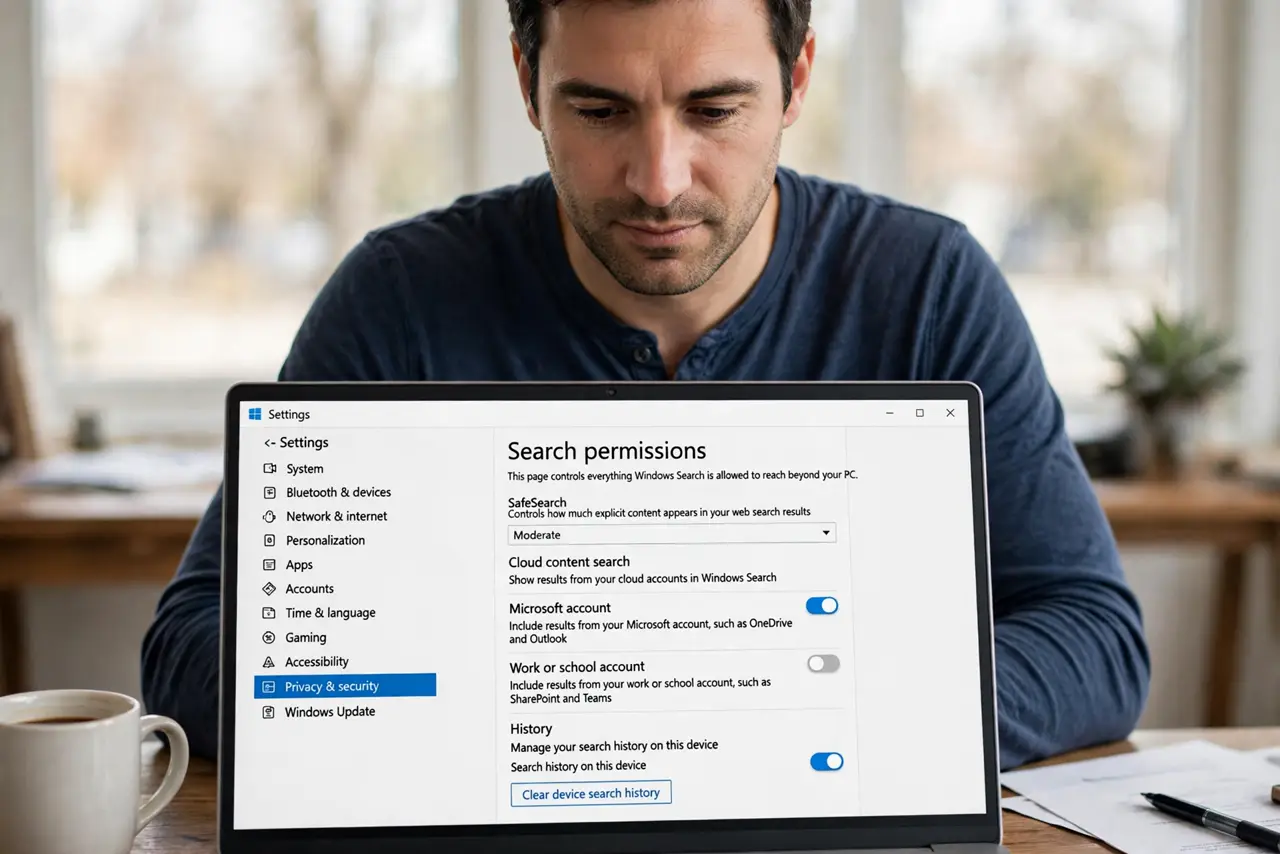
Quick fix: open Settings, go to Privacy and security, then Search permissions, and turn off cloud content search and web search highlights. Windows Search then sticks to your files, apps, and settings. Results get faster and your typed queries stop going to the web.
Follow these steps
- Open Search permissions. Go to Settings, Privacy and security, Search permissions. This page controls everything Windows Search is allowed to reach beyond your PC.
- Turn off cloud content search. Switch off Microsoft account and work account cloud search. This stops OneDrive and Outlook results from mixing into local searches you expected to be local.
- Turn off search highlights and web results. Disable search highlights to kill the rotating ads and trivia in the search box. On some builds a separate web-search toggle appears — turn that off too.
- Clear the search history. On the same page, clear your device search history. Old queries can keep surfacing web suggestions even after you disable the feature.
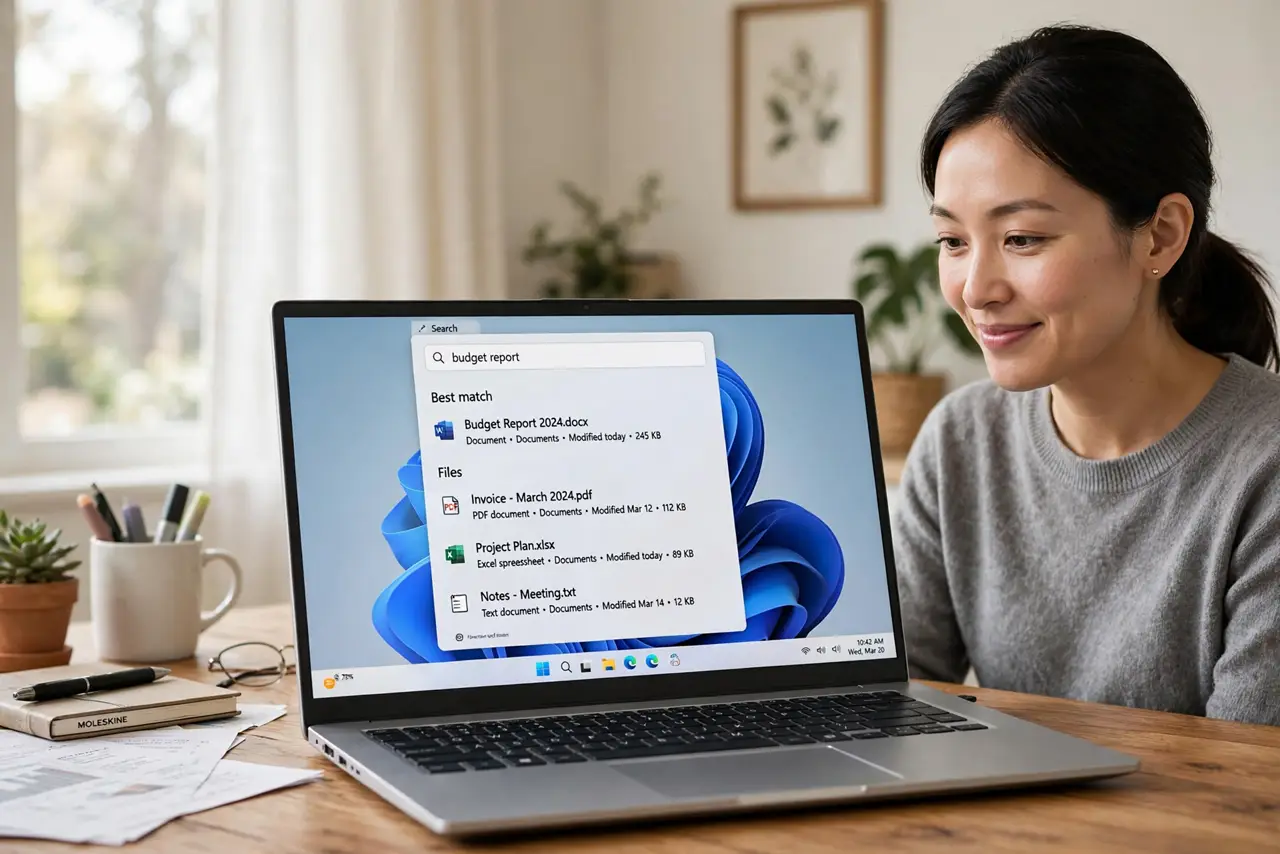
- Test a local search. Press the Windows key and type a filename you know. Results should now be files, apps, and settings only — no web cards. If web results linger, restart once.
- Know what changes. You lose web answers inside the search box — but the browser is one click away. File and app search gets noticeably snappier without the web round-trip.
What NOT to do
- Do not edit the registry to disable web search. The Settings toggles work on current Windows — registry edits break on updates and are hard to undo.
- Do not install third-party search replacers just for this. They add background processes and privacy questions of their own.
- Do not confuse this with the Copilot taskbar button. Copilot is a separate feature with its own switch — this guide only quiets search.
- Do not expect search to become instant. Local indexing still takes time on a full drive; this removes the web delay, not all delay.
Frequently asked questions
Will this break Cortana or voice search?
Cortana is already retired on Windows, and voice search keeps working — it just searches locally instead of the web.
Does disabling web search improve privacy?
Yes, meaningfully: your keystrokes no longer go to Microsoft's servers with every search. Local searches stay local.
Why do web results still appear?
A pending update or a policy can re-enable them. Recheck the toggles after major Windows updates — they sometimes reset.