Authenticator vs SMS Codes?
When a site offers two-factor codes by text message or by authenticator app, most people pick texts out of habit. But the two are not equally safe: texted codes travel through your phone carrier, while authenticator codes are generated on your device. This guide explains the real difference and which to choose where.
TL;DR / Quick Fix
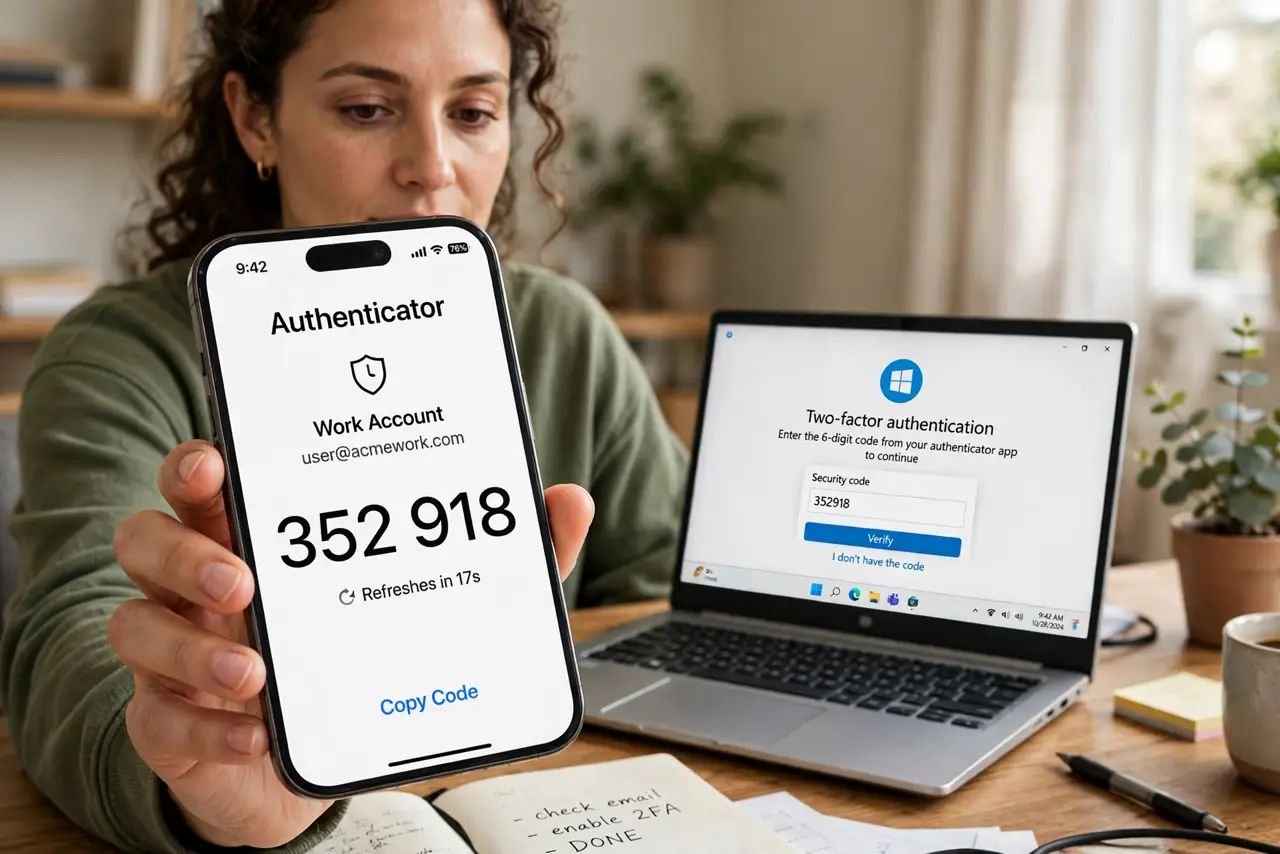
Quick fix: use an authenticator app for your important accounts — email, bank, password manager — because its codes are generated on your phone and cannot be intercepted like texts. Keep SMS codes only for low-value accounts. Either is far better than no second factor at all.
Follow these steps
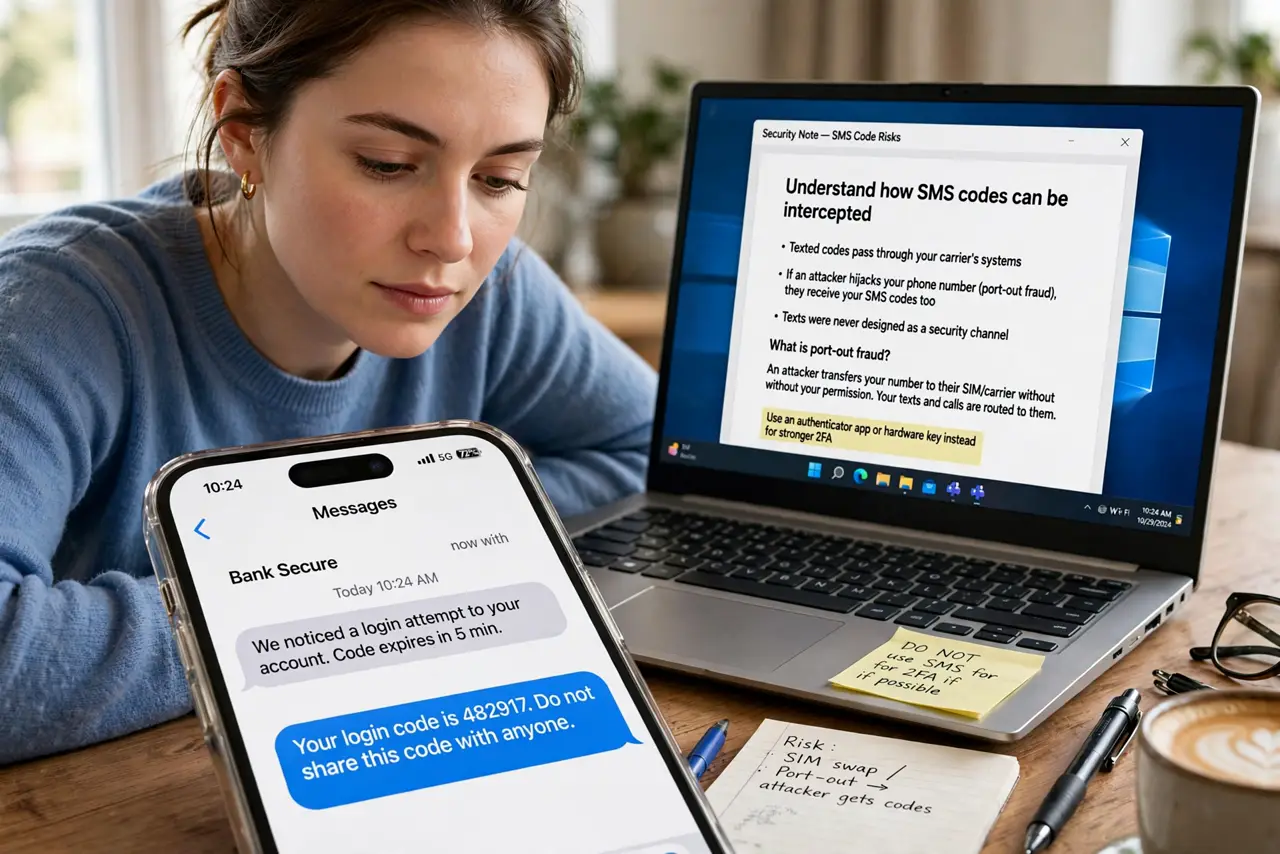
- Understand how SMS codes can be intercepted. Texted codes pass through your carrier's systems, so anyone who hijacks your number — see port-out fraud — receives your codes too. Texts were never designed as a security channel.
- Understand how authenticator codes work. An authenticator app generates codes on your device from a secret set up at enrollment. No network is involved, so there is nothing to intercept in transit.
- Install an authenticator app. Pick a reputable authenticator app and add your most important accounts first: email, bank, password manager. Scan the QR code each site shows during setup.
- Switch accounts from SMS to app codes. In each account's security settings, change two-factor from text message to authenticator app. Do them one by one, starting with email — your email guards all your password resets.
- Save the backup codes. Every site shows one-time backup codes during setup. Save them in a safe place — they are your way back in if the phone is lost. See how to store them.
- Keep SMS as a fallback only. For accounts where the app is not offered, SMS codes are still far better than nothing. Use the strongest option each site allows.
What NOT to do
- Do not keep SMS codes on your bank and email out of laziness. Those are exactly the accounts attackers target with number hijacking.
- Do not set up the authenticator and skip the backup codes. A lost phone without backup codes means a painful account recovery.
- Do not screenshot your authenticator secrets. Screenshots sync to cloud photo libraries — a leak there hands over your second factor.
- Do not assume all authenticator apps back up the same way. Check whether yours syncs to the cloud before you rely on it.
Frequently asked questions
Is an authenticator app really safer than SMS?
Yes, meaningfully — it removes the carrier from the attack path. SMS codes can be intercepted via number hijacking; app codes cannot.
What if I lose my phone with the authenticator?
That is what the backup codes are for. With them, you sign in and re-enroll a new phone in minutes.
Are passkeys even better than authenticator apps?
Generally yes — passkeys resist phishing too, which authenticator codes do not. Where a site offers passkeys, prefer them.